Vossi Bop AI Video Generator: Your Bridge Dance
Vossi Bop AI video generator: upload an image of a person, pet, or other subject, choose 16:9 or 9:16, and get a 9-second Vossi Bop bridge dance with the trend's original sound in 2–5 minutes. A 720p render uses 600 credits; a 1080p render uses 900 credits.
The bridge scene, camera turn, shoulder movement, chest-level gestures, and ending beat are ready for you. Add one clear subject; you do not need to write a prompt or rebuild the joke on a timeline.
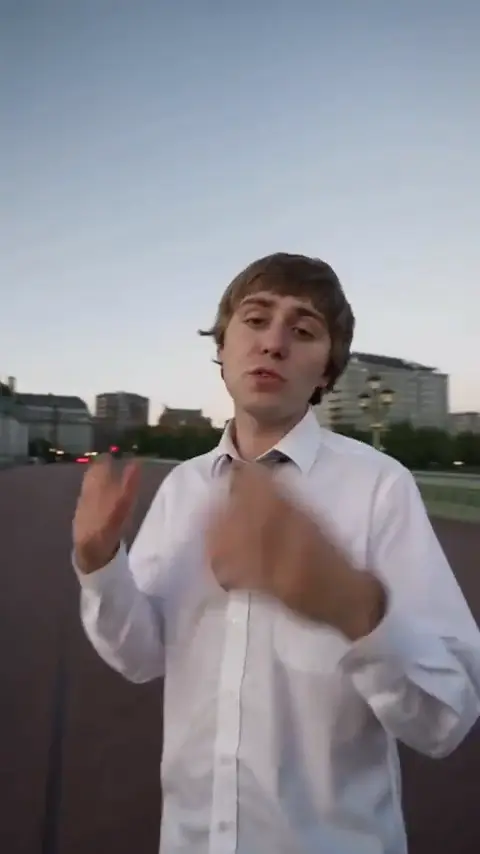
VOSSI BOP AI
The Vossi Bop Westminster Bridge walk from one person, pet, or other subject with the trend's original sound.

Drop your photo here
or click to browse · JPG, PNG, WebP · 10 MB
+ Choose photo9 s video · 600 credits · ~4 min render in meme video maker
The Vossi Bop Westminster Bridge walk from one person, pet, or other subject with the trend's original sound.
What Does an Editorial Demo from the Vossi Bop AI Video Generator Look Like?
Every preview below is an Editorial demo created by the internal team from the provided reference direction. It shows the subject moving from a back-facing bridge walk into a camera-facing turn, with the trend's original sound returned in the finished clip.
Scenario 01 · Friend-group parody
The Friend Who Finally Owns the Dance Floor
A jacket-wearing performer turns to camera, brushes a hand across the chest, and brings both hands together as Big Ben comes into view. Use this bridge entrance for the friend who always leaves the party early, then send the joke to your group chat. The video is an Editorial demo, not a result made from your photo.
- The camera follows the performer through the bridge scene.
- Chest-level gestures carry the action between turns.
- Add your own caption when sharing the finished clip.
Scenario 02 · After-work reaction
Clocked Out, Already on the Bridge
A white shirt and tie make the walk feel like an escape from the workday: look back, turn to the lens, and keep moving. Recast yourself for a Friday group-chat reply or send it to the friend counting down to the weekend. This reference treatment is an Editorial demo, not official source footage.
- The opening shows a rear or side view before the face turns back.
- The bridge landmarks move behind the performer.
- Your upload supplies the subject; the template supplies the action.
The sample demonstrates the target action and framing. It does not promise an identical face, outfit, or motion result for every input image.
The vossi bop ai video generator uses this editorial demo to show the scene before you choose your own subject.
Explore more AI video trends when you want another fixed scene to recreate.
What Is the Vossi Bop Trend?
The Vossi Bop trend is a short bridge performance built around a turn toward the camera, shoulder movement, chest-level hand gestures, and a final beat for sharing. The reference scene keeps the bridge, the camera path, and the action recognizable while the subject changes.
This Vossi Bop AI video generator turns that cultural anchor into a fixed task: add one subject, choose the shape, and make the bridge dance without writing a motion prompt. The result is a Vossi Bop meme people can send to a friend, post as a reaction, or use as a short social clip.
The vossi bop ai video generator is for the recognizable bridge joke; it is not a blank canvas for inventing a different scene.
The action people recognize
Walk into the bridge scene
the subject begins away from the lens.
Turn to the camera
the moving camera reveals the face and the setting.
Bop and gesture
shoulders and hands carry the familiar social joke.
Finish for the post
the final look gives the clip a clear share point.
What Does the Vossi Bop Template Include?
The Vossi Bop template includes the bridge setting, the camera turn, the gesture path, and the trend's original sound. Your image changes the subject while the recognizable action stays together.
This page explains the trend anchor without reproducing lyrics or claiming affiliation with the artists, the original creators, TikTok, or CapCut.
Who People Cast in the Vossi Bop Meme?
One slot is enough for one recognizable subject: yourself, a friend, a pet, or an authorized character. The social joke comes from seeing that subject take the bridge walk and turn, while the scene stays familiar.
Use the vossi bop ai video generator when the person, pet, or character is the joke you want friends to notice first.
- 01
Put Yourself on the Bridge
Use a clear portrait when you want the Vossi Bop meme to read as a quick “this would be me” post. Send it to a group chat, add a caption about your day, or let the bridge scene carry the joke.
- 02
The Friend Who Would Never Dance
Use a friend’s authorized image when the funniest part is the mismatch between their normal personality and a confident bridge performance. Tag them after the clip is ready.
- 03
Pets Take the Bridge
A dog, cat, or other pet can become the unexpected lead of the viral Vossi Bop video. Clear front-facing images give the tool more to follow, while animal results can vary more than human portraits.
- 04
Characters and Avatars Join the Trend
Use an authorized avatar, mascot, illustration, or fictional shape when you want a fandom or creator-account version of the Vossi Bop template. The scene supplies the action; your image supplies the identity.
The page does not present any cast as an official artist, celebrity, or character collaboration. Every sample remains an editorial demo.
Why Choose This Vossi Bop AI Video Generator?
This dedicated Vossi Bop AI video generator keeps the bridge scene, camera movement, gesture path, and trend's original sound together. You upload one image and choose the output settings; you do not have to rebuild the joke on a timeline.
The vossi bop ai video generator keeps the social action recognizable while the uploaded subject changes.
Start with the bridge joke
The bridge, turn, shoulder movement, and ending beat arrive as one fixed trend scene. You can spend your time choosing the subject and caption.
One image changes who owns the moment
Put yourself, a friend, a pet, or an authorized character into the familiar action and let the contrast create the shareable moment.
Ready for the social handoff
The trend's original sound returns with the generated clip, so the action and the audio arrive together.
Use the same credits as the rest of the site
A 720p render uses 600 credits; a 1080p render uses 900 credits. The selected amount appears before you generate.
| Workflow | What it gives you | Where it wins |
|---|---|---|
| This Vossi Bop AI video generator | A fixed bridge scene, one image slot, two shapes, trend's original sound, and a visible credit cost | Fastest path from one image to the Vossi Bop joke |
| Manual editing | Full control over cuts, captions, and custom timing | Better when you want to change the scene itself |
| Open-ended prompt video | New scenes and free-form ideas | Better when you do not need the recognizable Vossi Bop action |
For packs, subscriptions, and account terms, see pricing and credit packs. The page follows the existing site-wide failure refund, privacy, and photo-retention policies.
How to Make a Vossi Bop AI Video from One Image
Add one clear image, choose 16:9 or 9:16 and 720p or 1080p, then generate. The page shows the applicable credits before submission, and the render normally takes 2–5 minutes.
The vossi bop ai video generator handles the fixed scene after you make those choices.
Upload one image
Choose one person, pet, avatar, or other authorized subject. A clear face and an uncluttered image give the bridge scene a better identity reference. One slot means one intended subject; do not ask the tool to separate a crowded group photo.
Choose shape and quality
Pick 9:16 for a vertical social post or 16:9 for a wider frame. Then choose 720p for 600 credits or 1080p for 900 credits.
Generate and share
Start the Vossi Bop AI video generator task. The normal render window is 2–5 minutes; follow the existing trend-page task flow and download the finished clip when it is ready.
This is a finished-video tool. It does not export a CapCut project, an editable timeline, or a custom prompt workflow.
Vossi Bop AI Video Generator Specs, Credits, and Limits
A 9-second Vossi Bop AI video uses 600 credits at 720p or 900 credits at 1080p. The scene supports 16:9 and 9:16, returns with the trend's original sound, and follows the site-wide failed-render refund and photo-retention policies.
| Specification | Delivered result |
|---|---|
| Input | One image slot |
| Runtime | 9 seconds |
| Shape | 16:9 or 9:16 |
| Quality | 720p or 1080p |
| Sound | Hot video original sound included |
| Render wait | 2–5 minutes |
| Credits | 600 at 720p; 900 at 1080p |
| Sample label | Editorial demo |
What Can Make the Result Fail?
What This Generator Does Not Do
- It does not split a crowded group photo into separate identities.
- It does not replace the fixed Vossi Bop action with a custom prompt.
- It does not export a CapCut project or editable timeline.
- It does not turn an Editorial demo into official source footage or a creator endorsement.
For open-ended meme creation outside a fixed trend scene, use the meme video maker. For account rules, read the privacy policy and refund policy.
What Is an Internet Meme Video?
“Internet memes manifest in a variety of formats, including images, videos (e.g. GIFs), and other viral content.”
The same entry is Wikidata Q2927074. Credit prices on this page are MemeVideoMaker's, listed on the pricing page and in pricing.md.
Vossi Bop AI Video Generator FAQ
Can I use one photo?
Can my dog or cat do the Vossi Bop trend?
Can I use a character or avatar?
Is the trend's original sound included?
Can I choose 16:9 or 9:16?
How many credits does 9 seconds use?
How long does rendering take?
What happens if the render fails?
How long are my photos kept?
More AI Video Trends
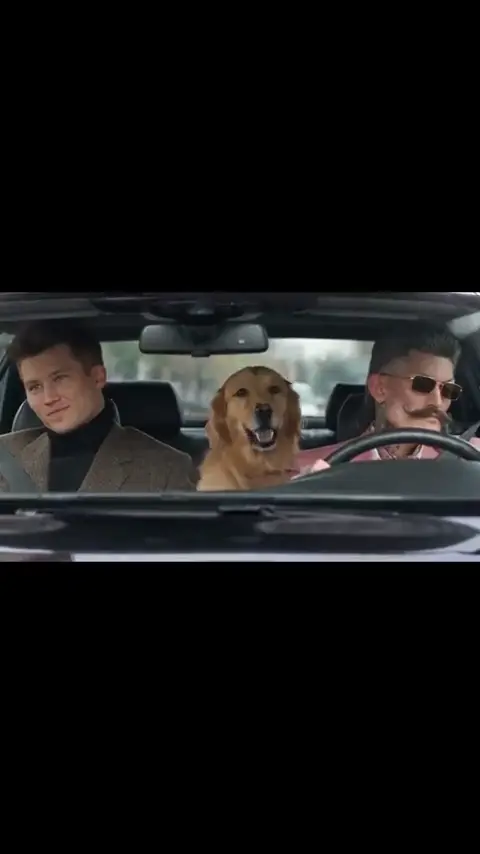 NEW
FANTASY RUSH HOUR AI TREND
Upload one photo or a three-photo cast to recreate the Fantasy backseat sing-along in a fixed 13-second car scene.
Dance
13s · 867 crRemake→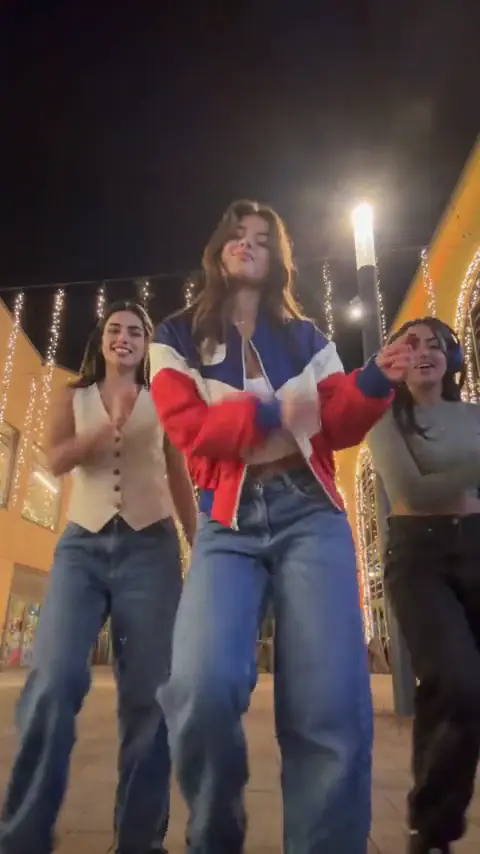 NEW
JINGLE BELL ROCK DANCE AI
Upload 1 photo and make a 4-second Jingle Bell Rock holiday lead with the supplied reference sound.
Dance
4s · 267 crRemake→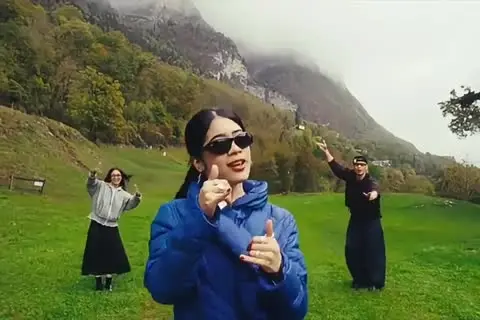 NEW
WASSUP IN A MINUTE AI
The three-person Wassup in a Minute dance from 3 photos with the original sound.
Dance
15s · 1000 crRemake→
Browse every trend you can make today in AI video trends.
Make Your Vossi Bop AI Video Now
Use the vossi bop ai video generator to upload one image, choose 16:9 or 9:16, and generate the 9-second bridge dance with the trend's original sound in 2–5 minutes.
Written and maintained by MemeVideoMaker Editorial DeskPublished Last updated