Seedance 2.5 · ByteDance

Seedance 2.5 AI Video Generator With Native Audio

Text, image and reference to video on Seedance 2.5: 4 to 15 seconds at 480p, 720p or 1080p, with sound built in and no watermark.

  • Text, image & reference to video
  • 4–15 seconds
  • 480p / 720p / 1080p
  • Native sound
  • No watermark
0 / 5000
Native sound included

2250 credits for this run

Describe what you want to make.

No watermark · Credits back if a run fails · MP4 with sound

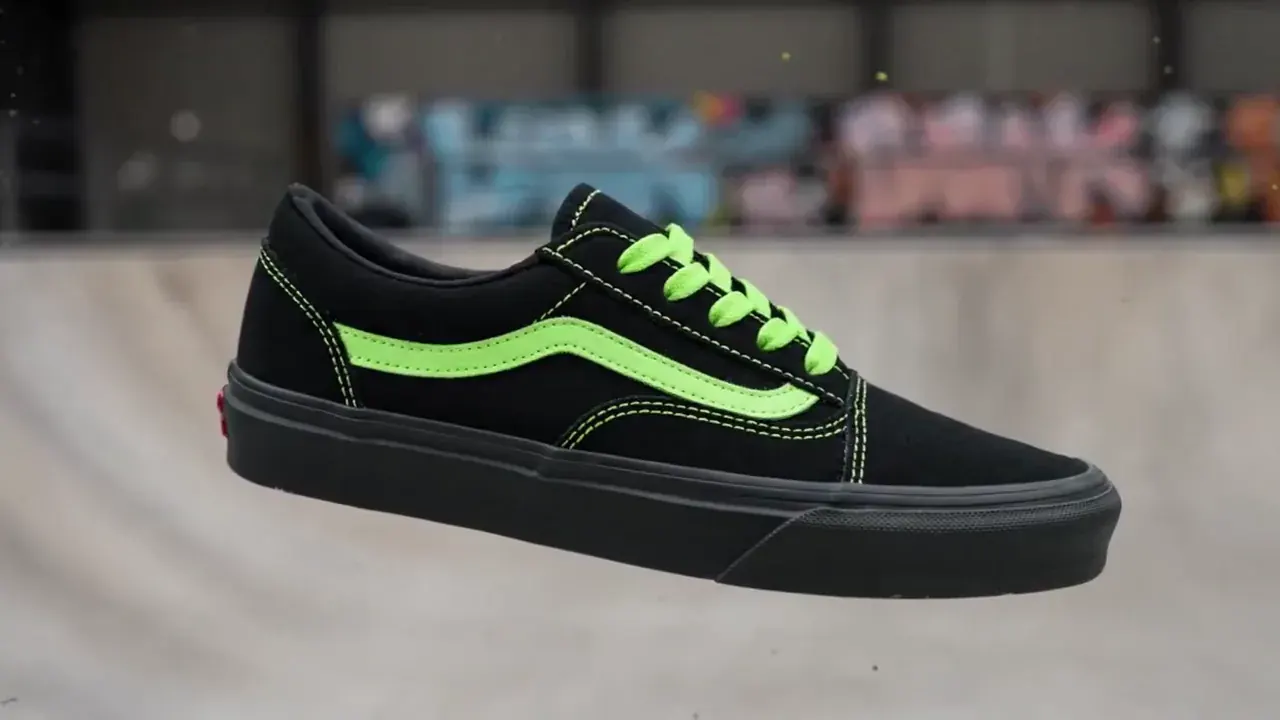
Sneaker paint drop

MiniMax H3 · 16:9 · 5s · 720p

{ "scene_description": "A white classic low-top canvas sneaker floats mid-air, slowly spinning. Suddenly, a burst of vibrant paint splashes across it — black and neon green. The shoe transforms instantly into a bold fashion-forward version in black with acid green details. In the blurred background, a skatepark can be seen, but the focus remains solely on the shoe.", "visual_style": "high-fashion streetwear", "camera_movement": "slow-motion rotation of the sneaker, locked-on shot with shallow depth of field", "audio_cue": "slow whoosh, paint burst impact, subtle tone shift at the transformation" }

Click any sample clip to preview1 / 8
Made With ByteDance Seedance 2.5

What Does the Seedance 2.5 AI Video Generator Actually Make?

Four finished workflows and six additional editorial demos generated with the Seedance 2.5 AI video generator (seedance-2.5 / seedance-2-5) at 4 to 15 seconds. Unmute any player to hear the spoken voice-over, multi-singer lip-sync, room tone, and impact foley that ByteDance Seedance 2.5 renders in the same pass as the picture.

Text to video · Shot ladderSeedance 2.5 · 16:9 · 12s · 720p

One Subject Held Across Six Hard-Cut Shot Sizes With Voice-Over

Prompt six consecutive shot sizes cutting every two seconds—from extreme wide down to extreme close-up—while an English narrator names each framing on the cut. Seedance 2.5 keeps the same person, wardrobe, and street geometry locked across every transition.

Starter Recipe

Create a realistic text-to-video short film featuring the exact same person and street environment across six two-second cuts: extreme wide shot, wide shot, medium shot, medium close-up, close-up, and extreme close-up, with calm English voice-over naming each shot size.

More Seedance 2.5 AI Video Clips to Inspect

Every editorial demo below was rendered on ByteDance Seedance 2.5 (seedance-2.5) with synchronized audio in the same MP4. Study the camera work, then test your own prompt above.

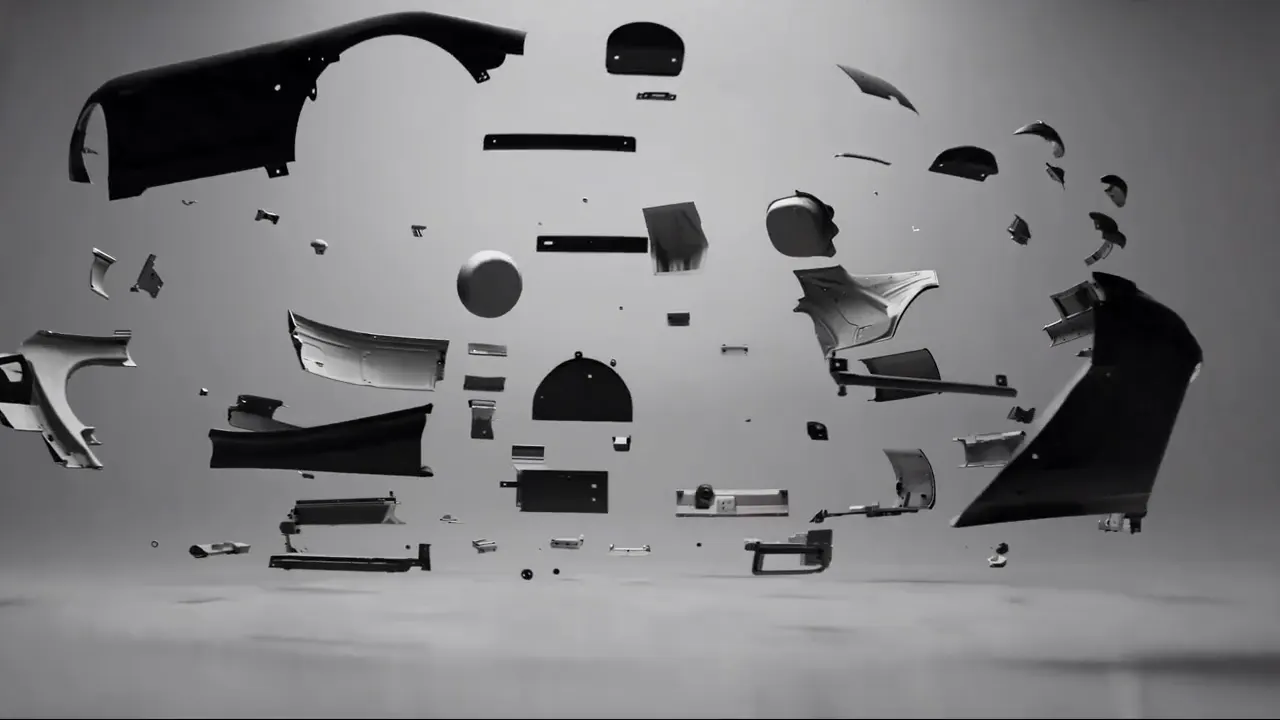
Clay Previz to Sapphire Car Render
Video Ref · 15s
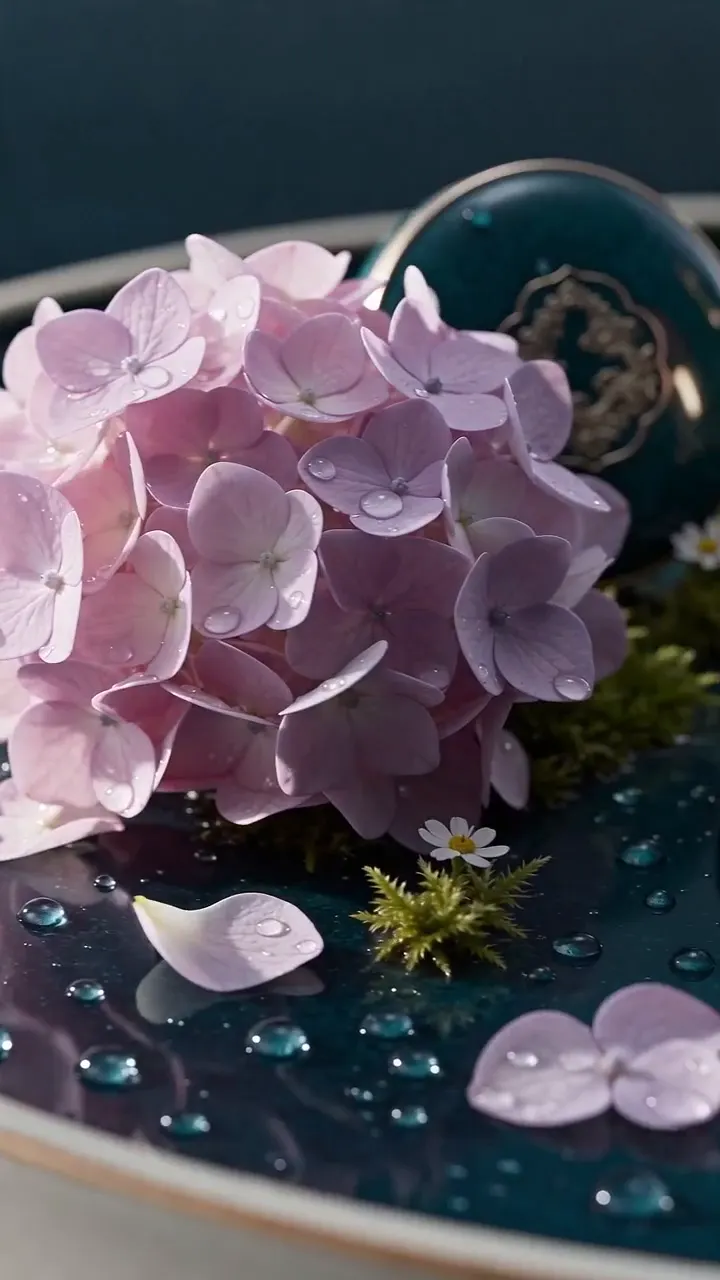
Oriental Lacquer Vessel on Mirror Water
9:16 Macro · 12s
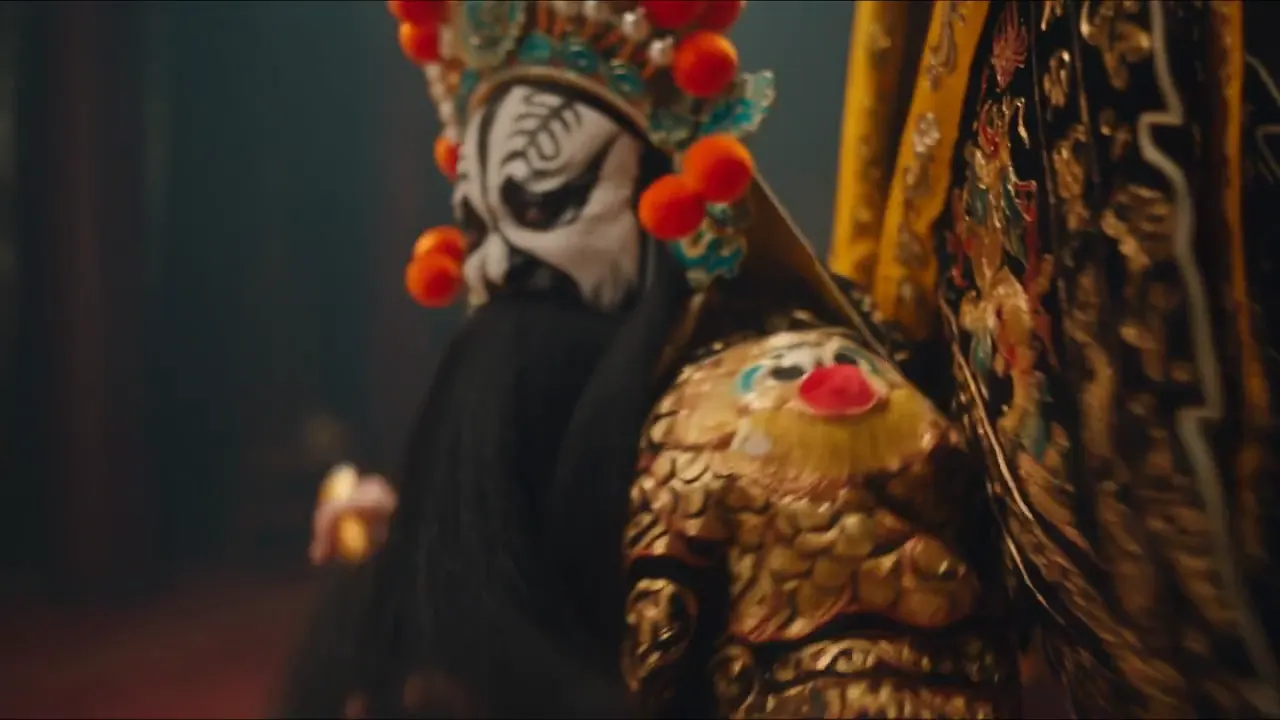
Peking Opera Sleeve Occlusion Wipe
One-Take · 10s
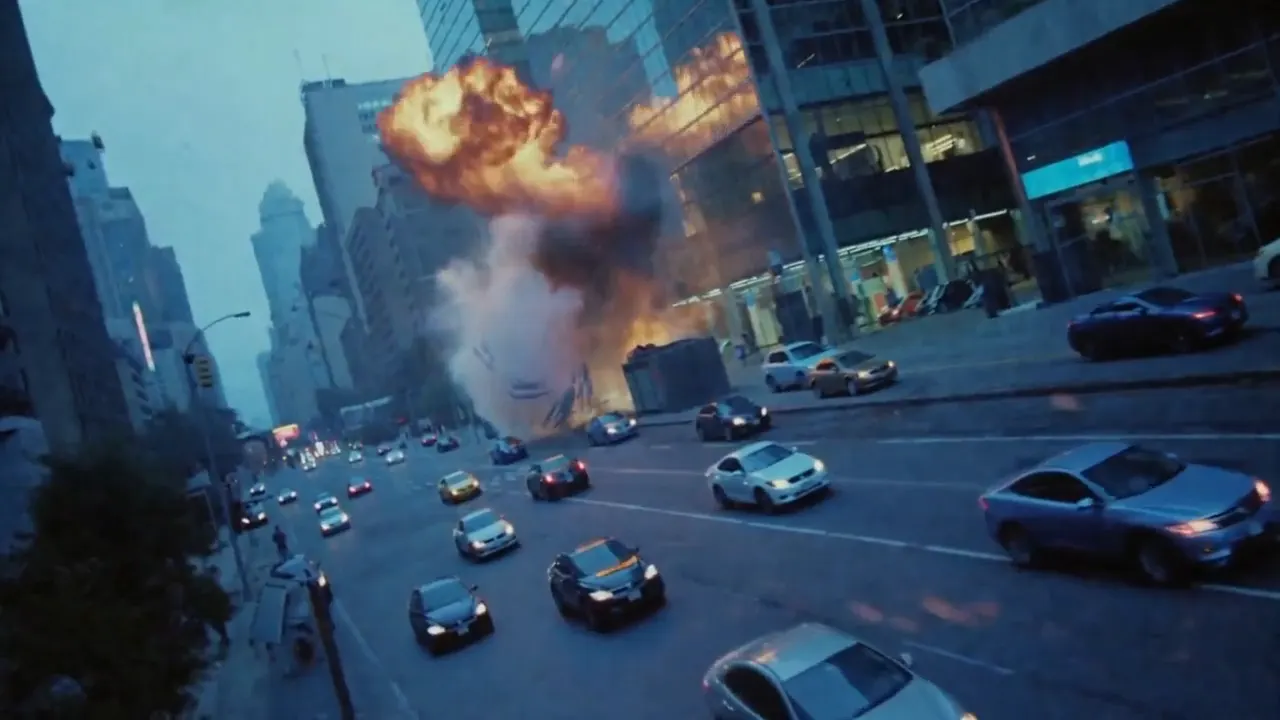
9-Panel Storyboard to Disaster Film
Storyboard Ref · 15s
Camera-Moves Cinematography Masterclass
9:16 · On-Screen Labels
Previz to 3D Fairy-Tale Animation
Video + Keyframe Ref · 15s
Capabilities

What Can ByteDance Seedance 2.5 (`seedance-2.5`) Do Best?

ByteDance Seed engineered Seedance 2.5 (searched as seedance-2.5, seedance-2-5, or seedance 2.5 ai video) for multi-shot story logic and multimodal reference binding. These five capabilities set it apart in the studio above.

Up to 12 Multimodal Reference Files With Zero Per-Image Surcharge

In Reference mode, seedance-2.5 accepts up to 9 reference images, 3 video clips, and 3 audio tracks (12 files in all). Unlike MiniMax H3—which adds an extra fee starting on the sixth image—all 9 reference images on Seedance 2.5 are included in the per-second rate.

9 Images (0 Extra Fee)3 Clips · 3 AudiosStoryboard & Character Lock
Up to 12 Refs · 0 Image FeeGenerate MP4

Image 1 is a nine-panel storyboard reference controlling shot sizes and rhythm; render as 35mm live-action footage with drifting ash and handheld shake.

3D Clay Previz and Motion Video Upgraded Into Photoreal Renders

Pass an untextured 3D viewport blocking clip or green-screen rehearsal as Video 1 and pair it with material or vehicle reference stills. Seedance 2.5 reads spatial depth, light direction, and part assembly order from the grey model and outputs metallic clear-coat reflections, leather grain, and refractive glass.

Clay Render ControlPhysical Light & ShadowMaterial Binding
Previz to Final RenderGenerate MP4

Upgrade the white model car body to deep sapphire-to-electric-blue metallic paint with brushed alloy mechanics and walnut leather seats.

One-Take Gimbal Walks and Hard-Cut Shot Ladders Up to 15 Seconds

While Seedance 2.0, Seedance 2.0 Fast, and Seedance 2.0 Mini top out at 12 seconds on this studio, Seedance 2.5 stretches to 15 seconds per pass. Use those extra seconds to stage a setup, turn, and payoff or cut across six shot sizes without the character drifting.

4–15 SecondsDefault 5sMulti-Cut Identity Lock
4–15s ContinuityGenerate MP4

Cut every 2 seconds through extreme wide, wide, medium, medium close-up, close-up, and extreme close-up on the same person and street.

Dialogue, Four-Part Singing and Beat-Synced Effects in One Pass

Every Seedance 2.5 AI video renders picture and soundtrack together. Quote spoken lines or lyrics, or attach up to 3 reference audio files in Reference mode so multiple performers lip-sync and cut on the downbeat without an external lip-sync pass.

Multi-Singer Lip-SyncVoice-Over & FoleyMP4 With AAC Audio
Native Voice & SingingGenerate MP4

Audio references Audio 1 throughout; all four subjects from Image 1–4 lip-sync and change formations on the rain-slicked rooftop.

6 Aspect Ratios Including Native 21:9 Plus Three Resolution Tiers

Frame shots in 16:9, 9:16, 1:1, 4:3, 3:4, or native 21:9 cinema widescreen (which 5-ratio models like Wan 3.0 omit), or lock first and optional last frames in Image mode (0.4 to 2.5 aspect range). Draft at 480p (200/s), publish at 720p (450/s), or master at 1080p (1,100/s).

Native 21:9 SupportFirst & Last Frame Lock480p · 720p · 1080p
21:9 Widescreen · 480p–1080pGenerate MP4

Single continuous circular pan following the Overlord’s flags as they wipe across the lens into Consort Yu’s flowing sleeves.

The Model & The 4K Truth

What Is ByteDance Seedance 2.5 (`seedance-2.5` / `seedance-2-5`)?

Seedance 2.5 (upstream API identifier seedance-2.5, URL slug seedance-2-5) is the flagship multimodal AI video generation model from ByteDance Seed, the research division behind Doubao and Dreamina (Jimeng AI). Built on a unified audio-visual diffusion transformer, a Seedance 2.5 AI video predicts pixel motion, 3D camera parallax, facial articulation, spoken dialogue, singing, and physical foley inside a single joint pass rather than bolting audio onto a silent clip afterwards.

Fact-checking the "Seedance 2.5 4K" rumor: If you searched for seedance 2.5 ai video generator, you have likely seen reposted blog summaries claiming public 4K output and 30-second API runs. In reality, the live upstream seedance-2.5 endpoint outputs 480p (200/s), 720p (450/s, default), and 1080p (1,100/s) for 4 to 15 seconds per pass (and ByteDance’s own domestic Volcengine documentation lists only 480p and 720p). Unusually in the ByteDance catalog, Seedance 2.0 (seedance-2.0) is the model that exposes a genuine 4K (2160p) tier (1,500/s, 4 to 12 seconds). Meanwhile, Seedance 2.5 carries ByteDance’s newest multi-shot narrative weights, clay-previz rendering control, and a longer 15-second ceiling.

Because our studio puts Seedance 2.5, Seedance 2.0 (4K), Seedance 2.0 Fast, Seedance 2.0 Mini, Alibaba Wan 3.0, and MiniMax H3 in the same model picker on one shared credit balance, you never have to register a Chinese Volcengine ModelArk enterprise account or juggle multiple subscriptions. Draft cheap blocking tests at 480p or on Seedance 2.0 Mini, render 15-second multi-reference masters on Seedance 2.5, or flip to Seedance 2.0 whenever a client deliverable demands native 4K pixels.
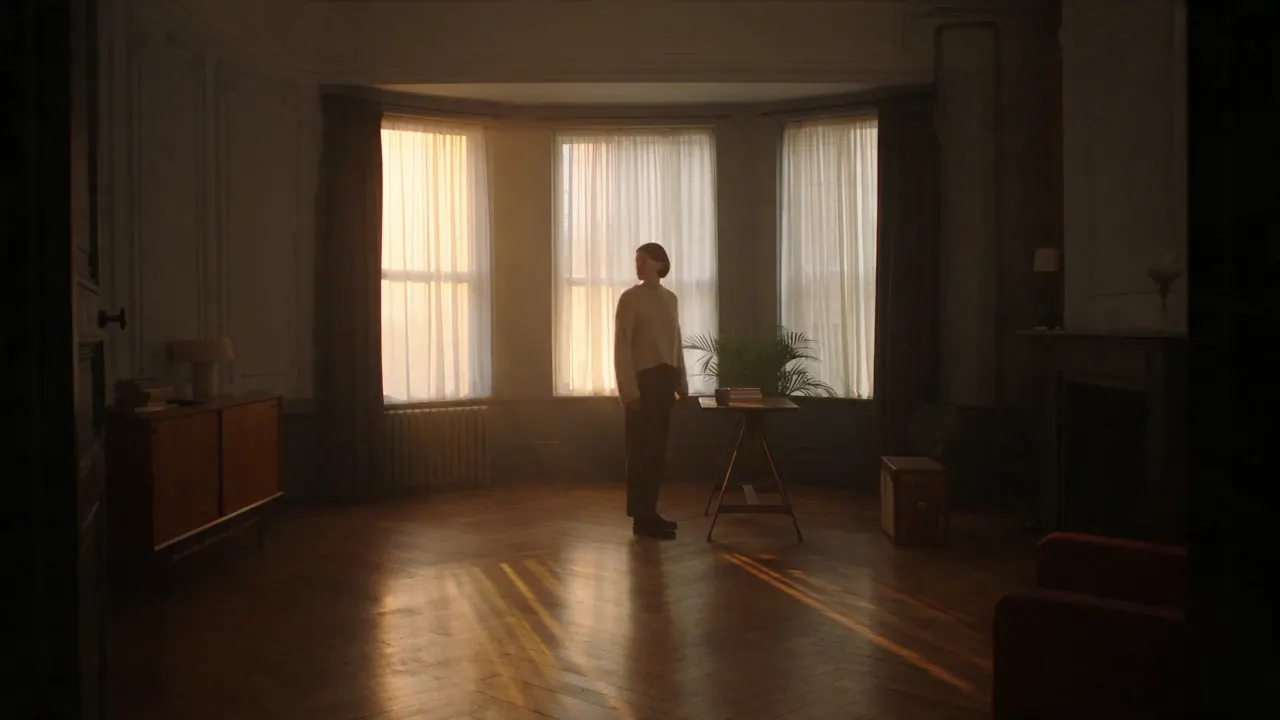
  • 4–15s flagship duration (longest in the Seedance family)
  • Up to 9 images (0 surcharge), 3 clips & 3 audio refs
  • 480p, 720p & 1080p tiers + native 21:9 cinema widescreen

ByteDance Seedance 2.5 at a Glance

Model Card
8 Facts
ByteDance Seedance 2.5 (seedance-2.5) core specifications on this AI video generator
AttributeSeedance 2.5 (seedance-2.5 / seedance-2-5)
Developer & LineageByteDance Seed (seedance-2.5, flagship successor to seedance-2.0)
Supported ModesText to video (t2va), image to video (i2va), reference to video (r2va)
Single-Pass Duration4–15 seconds in 1s steps (default 5s)
Resolution Tiers & Rates480p (200/s) · 720p (450/s, default) · 1080p (1,100/s)
4K Availability in FamilySeedance 2.5 caps at 1080p; switch picker to Seedance 2.0 for 4K (1,500/s)
Selectable Aspect Ratios6 shapes: 16:9, 9:16, 1:1, 4:3, 3:4, and native 21:9 (auto in Image mode)
Reference CapacityUp to 9 images, 3 video clips, 3 audio tracks (12 total, 0 image fee)
Prompt Ceiling & AudioUp to 5,000 characters · native speech, singing, foley & music in MP4
← Swipe horizontally to read full table →

Summary: ByteDance Seedance 2.5 generates 4–15 second MP4 clips at 480p, 720p, or 1080p with native audio and up to 12 reference files.

Model Comparison

How Does Seedance 2.5 Compare With Seedance 2.0, Wan 3.0, and MiniMax H3?

All six video models in our studio run from the same credit wallet. Compare how Seedance 2.5 stacks up against Seedance 2.0 (4K), Seedance 2.0 Fast & Mini, Alibaba Wan 3.0, and MiniMax H3 so you can match each shot to the right engine.

Studio Video Matrix
9 Models
Side-by-side specification and per-second rate comparison across Seedance 2.5, Seedance 2.0 tiers, Wan 3.0, and MiniMax H3
SpecSeedance 2.5Seedance 2.0Seedance 2.0 Fast / MiniWan 3.0MiniMax H3
Upstream IDByteDance seedance-2.5ByteDance seedance-2.0seedance-2.0-fast / miniAlibaba wan3.0-videoMiniMax MiniMax-H3
Duration range4–15s (default 5s)4–12s (default 5s)4–12s (default 5s)2–15s (default 5s)4–15s (default 8s)
Resolutions480p, 720p, 1080p480p, 720p, 1080p, 4KFast: 480p · Mini: 480p, 720p480p, 720p, 1080p480p, 720p, 1080p
480p rate (/s)200145Fast: 90 · Mini: 509025
720p rate (/s)450300Fast: — · Mini: 10012035
1080p / 4K rate (/s)1080p: 1,100 (no 4K)1080p: 750 · 4K: 1,500—1080p: 240 (no 4K)1080p: 55 (no 4K)
Aspect ratios6 (includes 21:9)6 (includes 21:9)6 (includes 21:9)5 (no 21:9)6 (includes 21:9)
Reference allowance9 img + 3 vid + 3 aud (12 max)9 img + 3 vid + 3 aud (12 max)9 img + 3 vid + 3 aud (12 max)10 img + 5 vid + 5 aud (20 max)9 img + 3 vid + 3 aud (12 max)
Extra image ref feeNone (all 9 included)None (all 9 included)None (all 9 included)None (all 10 included)Included up to 5 images
← Swipe horizontally to read full table →

Summary: pick Seedance 2.5 for 15s flagship multi-reference and previz control, Seedance 2.0 for native 4K, Seedance 2.0 Mini for low-cost Seedance drafts, Wan 3.0 for 2–3s hooks, or MiniMax H3 for everyday cost efficiency.

Use Cases

Where Does a Seedance 2.5 AI Video Justify Its Flagship Rate?

Because seedance-2.5 is priced as ByteDance’s top-tier production model (200 to 1,100 per second), experienced teams save it for shots where previz-to-render fidelity, multi-character vocal sync, or 15-second shot continuity replaces manual VFX work.

3D Previz & VFX LookdevReference · 16:9 · 15s · 720p

White-Model Clay Renders Upgraded to Final Footage

Export a rough grey-shaded animation or viewport blocking pass from Blender, Maya, or Unreal as Video 1 and attach hero vehicle, prop, or environment concept art as Image 1 and Image 2.

  • Preserves exact camera focal length, motion path, and object blocking from Video 1
  • Applies metallic clear-coat, leather, water, or skin materials from reference stills
  • Computes physically consistent shadow direction and reflections across 15s
Music Videos & Ensemble DialogueReference · 16:9 · 15s · 720p

Multi-Character Lip-Sync and Beat-Driven Cuts

Combine up to 9 character sheets with up to 3 vocal or backing tracks so two to four performers hold their distinct faces and costumes while singing or speaking on beat.

  • All 9 reference images are included with zero per-image surcharge
  • Bind Image 1–4 to individual singers and Audio 1 to the master vocal stem
  • Direct beat-synced camera cuts or FPV orbits inside one 5,000-char prompt
Episodic Shorts & StoryboardsText or reference · 16:9 · 12s

Nine-Panel Storyboards and Six-Cut Shot Ladders

Upload a multi-panel storyboard grid as Image 1—or write a timed shot ladder cutting every 2 seconds—and let Seedance 2.5 turn static panels into a continuous narrative with consistent cast and room lighting.

  • Holds character identity steady across extreme wide, medium, and macro close-up cuts
  • Extends single-pass duration to 15s (3s longer than Seedance 2.0)
  • Generates matching English or Mandarin voice-over narration in the same pass
21:9 Trailers & Luxury CommercialsText or image · 21:9 or 9:16 · 15s

Anamorphic Widescreen Teasers and Keyframed Product Reveals

Frame theatrical concept trailers in native 21:9 widescreen or vertical 9:16 luxury spots, or pin both first_frame and last_frame in Image mode (0.4 to 2.5 aspect range) for precision product morphs.

  • Native 21:9 cinema ratio without post-render cropping (unavailable on Wan 3.0)
  • First + last frame pinning locks both ends of an assembly or reveal shot
  • Draft camera timing at 480p (200/s) before committing to 1080p (1,100/s)

When Another Model in the Picker Is the Smarter Choice

  • Need native 4K (2160p) resolution? Switch to Seedance 2.0 (1,500/s at 4K, 4–12s).
  • Testing 20 rough prompt ideas in a row? Draft on Seedance 2.0 Mini (50/s at 480p) or MiniMax H3 (25/s at 480p, 35/s at 720p).
  • Need a 2-second or 3-second micro-hook or 10 reference images? Switch to Wan 3.0 (2–15s, up to 20 reference files).

Every model listed above sits in the same selector at the top of this page and draws from the same credit balance.

How to Use

How Do You Use the Seedance 2.5 AI Video Generator?

Go from written concept, keyframe pair, or 12-file reference pack to an unwatermarked MP4 in three steps. The generator above loads ByteDance Seedance 2.5 (seedance-2.5) by default and calculates the exact credit total before you run.

  1. STEP 01Step 01 · Mode & References
    Step 1: selecting mode, uploading reference assets, and entering a prompt in the Seedance 2.5 AI video generator

    Step 1: Choose Text, Image, or Reference Mode and Add Assets

    Pick Text mode for pure prompt generation, Image mode to anchor a required first frame and optional last frame (0.4 to 2.5 aspect ratio), or Reference mode to attach up to 9 images, 3 video clips, and 3 audio tracks (12 files max, zero per-image surcharge).

  2. STEP 02Step 02 · Ratio, Duration & Tier
    Step 2: configuring aspect ratio, 4 to 15 second duration, and 480p, 720p, or 1080p resolution on Seedance 2.5

    Step 2: Set Aspect Ratio, Duration (4–15s), and Resolution

    Select one of the 6 aspect ratios (16:9, 9:16, 1:1, 4:3, 3:4, or 21:9 in Text and Reference modes; auto-matched in Image mode), dial any whole-second duration from 4 to 15 seconds (default 5s), and choose 480p (200/s), 720p (450/s), or 1080p (1,100/s).

  3. STEP 03Step 03 · Download MP4
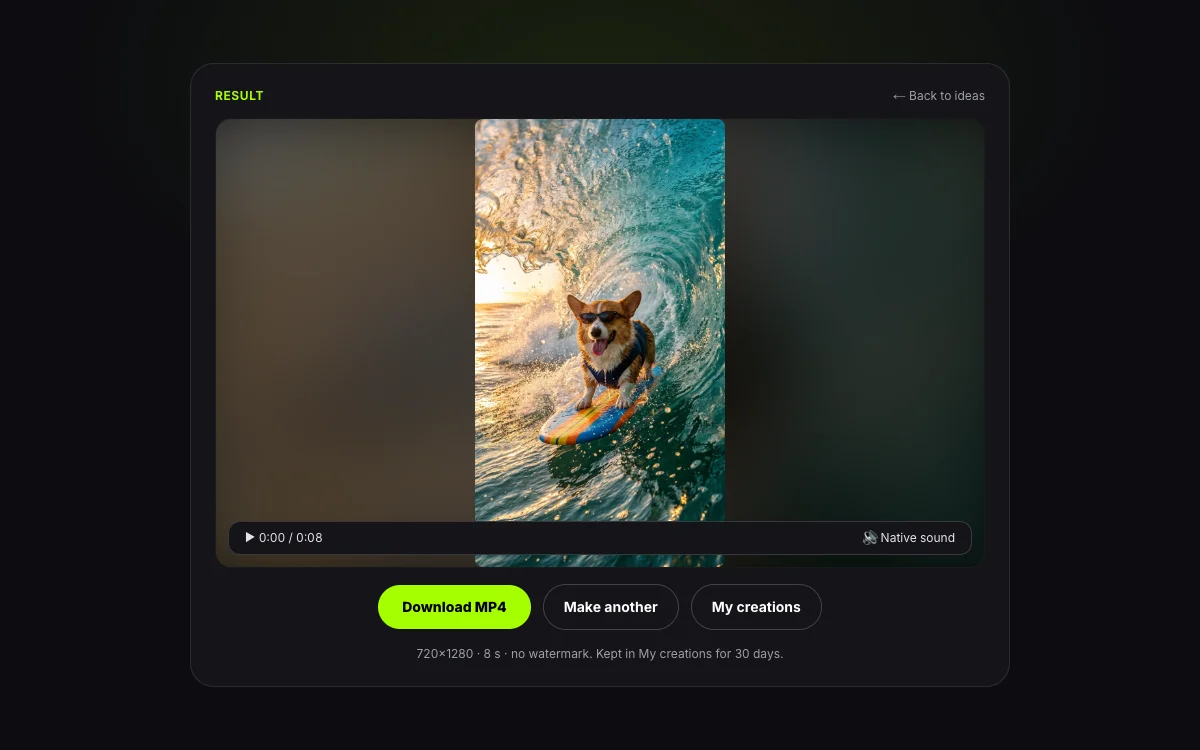
    Step 3: previewing and downloading a unwatermarked Seedance 2.5 MP4 video with native audio

    Step 3: Generate With Native Audio and Download Your MP4

    Click Generate. ByteDance seedance-2.5 renders the video and synchronized soundtrack in one pass. Download the clean MP4 immediately; your clip remains in My creations for 30 days, and any failed job refunds its credits automatically.

Prompting Guide

How Should You Prompt ByteDance Seedance 2.5 (`seedance-2.5`)?

Seedance 2.5 accepts prompts up to 5,000 characters and excels when you write like a director calling shots: assign numbered roles to every uploaded @Image, @Video, and @Audio file, divide longer clips into timestamped beats or shot-size ladders, and state both the lighting and the acoustic cues.

Prompt Formula5 Parts
  1. 01Format & aspect ratio
  2. 02@Image / @Video / @Audio bindings
  3. 03Time beats or shot ladder
  4. 04Camera path & physical light
  5. 05Quoted speech & sound design
Seedance 2.5 Prompt Formula
5 Layers
Five-layer prompt formula for ByteDance Seedance 2.5 (`seedance-2.5`) with production examples
Prompt LayerWhat to SpecifyConcrete Seedance 2.5 Cue
Format & aspect ratioTarget framing, film stock texture, and overall tone21:9 anamorphic widescreen, 35mm live-action film grain, high-contrast cold blue and warm amber grade
Reference role bindingsExplicitly map each uploaded file to a character, vehicle, motion path, or vocal trackUse Video 1 as the white-model camera and blocking guide; bind Image 1 to the motorcycle and Image 2 to the SUV; sync singing to Audio 1
Time beats or shot ladderBreak 8–15s clips into timestamped windows or ordered shot sizes0–4s backstage dressing room close-up; 4–10s pullback tracking down corridor with dancers; 10–15s wide arena stage reveal
Camera path & physical lightOne clear camera trajectory per beat plus light source direction and material behaviorContinuous handheld gimbal tracking shot; afternoon window light raking across stitched saddle leather and floating dust
Quoted speech & sound designSpoken lines or lyrics in quotation marks, room acoustics, impact foley, or "no dialogue, no narration"Calm English voice-over naming each shot size on the cut; or "no dialogue, no narration, only leather creaks and quiet room tone"
← Swipe horizontally to read full table →

Summary: combine format, explicit @Image/@Video/@Audio bindings, timestamped beats, camera/lighting physics, and explicit sound cues for predictable Seedance 2.5 renders.

When you want a silent commercial or pure environmental foley on Seedance 2.5, write "no dialogue, no narration" explicitly in the prompt—just as ByteDance’s own leather-chair demo does—so the model dedicates its audio track to room tone and surface sounds.

Weak Prompt vs Strong Seedance 2.5 Prompt

Prompt Rewrites
3 Examples
Side-by-side prompt rewrites tailored to ByteDance Seedance 2.5 capabilities
Vague PromptDirector-Level Seedance 2.5 Prompt
Make the same person appear in different camera anglesCreate a realistic 16:9 short film featuring the exact same person and street environment across six two-second hard cuts: extreme wide shot, wide shot, medium shot, medium close-up, close-up, and extreme close-up. Add calm English voice-over that names each shot size as it appears.
Turn my 3D car animation into a real car videoUse Video 1 as the white-model motion control. Upgrade the car body to a deep navy-to-electric-blue metallic paint gradient with clear-coat reflections, brushed alloy mechanical parts, walnut brown leather seats, and refractive glass headlights under studio rim lighting.
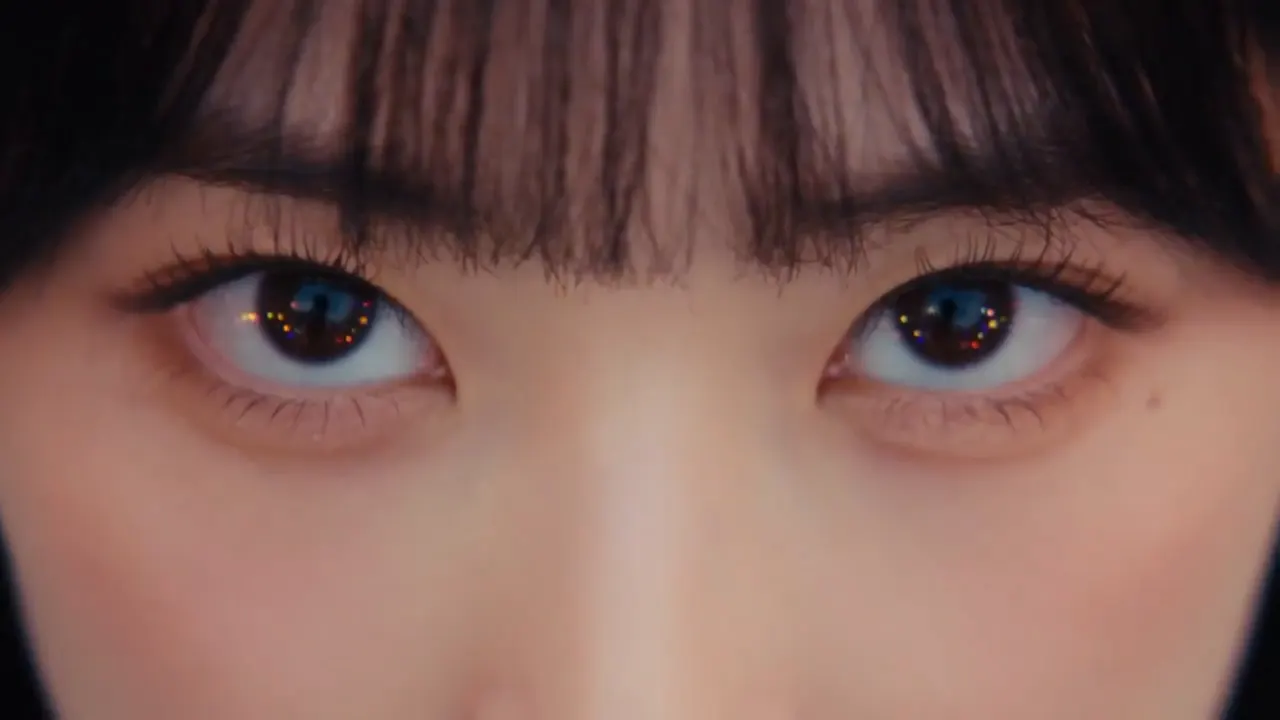
Four girls singing on a roof in the rainBeat-synced rooftop music video referencing Image 1, Image 2, Image 3, and Image 4 for the four singers and Audio 1 for the vocal track. Open on an extreme close-up of Image 1 opening her eyes, cut wide as four helicopters sweep spotlights across the roof, freeze the raindrops mid-air, and orbit in FPV while all four lip-sync.
← Swipe horizontally to read full table →

Summary: explicit shot ladders, numbered @Video/@Image/@Audio references, and material/lighting directives unlock Seedance 2.5’s flagship control.

Structuring 12 to 15 Second One-Take and Multi-Cut Sequences

Seedance 2.5 was specifically trained to organize setup, development, turning point, and resolution inside a single pass. For a continuous one-take shot, describe how the camera passes through foreground occlusions (such as pushing through a red velvet curtain or letting Peking Opera armor flags wipe across the lens) to reveal the next space. For a multi-cut sequence, state the exact cut interval or time windows (0–4s, 4–10s, 10–15s) and remind the model that main characters, wardrobe, and lighting stay consistent across cuts.

Pre-Flight Checklist Before Spending Flagship Credits

Pre-Flight Check
4 Checks
Four pre-flight checks that protect your credit balance when running Seedance 2.5
Check Before Clicking GenerateWhy It Matters on Seedance 2.5
Block camera & pacing at 480p first480p costs 200/s vs 1,100/s at 1080p—validate your prompt timing for less than one-fifth the credit spend
Bind every uploaded file by numberUploading 6 images and 2 clips without naming Image 1, Image 2, or Video 1 in the prompt leaves role assignment to chance
Keep input image aspect between 0.4 to 2.5The upstream seedance-2.5 validator rejects images narrower than 0.4 or wider than 2.5 aspect ratio (min short edge 320 px)
Switch to Seedance 2.0 if the brief requires 4KSeedance 2.5 tops out at 1080p; select Seedance 2.0 in the picker when you need native 2160p 4K output
← Swipe horizontally to read full table →

Summary: draft at 480p, number every reference asset, verify image aspect ratios (0.4 to 2.5), and use Seedance 2.0 for 4K deliverables.

Specs & Limits

What Are the Exact Seedance 2.5 Specifications and Upload Limits?

Every parameter below is read directly from our live video:seedance-2-5 studio configuration and upstream seedance-2.5 endpoint rules.

Seedance 2.5 Specs
14 Limits
Complete technical specification and limit table for ByteDance Seedance 2.5 (`seedance-2.5`)
SpecificationSeedance 2.5 (video:seedance-2-5) Live Value
Model Name & VendorSeedance 2.5 · ByteDance (ByteDance Seed)
Upstream Model ID & Slugseedance-2.5 (page slug: /ai-video-generator/seedance-2-5)
Generation ModesText to video (t2va), Image to video (i2va), Reference to video (r2va)
Duration Range4 to 15 seconds, whole-second steps (default 5s)
Output Resolutions480p, 720p (default), and 1080p MP4 (no 4K tier on seedance-2.5)
Per-Second Credit Rates480p: 200/s · 720p: 450/s · 1080p: 1,100/s
Selectable Aspect Ratios6 ratios: 16:9 (default), 9:16, 1:1, 4:3, 3:4, 21:9 (auto in Image mode)
Image-to-Video Keyframes1 required first_frame + 1 optional last_frame
Reference-to-Video AllowanceUp to 9 images, 3 video clips, and 3 audio tracks (12 files total)
Reference Image SurchargeNone — all 9 reference images are included in the per-second rate
Input Image ConstraintsWidth/height ratio 0.4 to 2.5 · min short edge 320 px · max 20 MB per file
Prompt Character LimitUp to 5,000 characters
Audio Output & WatermarkNative synchronized speech, singing, foley & music (AAC) · zero watermark
Retention Policy30 days in My creations · uploaded inputs purged after 24 hours
← Swipe horizontally to read full table →

Summary: ByteDance seedance-2.5 renders 4–15s clips across 6 aspect ratios at 480p, 720p, or 1080p with up to 12 reference files and a 5,000-character prompt limit.

Choosing a Mode

Which Seedance 2.5 Mode Matches Your Starting Assets?

All three tabs in the Seedance 2.5 studio call ByteDance seedance-2.5 with native audio enabled. Choose the tab that matches the files on your desk.

Seedance 2.5 Modes
3 Modes
Comparison of Text to Video, Image to Video, and Reference to Video modes on ByteDance Seedance 2.5
Starting Assets on HandMode to SelectHow Seedance 2.5 Handles Framing & Control
Written script, shot-size ladder, or timestamped beat list onlyText to videoPick any of the 6 ratios (16:9, 9:16, 1:1, 4:3, 3:4, or 21:9) and generate 4–15s of picture, voice, and sound effects from text alone
One hero product photo, portrait, or a start + end keyframe pairImage to videoUpload first_frame (and optional last_frame, 0.4 to 2.5 aspect range); canvas shape locks automatically to your first image while interpolating motion and sound
Character turnarounds, 9-panel storyboards, 3D clay previz clips, or vocal stemsReference to videoAttach up to 9 images, 3 clips, and 3 audio tracks (12 max, zero extra image fee) and pick any of the 6 ratios
← Swipe horizontally to read full table →

Summary: use Text to video for pure scripts and shot ladders, Image to video to pin first and last frames, and Reference to video to combine up to 12 images, previz clips, and audio tracks.

Pricing & Credits

How Much Does a Seedance 2.5 AI Video Cost in Credits and Dollars?

Seedance 2.5 is billed strictly per second of video by resolution tier—200/s at 480p, 450/s at 720p (default), and 1,100/s at 1080p—with native sound and up to 9 reference images included at no extra surcharge. See full pack and subscription details on our pricing page.

Seedance 2.5 Clip Cost
4 Clips
Seedance 2.5 credit cost per clip at 480p, 720p, and 1080p across 4s, 5s, 8s, and 15s durations
Clip Duration480p Draft (200/s)720p Standard (450/s)1080p Master (1,100/s)
4 seconds (minimum)8001,8004,400
5 seconds (default)1,0002,2505,500
8 seconds (two-beat scene)1,6003,6008,800
15 seconds (max single pass)3,0006,75016,500
← Swipe horizontally to read full table →

Summary: a default 5-second Seedance 2.5 video uses 1,000 at 480p, 2,250 at 720p, or 5,500 at 1080p.

Packs & Plans
6 Tiers
How many 5-second Seedance 2.5 clips each one-time pack and monthly plan provides at 480p, 720p, and 1080p
Pack or PlanPrice & Credit PoolEffective 720p /s5s Clips @ 480p5s Clips @ 720p5s Clips @ 1080p
Small Pack (one-time)$9.90 (1,500)~$2.97/s1——
Medium Pack (one-time)$24.90 (4,000)~$2.80/s41—
Large Pack (one-time)$49.90 (9,000)~$2.50/s941
Starter Plan (monthly)$14.90/mo (3,000)~$2.24/s31— (caps at 720p)
Pro Plan (monthly)$24.90/mo (9,000)~$1.25/s941
Premium Plan (monthly)$99/mo (40,000)~$1.11/s40177
← Swipe horizontally to read full table →

Summary: one-time credit packs start at $9.90 and never expire; Pro and Premium monthly plans unlock 1080p rendering and the lowest effective per-second cost on Seedance 2.5.

How to Cut Your Seedance 2.5 Credit Spend by 55%–80% During Iteration

  1. 1Test prompt wording and @Image / @Video bindings at 480p on Seedance 2.5 (200/s) or on Seedance 2.0 Mini (50/s at 480p, 100/s at 720p) before switching to 720p or 1080p for your hero render.
  2. 2Lock timing at 4 or 5 seconds before expanding a complex multi-cut prompt to the full 15-second ceiling.

Any job that fails or times out upstream returns 100% of its credits to your balance automatically. First-time pack purchases are covered by a 7-day refund window under our refund policy.

Know Before You Run

What Are the Real Limits of Seedance 2.5 (and How Do You Work Around Them)?

Being upfront about where ByteDance seedance-2.5 stops saves you wasted runs and tells you exactly when to switch models in the picker above.

01

1080p Max

No native 4K tier on Seedance 2.5

Upstream seedance-2.5 tops out at 1080p (1,100/s). When a brief requires native 4K (2160p) output up to 12 seconds, switch the model picker to Seedance 2.0 (1,500/s).

02

4–15s

No 2–3s micro-clips or 30s single passes

Runs on this studio span 4 to 15 seconds. For 2–3s social hooks switch to Wan 3.0; for stories longer than 15s, chain clips using last-frame-to-first-frame handoffs.

03

0.4 to 2.5

Strict input image aspect window

Uploaded frames and reference images must sit between 0.4 to 2.5 width-to-height ratio (at least 320 px on the short edge, max 20 MB) or the upstream validator will reject the upload.

04

18+ Only

Consenting adult likenesses & policy guardrails

Because Reference mode preserves real faces and voices across new scenes, upload only likenesses and voice recordings you own or have permission to use, in line with our terms.

Why does Seedance 2.5 cost more per second than MiniMax H3 or Wan 3.0?

ByteDance prices seedance-2.5 as its heavy flagship multimodal model above seedance-2.0, seedance-2.0-fast, and seedance-2.0-mini. Use 480p (200/s) or Seedance 2.0 Mini (50/s) for rough blocking, and reserve Seedance 2.5 720p/1080p for shots that need previz-to-render control or 15-second multi-cut continuity.

Label realistic AI video and synthesized voices when publishing

When sharing photorealistic scenes or lip-synced dialogue publicly, enable the AI-generated content disclosure on TikTok and YouTube. See our responsible use guide.

Seedance 2.5 FAQ

Questions About the Seedance 2.5 AI Video Generator?

1.What is the Seedance 2.5 AI video generator (`seedance-2.5` / `seedance-2-5`)?

The Seedance 2.5 AI video generator runs ByteDance Seed’s flagship multimodal video model (seedance-2.5, page slug seedance-2-5). It turns a text prompt of up to 5,000 characters, a first and optional last frame, or up to 12 reference files (9 images, 3 clips, and 3 audio tracks) into a 4 to 15 second MP4 at 480p, 720p, or 1080p with synchronized speech, singing, foley, and music.

2.Does Seedance 2.5 output native 4K, or how does 1080p vs 4K work across Seedance 2.5 and Seedance 2.0?

Despite viral social media posts claiming public 4K output on Seedance 2.5, the live seedance-2.5 endpoint renders at 480p (200/s), 720p (450/s), and 1080p (1,100/s) for 4 to 15 seconds (and ByteDance’s own Volcengine docs list only 480p and 720p). Within our studio picker, Seedance 2.0 (seedance-2.0) is the model that offers a native 4K (2160p) tier (1,500/s, 4–12s), whereas Seedance 2.5 gives you ByteDance’s newest multi-shot continuity and previz-to-render weights up to 15 seconds.

3.How much does a Seedance 2.5 AI video cost per second and per clip?

Seedance 2.5 bills per second by resolution: 200 per second at 480p, 450 per second at 720p (default), and 1,100 per second at 1080p. A default 5-second clip uses 1,000 at 480p, 2,250 at 720p, or 5,500 at 1080p, and a maximum 15-second 720p clip uses 6,750. One-time packs start at $9.90.

4.Is there an extra fee when uploading 9 reference images on Seedance 2.5?

No. In reference to video mode, all 9 reference images, 3 reference video clips, and 3 audio tracks (12 files total) are included in the per-second rate with zero per-image surcharge—unlike MiniMax H3, which adds an extra fee starting on the sixth reference image.

5.How do Seedance 2.5, Seedance 2.0, Seedance 2.0 Fast, and Seedance 2.0 Mini differ?

All four ByteDance models support Text, Image, and 12-file Reference modes plus 6 aspect ratios including 21:9, but target different budgets: Seedance 2.5 (4–15s, 200 / 450 / 1,100 per second) is the flagship for multi-cut continuity and 3D previz upgrades; Seedance 2.0 (4–12s) unlocks 4K (1,500/s); Seedance 2.0 Fast renders quick 480p drafts (90/s); and Seedance 2.0 Mini offers the lowest Seedance rates (50/s at 480p, 100/s at 720p).

6.Can Seedance 2.5 turn 3D clay renders or storyboards into realistic video?

Yes—previz-to-final rendering is one of seedance-2.5’s signature strengths. Open Reference mode, upload your untextured 3D blocking clip as Video 1 or a nine-panel storyboard sheet as Image 1, attach vehicle or character design stills as Image 2 and Image 3, and specify each asset’s role in the prompt.

7.Does Seedance 2.5 support 21:9 cinema widescreen and first/last frame pinning?

Yes to both. In Text and Reference modes you can pick from 6 aspect ratios: 16:9, 9:16, 1:1, 4:3, 3:4, and native 21:9 cinema widescreen. In Image mode, you upload a required first_frame and an optional last_frame (width/height ratio between 0.4 to 2.5), and the output canvas automatically matches your first image.

8.Do I need a ByteDance Volcengine or Jimeng AI account to use Seedance 2.5 here?

No external ByteDance account, Chinese phone verification, or enterprise API key is needed. You run seedance-2.5 directly in your browser using MemeVideo credits, and every finished MP4 downloads with native audio and zero watermark.
Start Creating

Ready to Make Your First Seedance 2.5 AI Video?

Load your prompt, first/last frames, or up to 12 reference files in the studio above, choose 4 to 15 seconds at 480p, 720p, or 1080p, and export an unwatermarked MP4 with native audio.