AI video · MiniMax H3 · Wan 3.0 · Seedance 2.5 · Seedance 2.0 · Seedance 2.0 Fast · Seedance 2.0 Mini · Kling 4.0 Flash · Kling 4.0 · Kling O1 · Kling 3.0 Omni · Kling 3.0 · Kling 2.6
AI Video Generator: Text, Image and Reference to Video
Write a prompt or add your images, pick a model, and get a finished clip with sound.
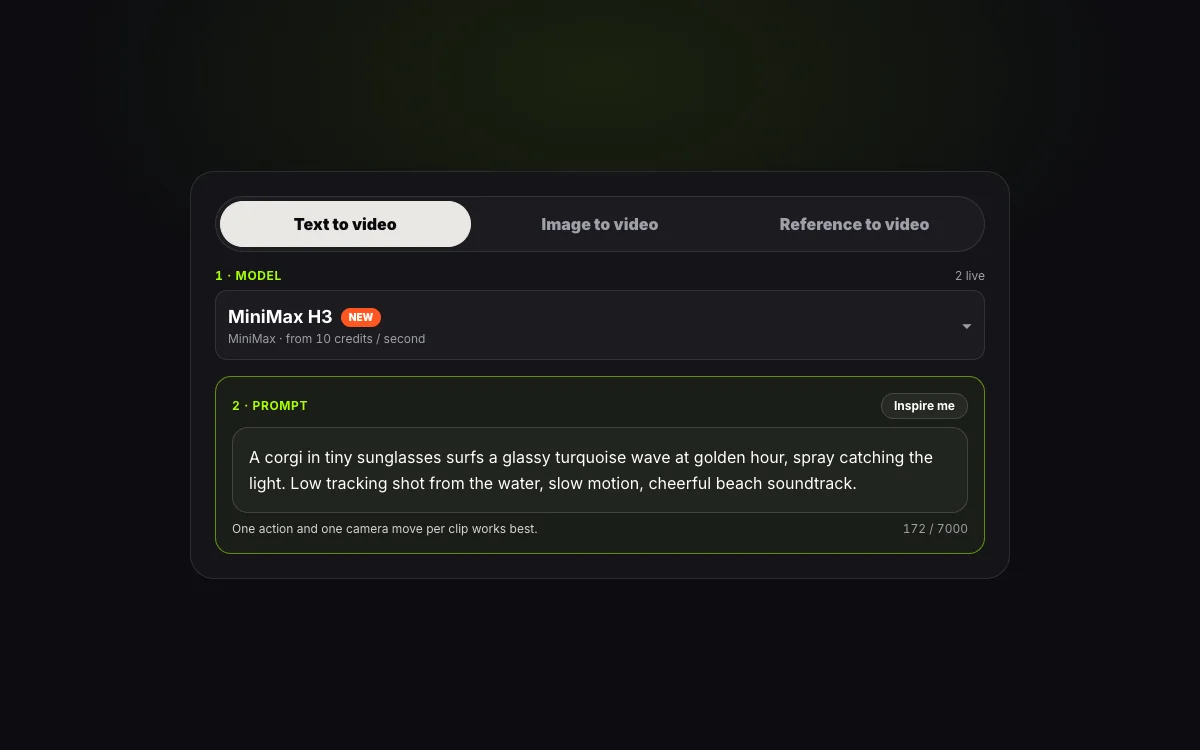
1 · Model12 live
2 · Prompt
One action and one camera move per clip works best.
0 / 7000
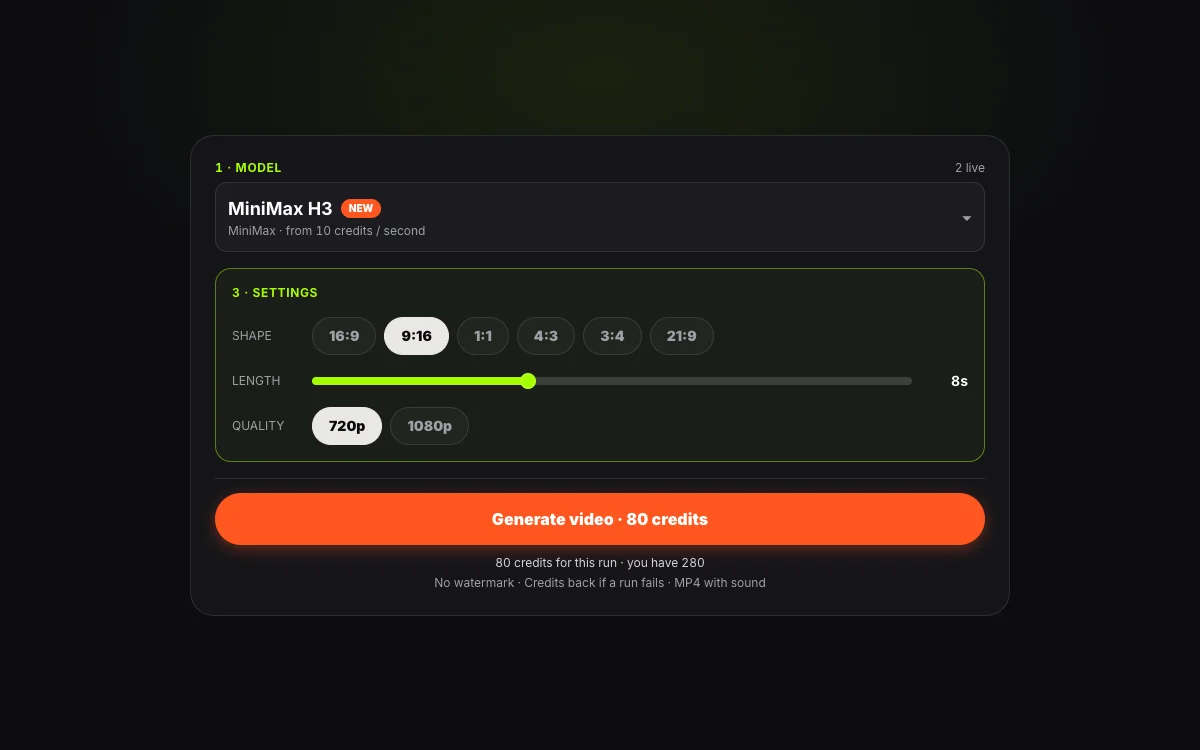
3 · Settings
Shape
8s
Quality
Native sound included
280 credits for this run
Describe what you want to make.
No watermark · Credits back if a run fails · MP4 with sound
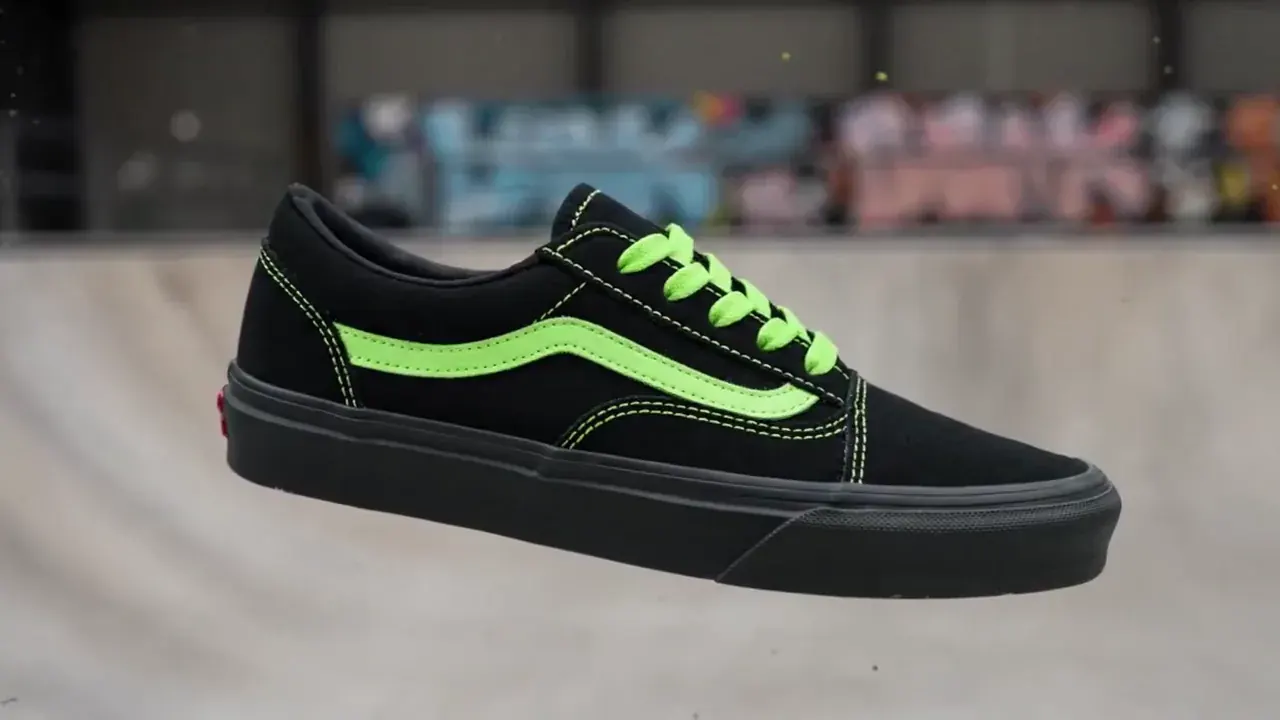
Sneaker paint drop
MiniMax H3 · 16:9 · 5s · 720p
{ "scene_description": "A white classic low-top canvas sneaker floats mid-air, slowly spinning. Suddenly, a burst of vibrant paint splashes across it — black and neon green. The shoe transforms instantly into a bold fashion-forward version in black with acid green details. In the blurred background, a skatepark can be seen, but the focus remains solely on the shoe.", "visual_style": "high-fashion streetwear", "camera_movement": "slow-motion rotation of the sneaker, locked-on shot with shallow depth of field", "audio_cue": "slow whoosh, paint burst impact, subtle tone shift at the transformation" }
Click any sample clip to preview1 / 8
All-in-One AI Video Studio
What Can Our AI Video Generator Tools Create in One Pass?
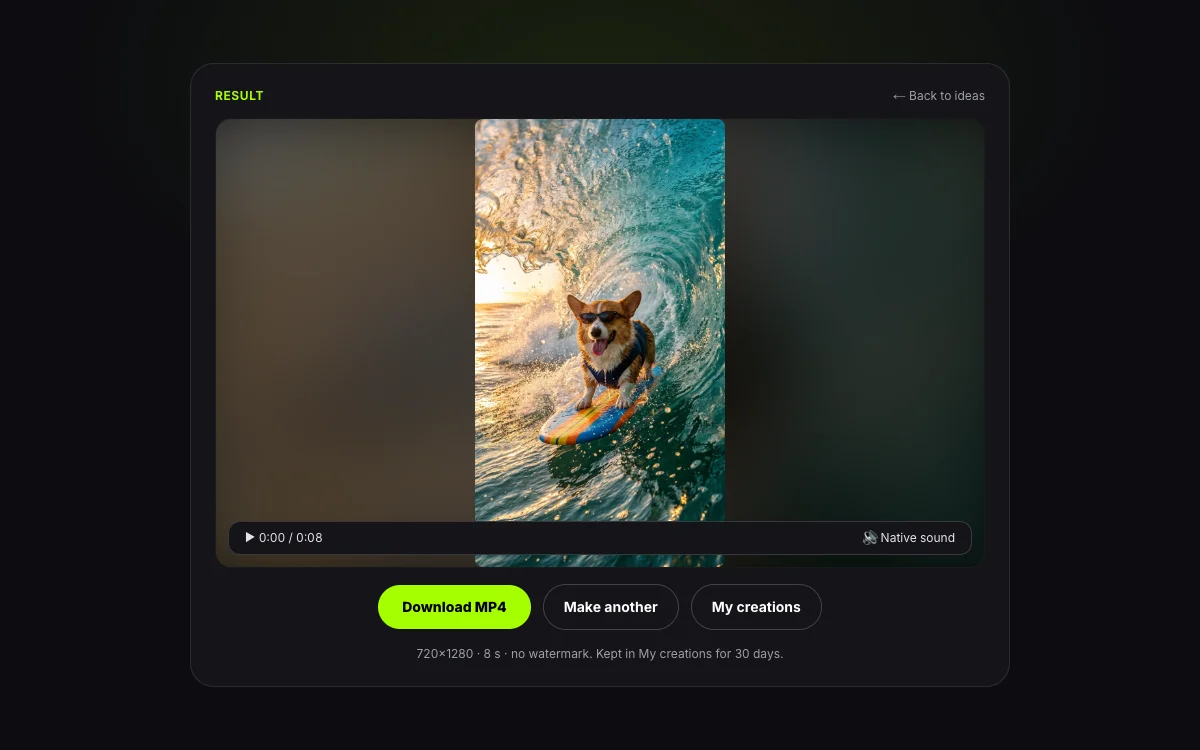
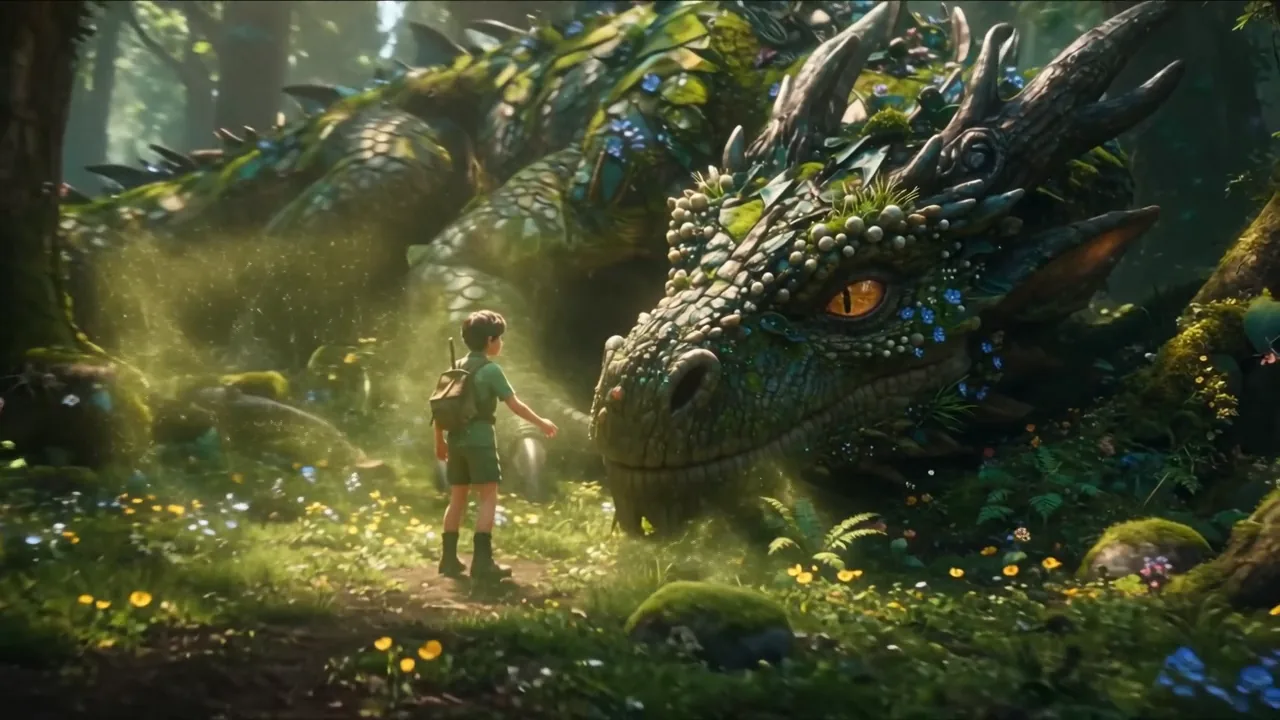
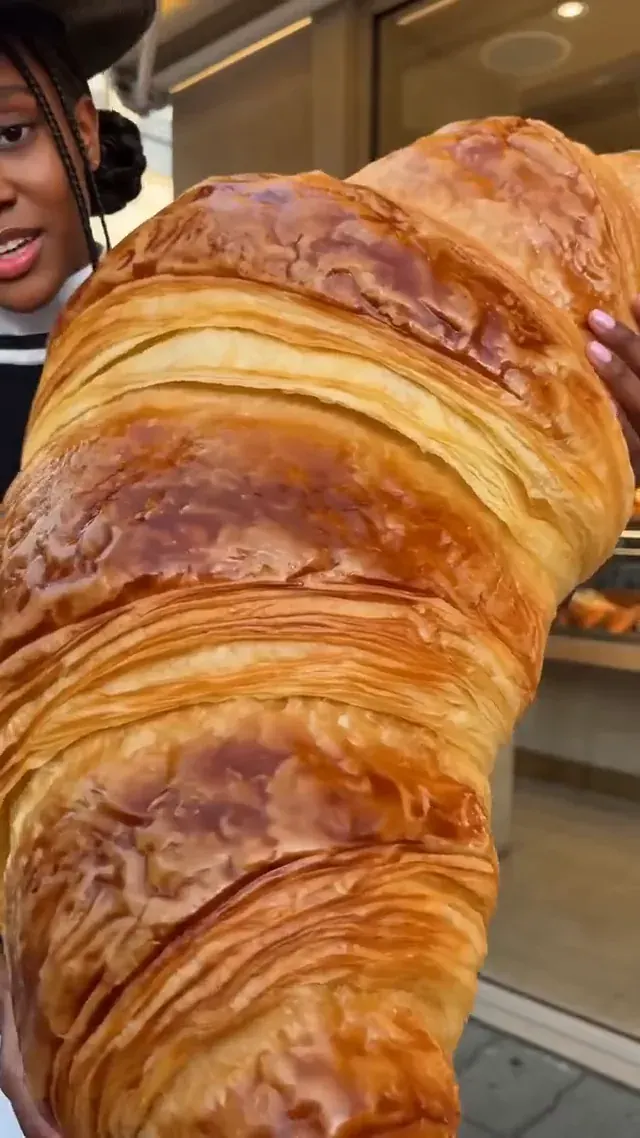
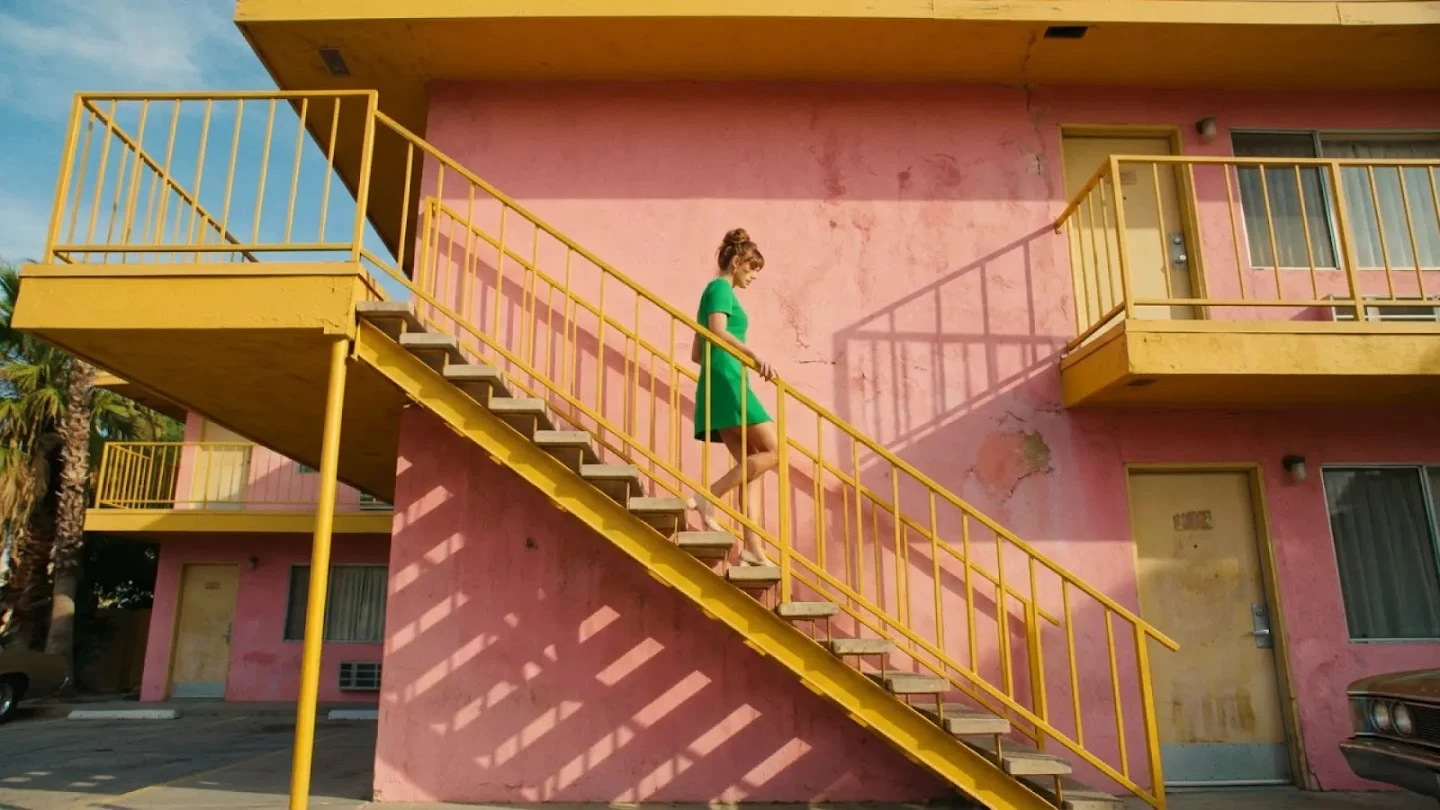
Our all-in-one AI video generator tools turn written prompts, still photos, and multi-image references into 2–15 second 720p or 1080p MP4 clips with native speech, sound effects, and zero watermark. Every clip below is an unedited editorial demo rendered directly inside this video creation workspace.
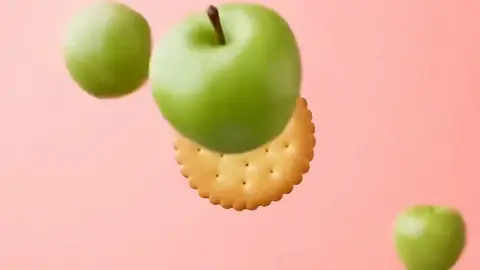
Lock your bottle, box, or gadget with a reference frame and direct timed scene cuts on the beat. The studio keeps label geometry crisp while lighting and props shift around it.
Starter Recipe
0–2s coral studio backdrop, sandwich biscuit rotating slowly as sliced green apples orbit in. 2–3s hard cut to mint backdrop on an upbeat electronic pulse.
Explore More Editorial Demos From the Studio Queue
Every sample below was produced with our ai video generator tools at 720p or 1080p with native sound.
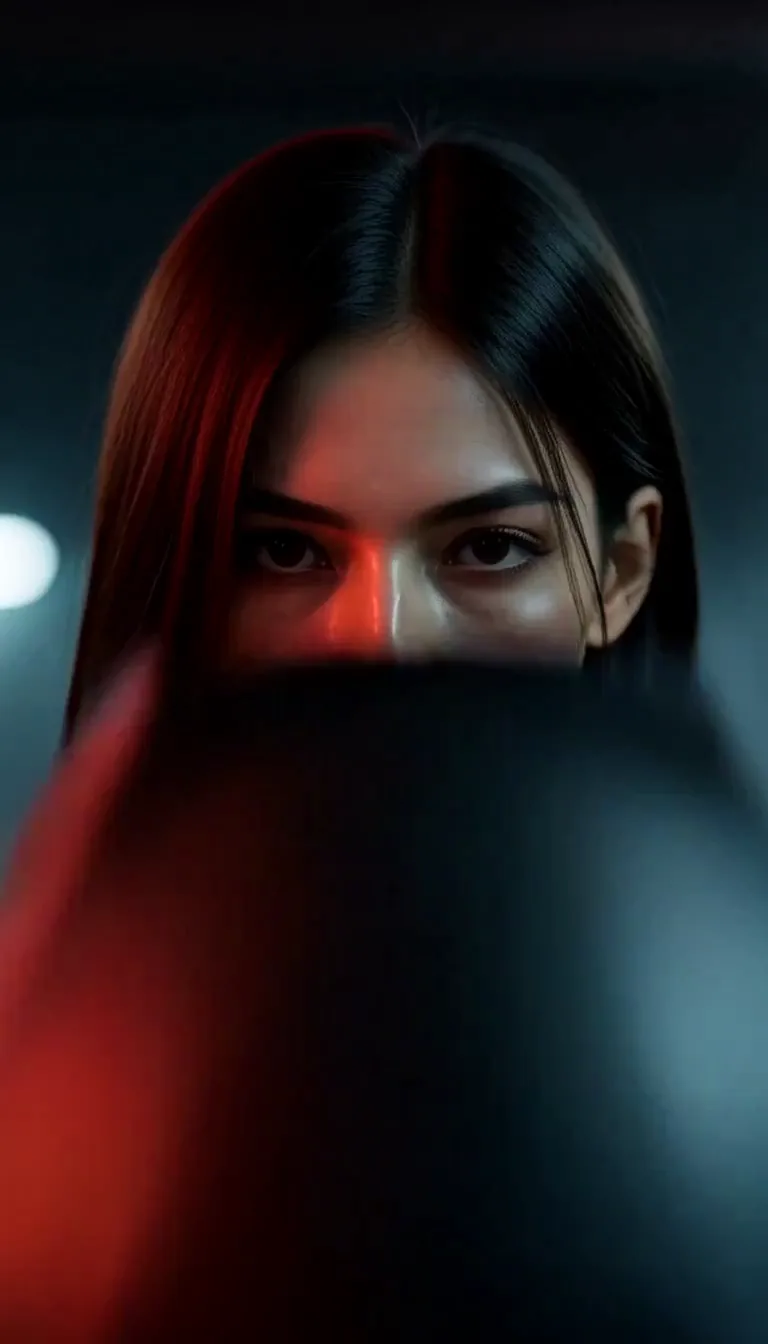
Neon Cyber Rider
Text to Video · 9:16
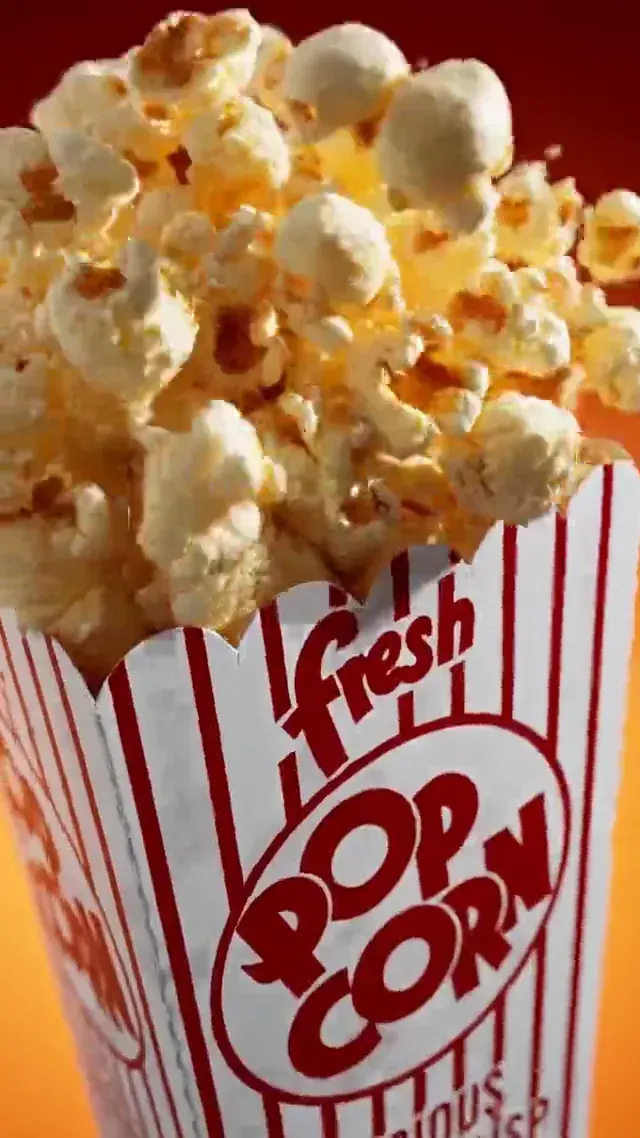
Ten-Cut Popcorn Spot
Image to Video · 8s
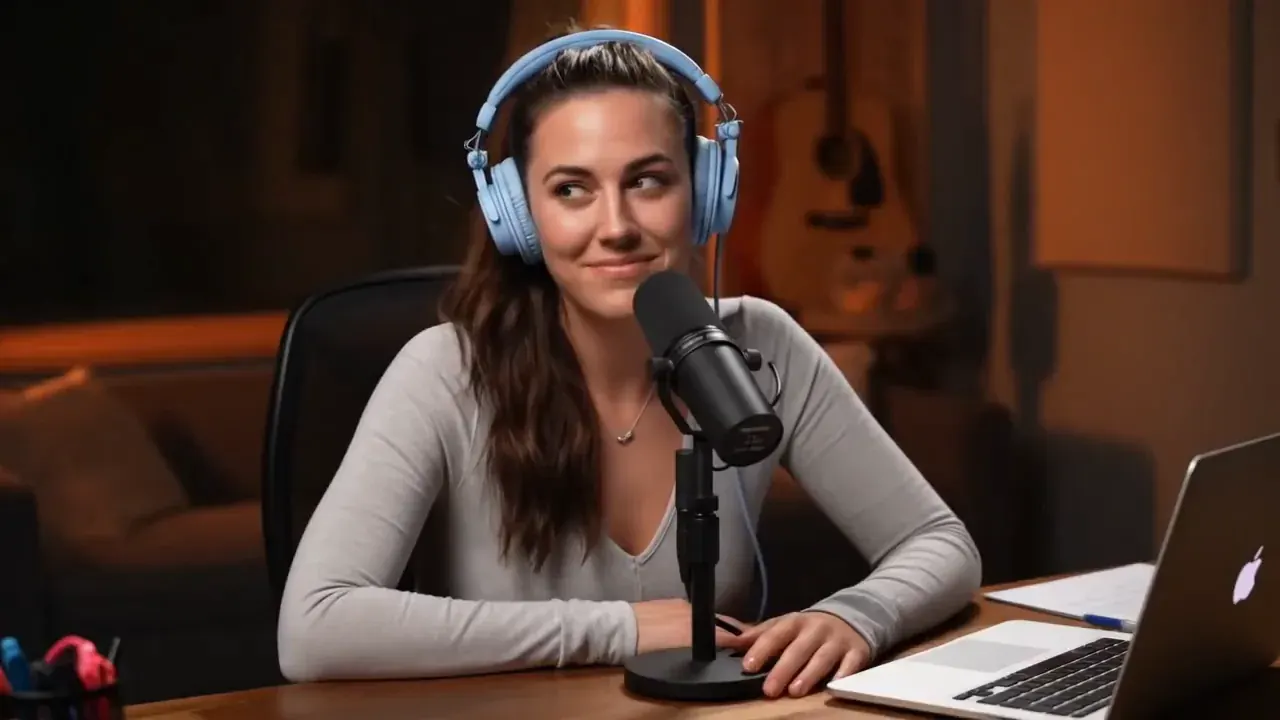
Studio Podcast Host
Native Speech · 8s
Origami Paper Launch
Wan 3.0 · Product
Orbital Lounge Cuts
Multi-Shot · 15s
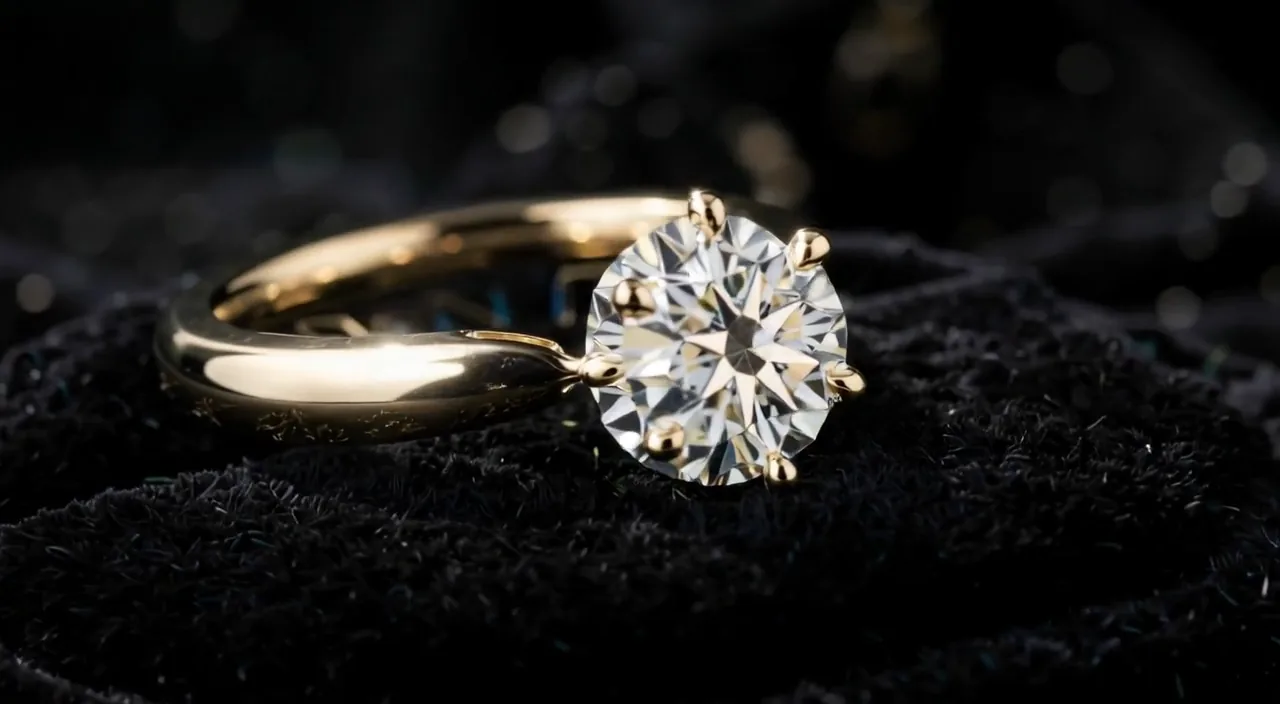
Macro Diamond Ring Arc
Ecommerce · 5s
Three Creation Pathways
Which Video Creation Mode Fits Your Project Best?
Like a full production suite, our ai videos generator gives you three distinct video creation pathways inside one persistent workspace—switch between Text to Video, Image to Video, and Reference to Video at any time without losing your prompt or uploaded files.
AI Video Creation Pathways
3 3 Modes
Comparison of Text to Video, Image to Video, and Reference to Video pathways in our AI video generator
Locks character faces, outfits, or packaging across brand-new scenes and angles
2–15s · All standard social & widescreen ratios
Recurring brand spokespersons, episodic shorts, and multi-angle ecommerce ads
← Swipe horizontally to read full table →
Summary: choose Text to Video when starting from an idea, Image to Video to animate a specific frame, and Reference to Video to lock one identity across multiple shots.
All-in-One Multi-Model Hub
Which Frontier Engines Power This All-in-One AI Video Generator?
Stop juggling six separate subscriptions and incompatible credit systems. Our all-in-one ai video generator tools bring together live engines like MiniMax H3 and Wan 3.0 alongside our expanding multi-model roster—including the Seedance full series (Seedance 1.0 Lite, Seedance 1.0 Pro, and Seedance 2.0), Kling AI, Google Veo (Veo 3), and Vidu—under one unified studio and credit balance.
Fast 2–5s social hooks, product macro arcs, and high reference count
Text, First/Last Frame, up to 10 Image + 5 Video Refs
Native dialogue, foley & ambience · 720p / 1080p
Seedance Series (1.0 Lite / Pro / 2.0)
ByteDance
Fluid dance & character motion, aesthetic lighting, and coherent multi-shot transitions
Text to Video & Image to Video (first/last frame control)
High-bitrate 720p / 1080p · Multi-ratio
Kling AI
Kuaishou
Large-scale 3D physical motion, complex hand/object interaction, and long camera tracks
Text to Video, Image to Video & Motion Elements
720p / 1080p · Native sound support
Google Veo (Veo 3)
Google DeepMind
Photorealistic cinema lenses, natural physics, and synchronized environmental audio
Text to Video & Image to Video
Native audio & speech · 720p / 1080p
Vidu
Shengshu
Rapid stylized & anime generation with multi-subject reference locking
Text, Image & Multi-Subject Reference to Video
Fast 720p / 1080p MP4 exports
← Swipe horizontally to read full table →
Summary: run MiniMax H3 and Wan 3.0 right now with instant per-second pricing, and switch across the Seedance series, Kling AI, Veo, and Vidu inside the same all-in-one studio as each engine rolls into your model picker.
Studio Capabilities
Why Switch to an All-in-One AI Videos Generator Workspace?
Traditional video creation requires scripting, casting, shooting, voice recording, and timeline editing across separate apps. Our aivideo workspace collapses the entire pipeline into four studio-grade capabilities right in your browser.
Native Speech, Lip-Sync & Foley Audio in One Render
Silent clips force you into third-party voiceover and sound-design tools. In our ai video generator, engines like MiniMax H3, Wan 3.0, and Veo synthesize lip-synced dialogue, footsteps, engine roar, and room ambience simultaneously with the video frames.
Spoken DialogueFoley & SFXNo Dubbing Step
Native Audio + Lip-SyncGenerate MP4
Warm broadcast studio close-up; the host grins into a dynamic mic and delivers the opening line with crisp room acoustics.
Multi-Shot Beat Directing Up to 15 Seconds
Instead of stitching isolated 3-second loops, write timed directorial beats such as 0–4s, 4–9s, and 9–15s inside one prompt. Models like MiniMax H3 and the Seedance series cut cleanly between wide establishing shots, close-up reactions, and packshots while holding lighting and wardrobe steady.
2–15s Single RenderBeat-Synced CutsConsistent Lighting
Timed Scene CutsGenerate MP4
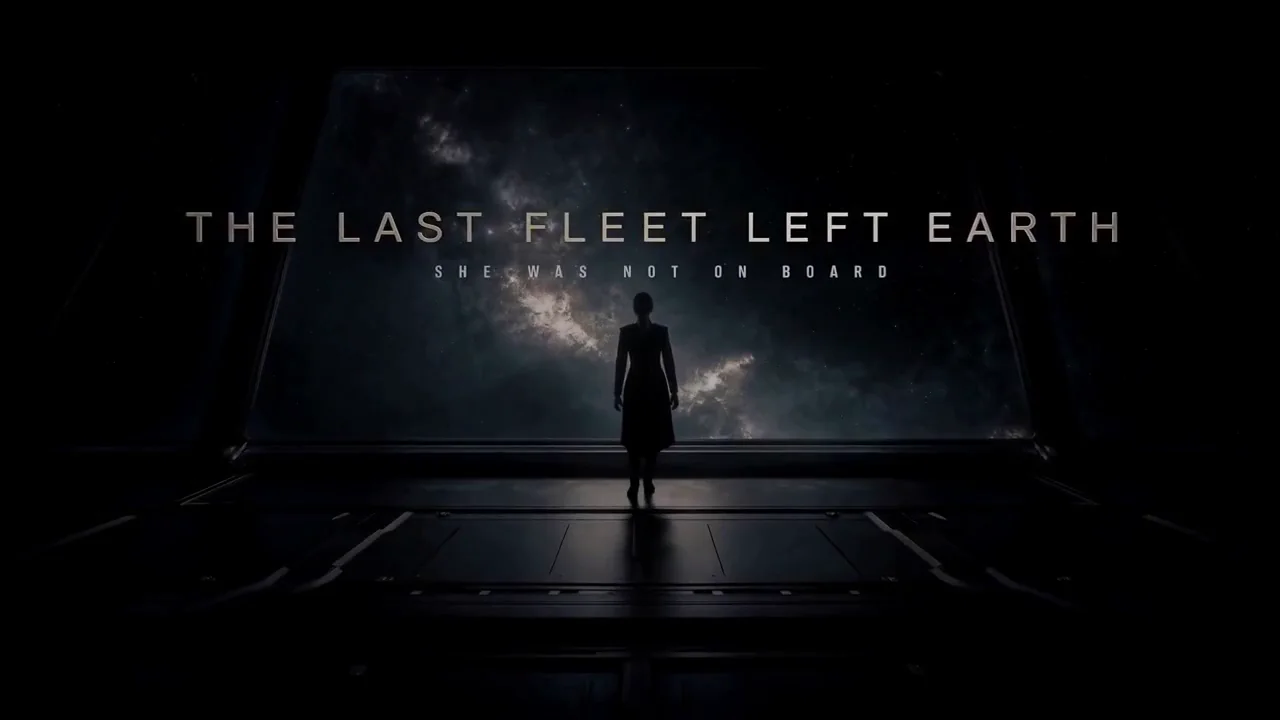
0–5s wide shot of guests by an orbital pool; 5–10s cut to DJ booth; 10–15s close-up toast as Earth glows outside.
First-to-Last Frame Camera & Motion Lock
When a brand guideline or storyboard demands an exact starting composition and a precise final frame, switch to Image to Video. Upload frame one, add an optional end frame, and let diffusion engines like Kling AI, Seedance, H3, or Wan 3.0 bridge the motion naturally.
Exact Start FrameOptional End Frame3D Camera Depth
Start + End FrameGenerate MP4
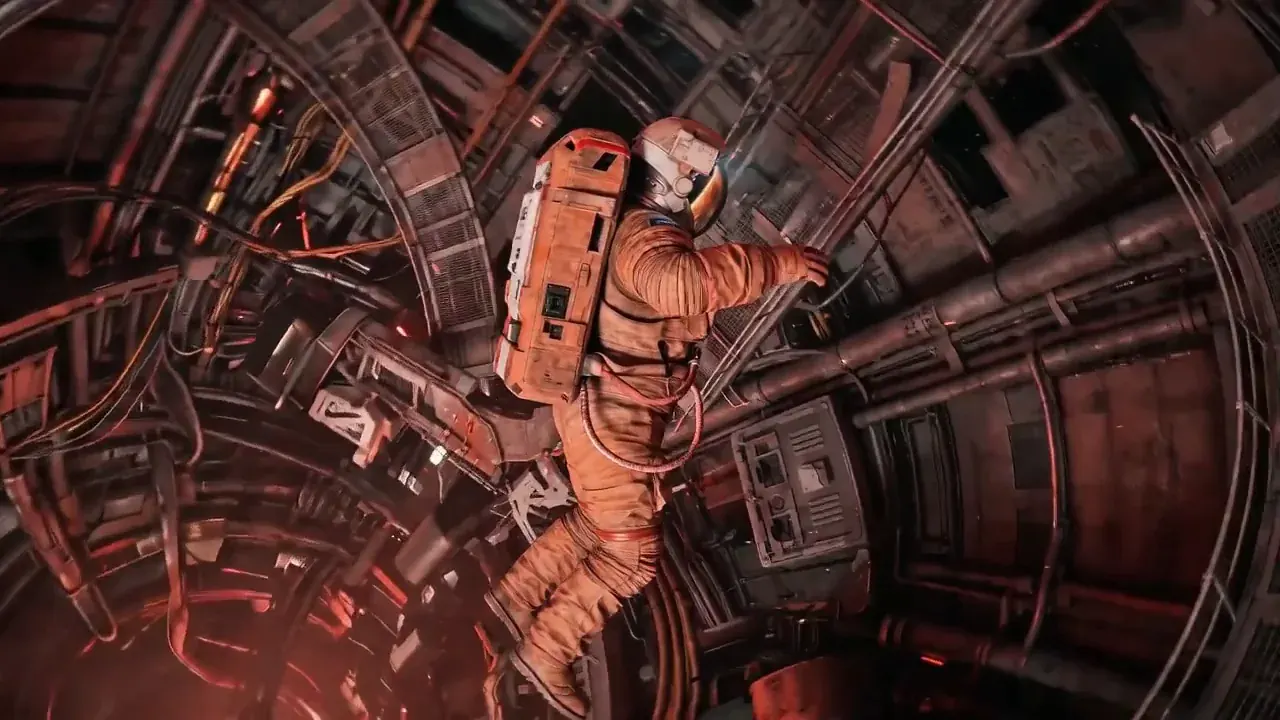
Camera spirals smoothly around the floating astronaut down the red corridor while dust motes catch the warning lights.
Multi-Reference Character & Product Continuity
Building a recurring series or a multi-angle product campaign? Drop up to 10 photos, 5 video clips, and 5 audio tracks into Reference to Video. Reference each asset as Image 1 or Video 1 to keep faces, logos, and choreography locked.
Up to 10 ImagesVideo & Audio RefsSame Face Every Shot
Up to 20 RefsGenerate MP4
Keep the protagonist from Image 1 across rapid trailer cuts: rainy rooftop, neon subway car, and sunlit finale.
Parameters & Reference Guides
1 Table
All-in-One Studio vs Fragmented Workflow
4 Comparison
All-in-one AI video generator studio vs fragmented single-model video tools
Workflow Step
MemeVideo All-in-One Studio
Fragmented Single-Model Tools
Model access
MiniMax H3, Wan 3.0 + Seedance, Kling, Veo & Vidu in one hub
Separate logins and monthly subscriptions per vendor
Voice & sound
Generated natively with lip-sync in the same MP4 render
Silent video export requiring external TTS and timeline sync
Separate image subscription and manual file re-uploading
Watermark & billing
Zero watermark on every export; upfront per-second credits
Watermarked trial tiers and expiring monthly credit quotas
← Swipe horizontally to read full table →
Summary: consolidating models, native audio, and 4K frame generation in one studio eliminates tool-hopping and wasted subscriptions.
Step-by-Step Guide
How to Make AI Videos From Text, Photos, or References in 3 Steps?
Learning how to make AI videos takes less than two minutes in our studio: choose your creation pathway, pick a video engine and aspect ratio with live credit pricing on the button, and export a 720p or 1080p MP4 with native sound. Finished clips stay in My creations for 30 days.
01
02
03
STEP 01Step 01 · Input & Prompt
1. Select a Mode & Enter Your Prompt or Visuals
Pick Text to Video to start from words, Image to Video to animate a still photo (with an optional last frame), or Reference to Video to upload 1–10 character or product references. Write what moves, how the camera travels, and what sound or dialogue plays.
STEP 02Step 02 · Engine & Specs
2. Pick Your AI Video Model, Aspect Ratio & Length
Choose your engine—such as MiniMax H3, Wan 3.0, or upcoming Seedance, Kling, Veo, and Vidu options—then set aspect ratio (9:16 vertical, 16:9 widescreen, 1:1, or 21:9), clip length (2–15s), and 720p or 1080p resolution. The Generate button updates the exact credit cost live.
STEP 03Step 03 · Preview & Export
3. Generate, Preview Native Sound & Download MP4
Click Generate to render your clip in the cloud. Preview the finished video with built-in speech and sound effects, download a clean H.264 MP4 with no watermark, or switch models on the same prompt to compare takes.
Technical Specifications for AI Video Creation
Studio Input & Output Specs
6 Specs
Supported inputs, durations, aspect ratios, and output formats when making AI videos in this studio
Parameter
Studio Specification
Creation modes
Text to Video, Image to Video (first + optional last frame), Reference to Video
Clip duration
2 to 15 seconds per render (model-dependent slider)
Output resolution & codec
720p or 1080p H.264 MP4 with multiplexed native stereo audio, zero watermark
Aspect ratios
16:9, 9:16, 1:1, 4:3, 3:4, and 21:9 (or auto-matched to uploaded first frame)
Reference & upload limits
JPG, PNG, WebP up to 10–20 MB (min edge 320 px); up to 20 reference files
Storage & failed-run protection
Uploads purge after 24h; outputs saved 30 days; automatic credit refund on failed runs
← Swipe horizontally to read full table →
Summary: every mode exports a zero-watermark 720p or 1080p MP4 with native sound and automatic credit protection if an upstream render fails.
Built for Every Creator & Team
Who Uses Our AI Video Generator Tools for Daily Video Creation?
Whether you are shipping twenty ad hooks a week or pre-visualizing a widescreen short film, our aivideo studio adapts to your production workflow.
Test ten spoken hooks or visual openings in the time it takes to brief one creator. Render native 9:16 clips with lip-synced dialogue and punchy sound effects.
✓Put spoken ad copy in quotes for instant lip-sync on MiniMax H3
Turn static studio packshots into gleaming commercial spots without booking a tabletop rig. Preserve exact typography and bottle geometry from frame one.
✓Draft at 2–4 seconds in 720p to iterate ideas for pennies
When to Split a Job Into Multiple Clips
Videos longer than 15 seconds: generate each scene beat as its own 8–15s MP4 and chain them via first/last frames.
Dense small-print paragraphs inside moving objects: generate clean static signage in GPT Image 2 first, then animate gentle camera motion.
Tip: you can switch between Text, Image, and Reference modes at the top of this page while keeping your current prompt.
Director’s Prompting Guide
How Do You Write Prompts That Work Across Every AI Video Model?
Whether you run MiniMax H3, Wan 3.0, Seedance 2.0, Kling AI, Google Veo, or Vidu, modern diffusion video engines respond best to concrete visual and acoustic cues rather than vague buzzwords like "masterpiece" or "hyper-realistic". Follow this five-part directorial formula.
Prompt Formula5 Parts
011. Subject & Framing
022. Single Clear Action
033. Camera Trajectory
044. Native Sound & Speech
055. Lighting & Medium
Universal AI Video Prompt Formula
5 5 Pillars
Five-part prompt formula for AI video generator tools across text, image, and reference modes
Prompt Pillar
What to Specify
Copy-Ready Example Cue
1. Subject & Framing
Who or what is on screen (or Image 1), shot size, and setting
Medium close-up of a ceramic espresso cup on a walnut counter in morning sun
2. Single Action
One physical movement with a clear beginning and end per beat
Rich crema pours steadily from the dual spout as steam curls upward
3. Camera Trajectory
One lens focal length and one deliberate camera move
85mm macro lens, slow 10-degree push-in with shallow depth of field
4. Native Sound & Speech
Ambient room tone, foley SFX, and spoken dialogue inside quotes
Warm 35mm Kodak film grain, golden rim lighting, soft bokeh
← Swipe horizontally to read full table →
Summary: in Image to Video mode, skip re-describing the static photo and focus pillars 2, 3, and 4 on motion, camera, and sound.
Audio prompting tip: enclose spoken lines in double quotes ("...") and specify vocal delivery (e.g., "calm studio narrator" or "excited whisper"). For instrumental or ambient clips, name two specific sound layers such as "rain on glass and low synth pulse".
Weak Prompt vs. Director-Grade Prompt
Prompt Upgrades That Prevent Drift
3 Rewrites
Side-by-side comparison of vague prompts versus structured prompts in our AI videos generator
Low-angle studio shot of a white running shoe splashing into neon cyan paint in slow motion, 50mm lens push-in, crisp liquid splash foley
Spoken UGC clip
Girl talking about coffee in a kitchen
Handheld 9:16 selfie in a bright kitchen; she holds a mug and says in a cheerful tone, "This cold brew saved my Monday," soft morning room tone
Multi-shot story
Astronaut exploring a ruin and finding a crystal
0–5s wide tracking shot of an astronaut walking into ancient Martian ruins; 5–10s close-up as glove touches a glowing blue crystal, low resonant hum
← Swipe horizontally to read full table →
Summary: concrete verbs, one camera path, and explicit audio cues dramatically improve first-try usable takes.
How to Direct Multi-Shot Sequences in One Clip
When generating 8 to 15 second clips on MiniMax H3 or Seedance, break your prompt into timestamped beats: 0–4s establishing wide shot, 4–9s medium action cut, 9–15s close-up reaction or brand packshot. Keep the total time equal to your selected duration slider and assign one clear action to each beat.
Pre-Render Quality Checklist
Pre-Flight Checklist
4 4 Checks
Four quick checks before clicking Generate in the AI video studio
Check
Why It Saves Credits
One camera move per beat
Combining "orbit, zoom out, and pan left" at once causes background warping
Draft at 720p (2–5s) first
Verify composition and motion for 240–140 credits before rendering 15s at 1080p
Call reference labels explicitly
In Reference mode, write Image 1, Video 1, or Audio 1 so the engine binds the right asset
Match aspect ratio to platform
Pick 9:16 for TikTok/Reels/Shorts, 16:9 for YouTube/web, or 21:9 for widescreen trailers
← Swipe horizontally to read full table →
Summary: a quick 720p test run and explicit camera/reference cues maximize usable output per credit pack.
Transparent Credit Pricing
How Much Does AI Video Creation Cost Per Second and Per Clip?
Our ai video generator tools price every render transparently by the second—shown right on the Generate button before you click. MiniMax H3 is 35 credits/s at 720p (55 cr/s at 1080p) and Wan 3.0 is 120 credits/s at 720p (240 cr/s at 1080p). One credit balance works across all video models, 4K image tools, and templates. See full details on Pricing.
Per-Clip Credit Cost & Output Volume
5 Clips
Credit cost per clip and total video outputs across packs and plans
Model & Preset
Credits / Clip
Small Pack (1,500 cr)
Medium Pack (4,000 cr)
Pro Plan (9,000 cr/mo)
Wan 3.0 · 2s · 720p
240
6 clips
16 clips
37 clips
MiniMax H3 · 4s · 720p
140
10 clips
28 clips
64 clips
Wan 3.0 · 5s · 720p
600
2 clips
6 clips
15 clips
MiniMax H3 · 8s · 720p
280
5 clips
14 clips
32 clips
MiniMax H3 · 15s · 720p
525
2 clips
7 clips
17 clips
← Swipe horizontally to read full table →
Summary: 720p clips start at 240 credits for a 2-second Wan 3.0 hook or 140 credits for a 4-second MiniMax H3 clip with native audio.
Credit Packs & Monthly Plans
6 Tiers
One-time credit packs and monthly subscriptions for the all-in-one AI video generator
Tier
Price
Credits Included
1080p HD & Commercial Export
Small Pack (one-time)
$9.90
1,500 credits (never expire)
Unlocked ($0.23/s on H3 720p)
Medium Pack (one-time)
$24.90
4,000 credits (never expire)
Unlocked
Large Pack (one-time)
$49.90
9,000 credits (never expire)
Unlocked
Starter Plan
$14.90/mo
3,000 credits/mo
Up to 720p
Pro Plan
$24.90/mo
9,000 credits/mo
Unlocked ($0.10/s on H3 720p)
Premium Plan
$99/mo
40,000 credits/mo
Unlocked ($0.09/s on H3 720p)
← Swipe horizontally to read full table →
Summary: one-time credit packs never expire and unlock 1080p immediately; monthly plans deliver the lowest per-second rate for daily video creation.
How to Stretch Your Video Creation Credits Further
1Prototype your prompt at 2–4 seconds in 720p (240–140 credits) before scaling up to 15-second 1080p master renders.
2Generate or clean up your starting frame in Nano Banana 2.1 (90 credits at 1K) so your Image to Video run succeeds on the first take.
Any render that fails or times out refunds 100% of its credits automatically. Unused first credit packs are eligible for a full refund within 7 days under our refund policy.
Privacy, Licensing & Safety
Is Our AI Videos Generator Safe for Commercial and Client Work?
We built our ai video generator tools for professional teams and creators who need predictable privacy, clean commercial files, and zero surprise charges. Review our privacy policy, terms of service, and responsible use guidelines.
01
24h
Private Uploads & Auto-Deletion
Uploaded reference photos, clips, and audio delete automatically after 24 hours and are never used to train AI models. Rendered MP4s stay in your private library for 30 days.
02
0 Watermark
Commercial-Ready 1080p MP4s
Every export is a clean H.264 MP4 with stereo audio and no watermark—ready for paid social ads, ecommerce product pages, YouTube channels, and client deliverables.
03
100%
Automatic Failed-Run Refunds
If an upstream engine blocks or drops a generation, the credits return to your balance automatically within seconds.
04
18+ Only
Consent & Synthetic Media Compliance
Upload only photos and voices you own or have permission to use (adults 18+ only). When publishing photorealistic scenes, enable platform disclosure labels on YouTube and TikTok in line with EU AI Act Article 50.
AI Video Generator FAQ
Frequently Asked Questions About Our AI Video Generator Tools?
1.What is this all-in-one AI video generator and how does it work?
It is a browser-based aivideo studio that combines Text to Video, Image to Video, and Reference to Video in one workspace. You enter a prompt or upload reference visuals, choose an engine and duration (2–15 seconds), and receive a 720p or 1080p MP4 with native audio and no watermark.
2.Which AI video models are available or being integrated into the studio?
You can generate right now with MiniMax H3 and Wan 3.0, and our engineering team is actively integrating the Seedance full series (Seedance 1.0 Lite, Seedance 1.0 Pro, Seedance 2.0), Kling AI, Google Veo (Veo 3), and Vidu into the same model selector and unified credit balance.
3.How do I choose between MiniMax H3, Wan 3.0, Seedance, Kling, Veo, and Vidu?
Use MiniMax H3 for 4–15s multi-shot scenes, spoken lip-sync, and 21:9 framing; Wan 3.0 for punchy 2–5s hooks and up to 10 reference images; the Seedance series for expressive dance, fluid motion, and Lite-to-Pro iteration; Kling AI for heavy 3D physics and camera trajectories; Google Veo 3 for cinematic optics with synchronized audio; and Vidu for anime and stylized multi-entity video creation.
4.How to make AI videos if I am a complete beginner?
Follow three steps: 1) Pick Text, Image, or Reference mode in the studio above and describe one subject action plus camera movement (or click Inspire me); 2) Choose your model, aspect ratio (such as 9:16 or 16:9), and 720p or 1080p quality; 3) Press Generate and download your finished MP4 with sound.
5.Do your AI video generator tools generate voiceovers and sound effects automatically?
Yes. Engines such as MiniMax H3, Wan 3.0, and Google Veo synthesize spoken dialogue, environmental ambience, and foley sound effects in the same pass as the video frames—just put spoken lines inside double quotes in your prompt.
6.How can I keep the same character face or product across multiple AI videos?
Switch to Reference to Video and upload 1 to 10 clean angles of your person, pet, or product alongside optional motion clips. Call each upload as Image 1 or Image 2 in your prompt to lock identity across new scenes.
7.How much does AI video creation cost, and do credits expire?
Pricing is per second of generated video: MiniMax H3 is 35 credits/s at 720p (140 credits for 4s) and Wan 3.0 is 120 credits/s at 720p (240 credits for 2s). One-time credit packs start at $9.90 (1,500 credits) and never expire; monthly plans start at $14.90/mo.
8.Do exported videos carry a watermark, and are they cleared for commercial use?
Every MP4 downloaded from our ai videos generator is exported with zero watermarks and cleared for commercial ads, social media monetization, ecommerce listings, and client work, provided you hold rights to any uploaded reference files.
9.What happens if my video generation fails or I am unhappy with my first pack?
Any generation that fails or is rejected upstream automatically refunds its credits to your account balance. Unused first-time credit packs also qualify for a refund within 7 days under our refund policy.
10.How long do you store my uploaded photos and finished videos?
Uploaded source images, clips, and audio files are automatically deleted after 24 hours and never used for model training. Finished MP4 videos remain available in My creations for 30 days so you can download them at your convenience.
Complete Creative Suite
Which Specialized AI Video Generator Tools Should You Explore Next?
Ready to Make Your Next Clip in Our All-in-One AI Video Generator?
Type a prompt, drop a photo, or attach character references in the studio at the top of this page. Pick your model, check the exact credit cost on the button, and export a 720p or 1080p MP4 with native sound and no watermark.