AI Baby Dance Video Generator from Any Single Photo
AI baby dance turns any clear baby portrait into a lively dancing video: pick a preset scene, upload one photo, and generate the dance.
Every preset has its own Editorial demo and editable prompt, so you can preview the choreography and adjust the movement before generating.
Short side ≥320px · video takes the first frame’s shape
0 / 7000
Native sound included
385 credits for this run
Describe what should happen.
No watermark · Failed runs refunded · Uploaded photo clears after 24 h
Big Guy Shuffle
MiniMax H3 · 9:16 · 11s · 720p
The person stands proudly on lush green grass in a sunlit public park, facing the camera in a warm ribbed knit sweater and matching beanie. When the upbeat rhythm begins, the person stomps tiny feet and initiates a determined toddler shuffle, bouncing hips steadily from left to right. Both arms swing in playful cadence with small clenched fists, adding confident shoulder shrugs and a delightful balance dip. Keep the person's face, hair, and clothing exactly as in the photo throughout the motion. The camera remains at eye level on a crisp medium-full shot, capturing the scenic arched stone bridge, tranquil pond, and strolling pedestrians softly blurred in the background. Natural afternoon sunlight casts a radiant golden glow across the outdoor scene. The dance lasts 11 seconds and ends with the toddler holding a triumphant wide-legged stance with a charming little smile.
Available Scenes
Choose Your AI Baby Dance Scene
Explore 10 curated dance choreography scenes. Click any preset to load its prompt, duration, and slots directly into the generator above.
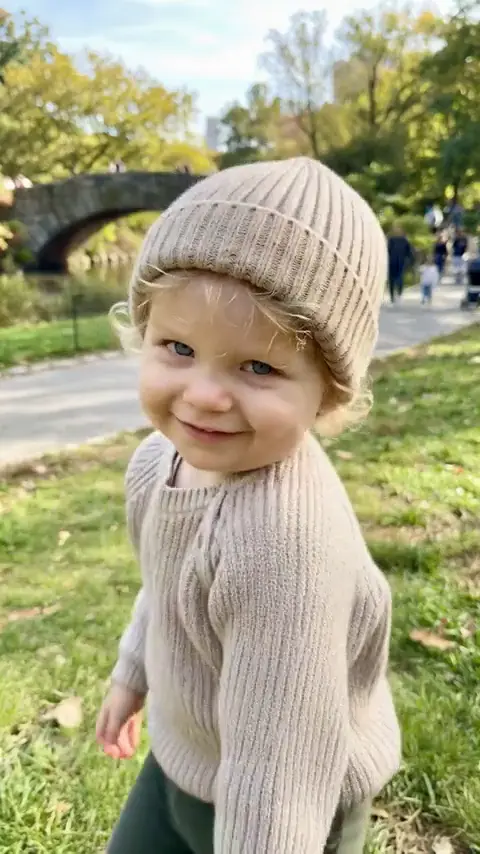 11s1 Dancer1210 credits
Big Guy Shuffle
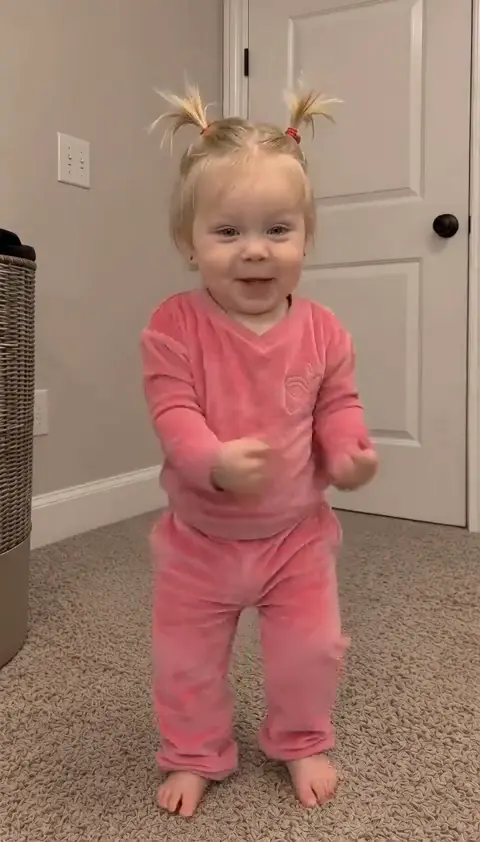 10s1 Dancer1100 credits
Can I Ride Groove
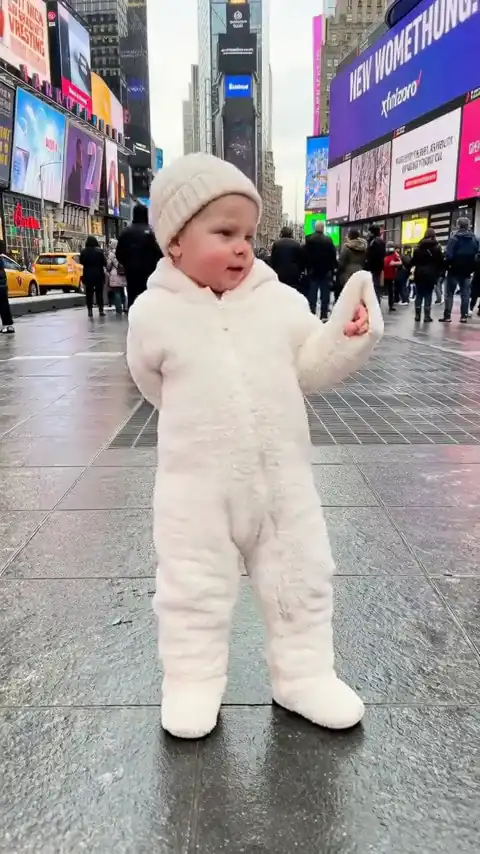 14s1 Dancer1540 credits
Chanel Tyla Beat
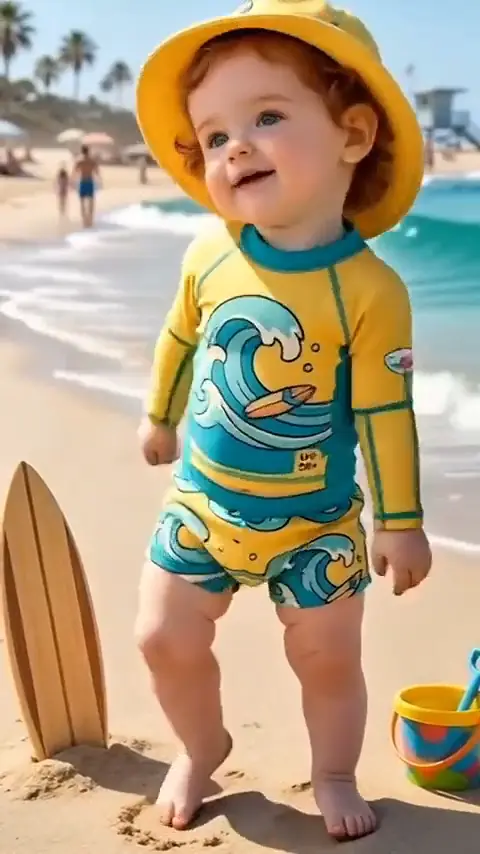 15s1 Dancer1650 credits
Wobbly Toddler Sway
Show more scenes
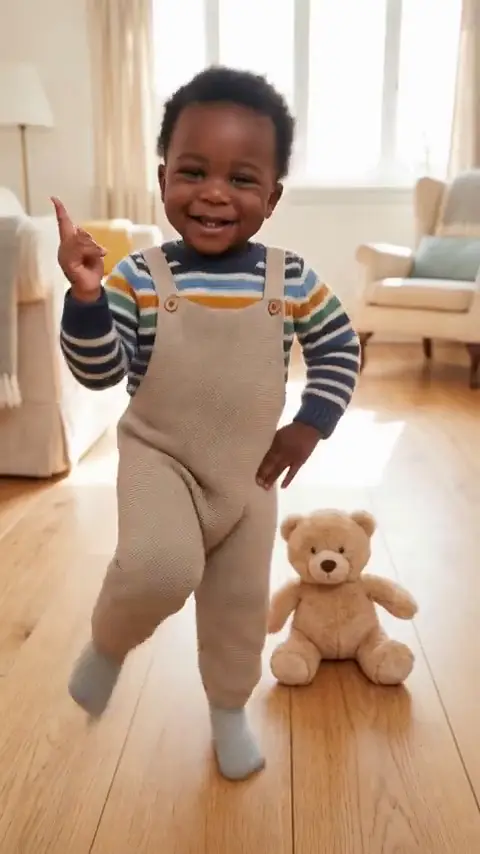 5s1 Dancer550 credits
Ghost Step Flow
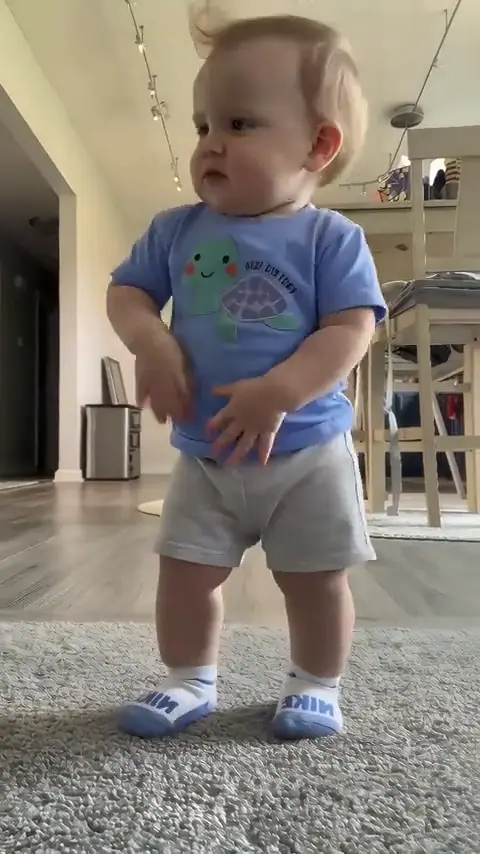 14s1 Dancer1540 credits
Ice Ice Baby Flow
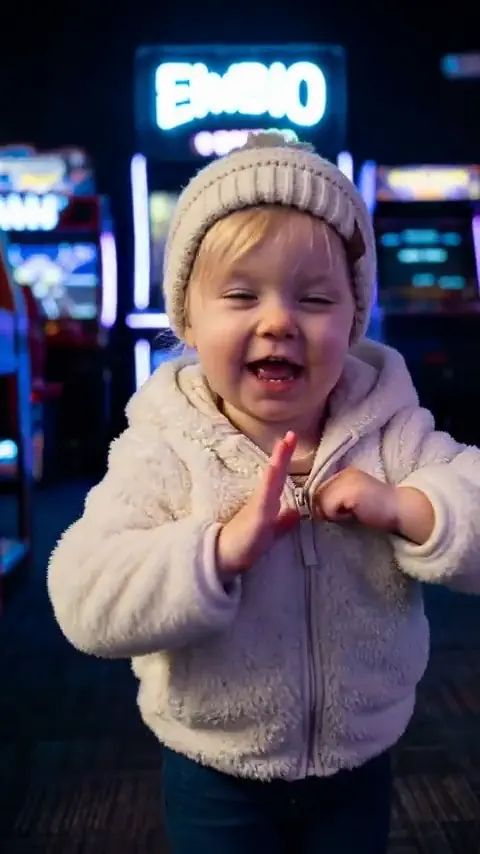 15s1 Dancer1650 credits
Midu Echoing Step
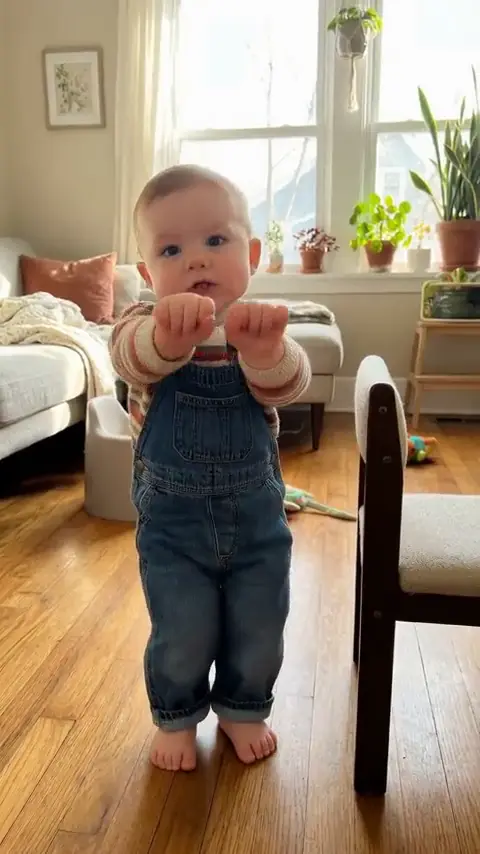 8s1 Dancer880 credits
Motorcycle Dance Rev
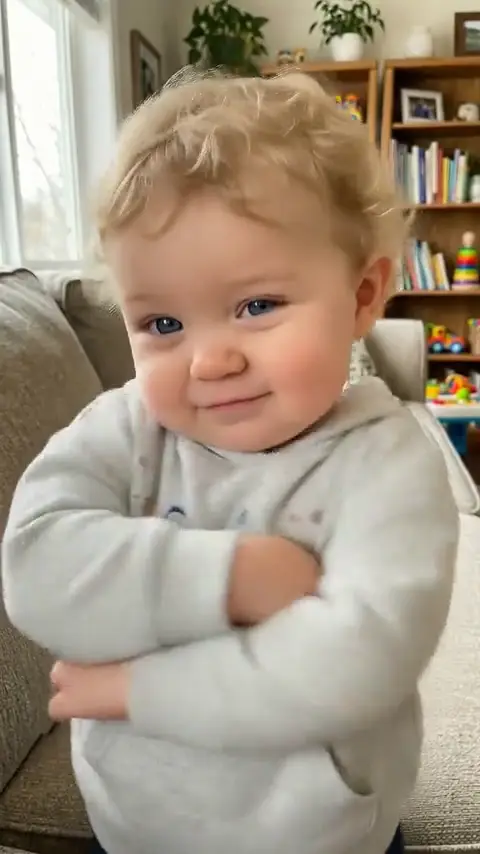 6s1 Dancer660 credits
Overdrive Beat
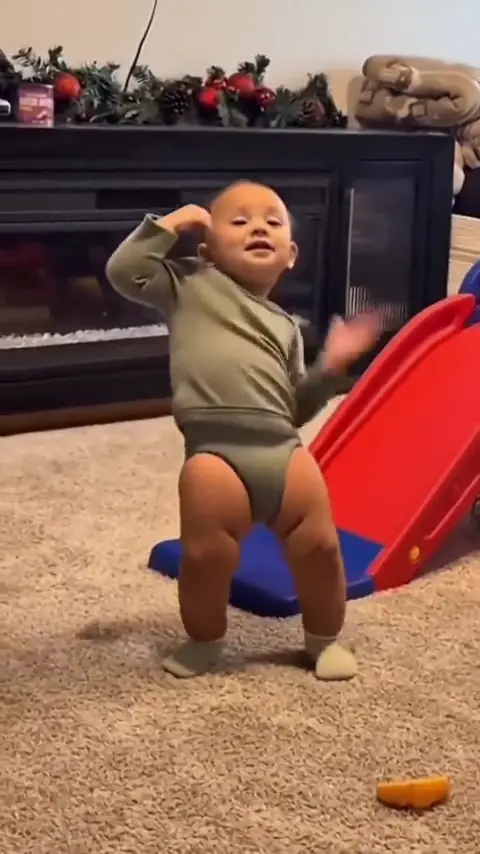 6s1 Dancer660 credits
Playground Swing
What Is an AI Baby Dance Video?
An AI baby dance video turns a still baby photo into an animated dancing clip set to music. Each baby dance animation preserves the child's natural facial features, clothing, and hair while generating energetic rhythmic steps.
One photo per baby
Upload a single front-facing photo; our model maps realistic body rhythm directly from the portrait.
Ready preset scenes
Browse 10 tailored dance scenes ranging from living room bops to park shuffles and sandy beach sways.
Fully editable text
Review the exact English prompt before rendering, with freedom to modify camera angles or clothing details.
Which AI Baby Dance Template Fits Your Child?
Each AI baby dance template provides a complete scene with distinct dance choreography, background setting, and duration. Switch presets in the generator anytime to explore different baby dance rhythms.
| Template | Children | Length | Price at 720p |
|---|---|---|---|
| Big Guy Shuffle | 1 | 11 seconds | 1,210 credits |
| Can I Ride Groove | 1 | 10 seconds | 1,100 credits |
| Chanel Tyla Beat | 1 | 14 seconds | 1,540 credits |
| Wobbly Toddler Sway | 1 | 15 seconds | 1,650 credits |
| Ghost Step Flow | 1 | 5 seconds | 550 credits |
| Ice Ice Baby Flow | 1 | 14 seconds | 1,540 credits |
| Midu Echoing Step | 1 | 15 seconds | 1,650 credits |
| Motorcycle Dance Rev | 1 | 8 seconds | 880 credits |
| Overdrive Beat | 1 | 6 seconds | 660 credits |
| Playground Swing | 1 | 6 seconds | 660 credits |
Curated dance choreography scenes, slot counts, video lengths, and credit costs at 720p HD quality.
How to Make a Baby Dance Video from One Photo
- STEP 01
Step 1: Pick a dance template
Select one of 10 presets in the generator catalog to load its choreography, background environment, and default duration.
- STEP 02
Step 2: Upload a clear portrait
Provide one front-facing baby picture with even lighting. A centered face without heavy filters gives the clearest dance result.
- STEP 03
Step 3: Run the baby dance ai video generator
Use our baby dance ai video generator to review the prompt, customize optional details, and launch generation in 720p or 1080p high definition.
| Specification | Result |
|---|---|
| Photos | 1 photo per baby |
| Length | 5 to 15 seconds |
| Shape | 9:16 |
| Quality | 720p or 1080p |
| Credits | 550 to 1,650 credits |
| Sound | Generated with the video |
| Sample label | Editorial demo |
Output technical specifications including aspect ratio, lengths, photo slots, resolution, and credit calculations.
AI Baby Dance Prompt, Line by Line
Every preset begins with a transparent prompt. Here is how key lines in the Big Guy Shuffle baby dance prompt shape movement and scene composition.
- “The person stands proudly on lush green grass in a sunlit public park” — establishes the outdoor setting and keeps the visual focus centered on the baby.
- “in a warm ribbed knit sweater and matching beanie” — specifies costume styling, which you can easily customize for any seasonal outfit.
- “stomps tiny feet and initiates a determined toddler shuffle” — choreographs the primary footwork and rhythmic side-to-side body bounce.
- “The camera remains at eye level on a crisp medium-full shot” — locks the framing so the baby's entire dancing figure stays within the frame.
- “ends with the toddler holding a triumphant wide-legged stance” — provides a clean freeze pose for a satisfying video conclusion.
Change the costume
Replace “in a warm ribbed knit sweater and matching beanie” with “in an adorable denim jacket and yellow boots” for a playful street-style baby look.
Change the setting
Replace “on lush green grass in a sunlit public park” with “on polished hardwood in a cozy living room” for an intimate indoor dance scene.
Why Choose This Baby Dance Video Tool?
Our baby dance tool provides total creative control: inspect prompts, preview transparent pricing, and enjoy consistent facial rendering before you generate.
Editable prompt controls
Fine-tune scenery, costume colors, or dance steps directly in the prompt editor. A single click restores the original preset.
Facial features remain intact
Our identity preservation pipeline ensures your child's facial features remain intact across every energetic bounce, spin, and sway.
Upfront credit pricing
Short clips cost from 550 credits at 720p. You see the exact rate before starting, with full refunds for failed runs.
10 real dance demos
Every preset features an authentic Editorial demo created with our generator, proving real visual output before you spend credits.
Who Enjoys a Baby Dance Video?
Parents, relatives, and video makers use baby dance clips to preserve milestone memories and share wholesome humor with loved ones.
Viral social video posts
Turn everyday toddler photos into hilarious dance reels for friends and family across social feeds.
Milestone birthday clips
Celebrate a first or second birthday by creating an animated dance greeting to delight guests and extended family.
Family keepsake albums
Transform standard baby portrait snapshots into dynamic animated memories that capture childhood cheer forever.
Holiday greeting messages
Dress your baby in festive attire and generate musical holiday greetings to brighten group family chats during celebrations.
What Is an Internet Meme Video?
“Internet memes manifest in a variety of formats, including images, videos (e.g. GIFs), and other viral content.”
The same entry is Wikidata Q2927074. Credit prices on this page are MemeVideoMaker's, listed on the pricing page and in pricing.md.
Baby Dance FAQ
Make Your Baby Dance Video Now
Select a preset scene, upload your toddler photo, and create your first baby dance animation today.