


01
No-Watermark Commercial MP4s
Download crisp H.264 MP4s with native audio and zero corner logos.
Type what should happen on screen and get a 2–15 second MP4 with native sound, made by MiniMax H3 or Wan 3.0 at 720p or 1080p.
One action and one camera move per clip works best.
0 / 7000
Native sound included
280 credits for this run
Describe what you want to make.
No watermark · Credits back if a run fails · MP4 with sound
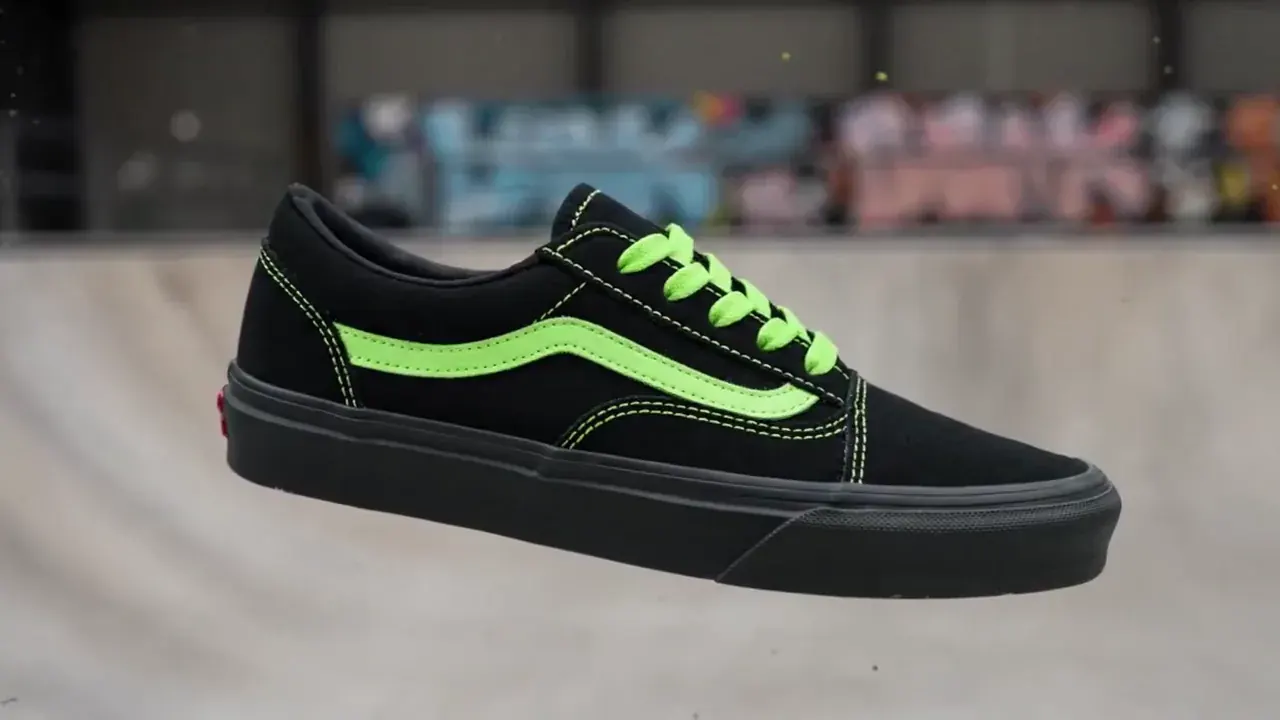
Sneaker paint drop
MiniMax H3 · 16:9 · 5s · 720p
{ "scene_description": "A white classic low-top canvas sneaker floats mid-air, slowly spinning. Suddenly, a burst of vibrant paint splashes across it — black and neon green. The shoe transforms instantly into a bold fashion-forward version in black with acid green details. In the blurred background, a skatepark can be seen, but the focus remains solely on the shoe.", "visual_style": "high-fashion streetwear", "camera_movement": "slow-motion rotation of the sneaker, locked-on shot with shallow depth of field", "audio_cue": "slow whoosh, paint burst impact, subtle tone shift at the transformation" }
Inspect each prompt beside its unedited MP4 from this video studio. Step through all eight MiniMax H3 and Wan 3.0 clips, or load any shot straight into the generator.
{ "scene_description": "A white classic low-top canvas sneaker floats mid-air, slowly spinning. Suddenly, a burst of vibrant paint splashes across it — black and neon green. The shoe transforms instantly into a bold fashion-forward version in black with acid green details. In the blurred background, a skatepark can be seen, but the focus remains solely on the shoe.", "visual_style": "high-fashion streetwear", "camera_movement": "slow-motion rotation of the sneaker, locked-on shot with shallow depth of field", "audio_cue": "slow whoosh, paint burst impact, subtle tone shift at the transformation" }
Editorial samples generated on MiniMax H3 and Wan 3.0 from the exact prompts shown.
Switch between MiniMax H3 and Wan 3.0 inside the same ai text to video workspace—or create a keyframe first with our image generators before animating.
4–15s · 720p / 1080p · Sound
Fluid camera motion, expressive action, 21:9 framing, and lip-synced speech.
2–15s · 720p / 1080p · Sound
Fast 2s social hooks up to 15s scenes with crisp lighting and native sound.
1K / 2K / 4K · Text & Edit
Craft custom start stills to pass straight into image to video workflows.
Multi-Ref · Typography
Render crisp product cards or title art ready for multi-frame video.
| Spec | MiniMax H3 | Wan 3.0 |
|---|---|---|
| Duration | 4–15s (default 8s) | 2–15s (default 5s) |
| Resolution | 720p / 1080p MP4 | 720p / 1080p MP4 |
| Aspect ratios | 16:9, 9:16, 1:1, 4:3, 3:4, 21:9 | 16:9, 9:16, 1:1, 4:3, 3:4 |
| Prompt limit | 7,000 chars | 5,000 chars |
| Per-second rate | 35 cr/s (720p) · 55 (1080p) | 120 cr/s (720p) · 240 (1080p) |
| Native audio | Speech, SFX & music | Dialogue, SFX & ambience |
Summary: our prompt-to-clip studio runs MiniMax H3 and Wan 3.0 (2–15s, 720p/1080p) with synchronized sound.
Describe a scene in plain words and let this studio direct camera motion, physics, lighting, and sound without timeline editing.
Our ai video generator from text synthesizes fresh 2–15s footage from scratch without stock templates. Google’s Veo prompt guide notes that pairing one clear action with explicit camera motion produces cleaner coherence than abstract adjectives.
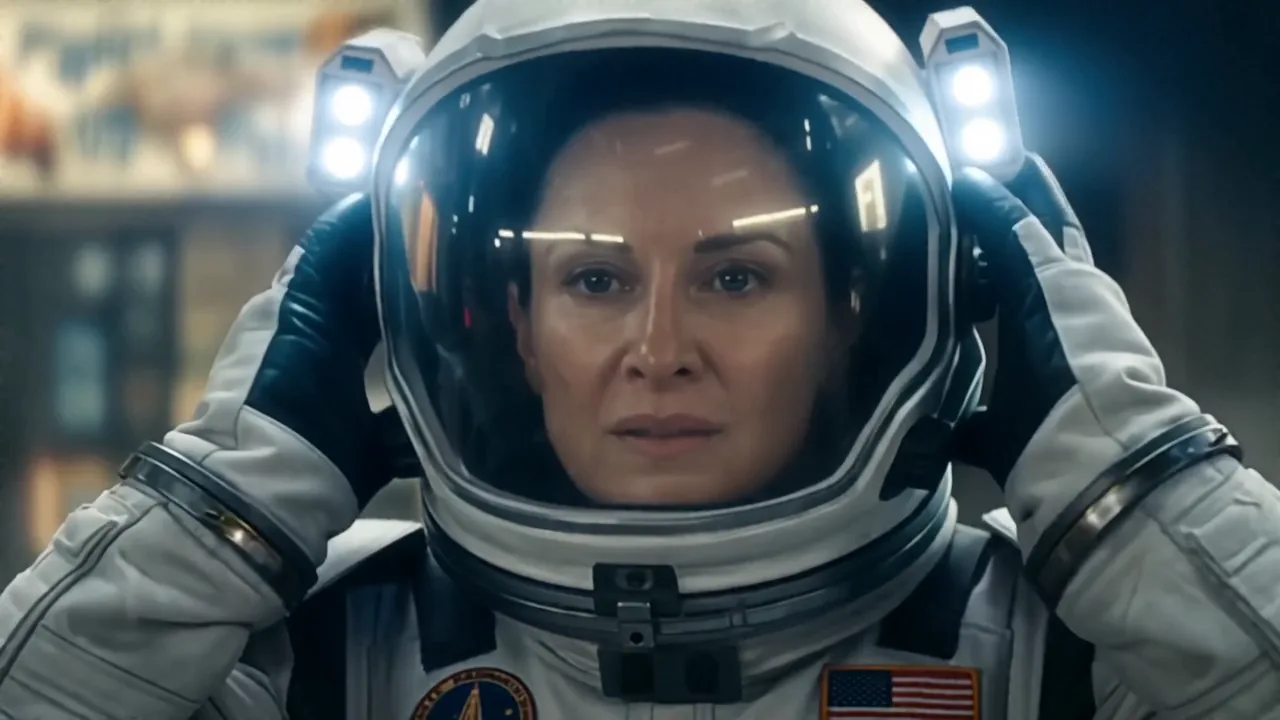
Lone astronaut walks through overgrown ruins, discovers a glowing flower, and lifts her helmet as sunlight breaks through.
Stuck on phrasing? Click Inspire me inside the prompt box to cycle starter shots, or follow the prompt recipe table at the bottom of this section. Unlike presenter script apps, prompt-based text2video rewards visible traits over filler.
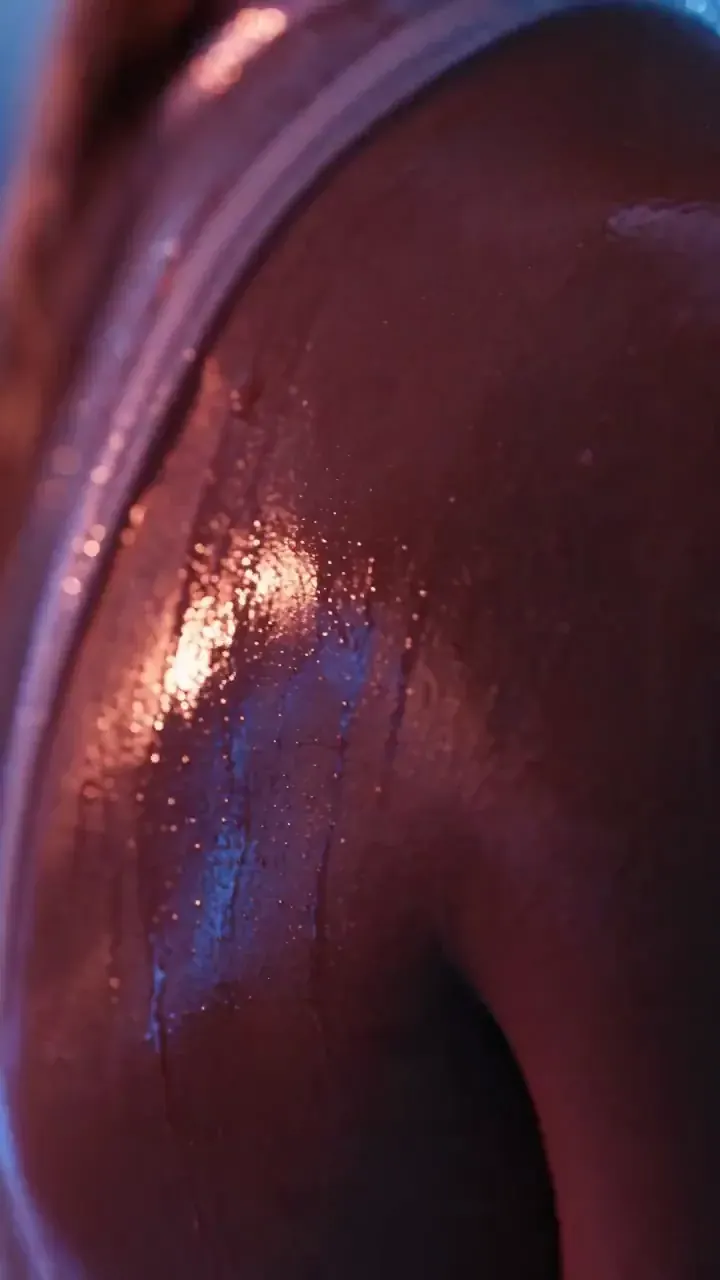
100mm macro of espresso pouring into warm glass, golden crema blooming. Sound: grinder winding down and pump hiss.
Every clip exports with speech, foley, or music muxed directly in MP4—zero external dubbing. Need character or product lock from photos? Switch seamlessly inside the same browser studio.
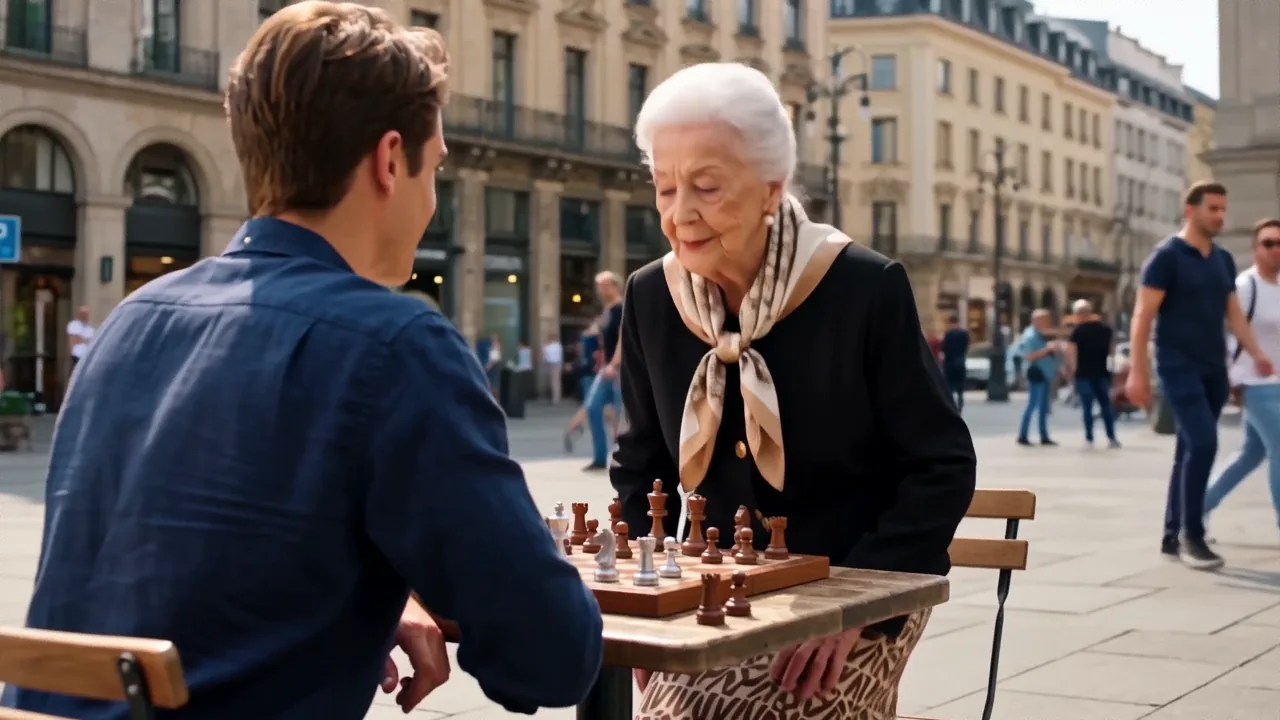
Close on carved wooden chess pieces, circling two players in a sunlit city square as bystanders gather.
| Part | Focus on | Strong cue |
|---|---|---|
| 1. Subject & Setting | Visible traits, light, place | orange cat in apron at sunlit cafe |
| 2. One Action | Single beat in clip window | pours latte art smoothly |
| 3. Camera & Audio | Shot scale, motion, SFX/dialogue | 50mm slow push-in, espresso hiss |
| Weak -> Strong | Turn vague words into visuals | "Dog at beach" -> "Corgi in sunglasses surfs turquoise wave, low track" |
Summary: focused ai text to video prompts combine subject, one action, setting, camera move, and sound.
| Goal | Mode | Inputs |
|---|---|---|
| Create scenes from words alone | Text to video AI (this page) | Prompt only |
| Animate a photo or start/end frame | Image to video | 1–2 frames + prompt |
| Keep subject face or product identical | Reference to video | 1–0 references + prompt |
Summary: start with text to video when generating original scenes, or move to image/reference mode to lock likeness.
Use time markers (0–4s, 4–8s) for multi-beat cuts inside MiniMax H3, or pass your ending frame into Image to Video for longer edits.
Write your shot, choose duration and shape with live button credit pricing, and download your clean MP4 right in Chrome or Safari.
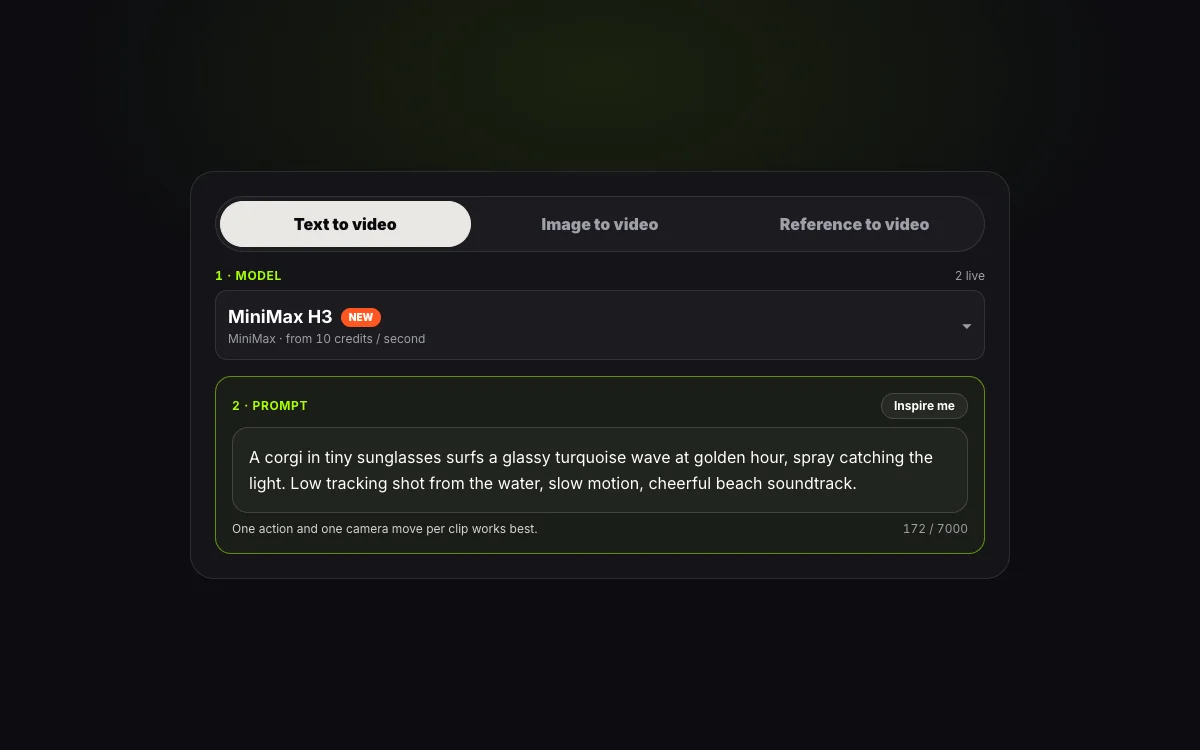
Select Text to video, type subject, action, camera move, and sound—or press Inspire me in the text video generator.
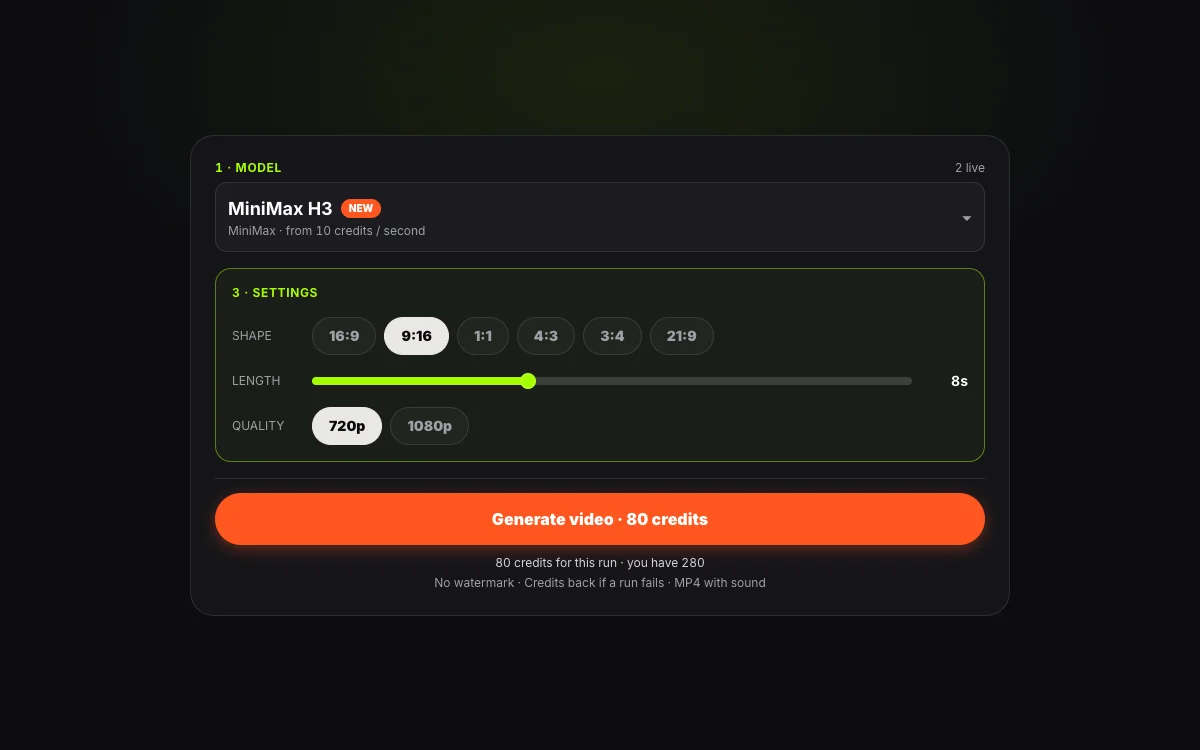
Choose MiniMax H3 (4–15s) or Wan 3.0 (2–15s), pick 9:16 or 16:9, and check exact credits.
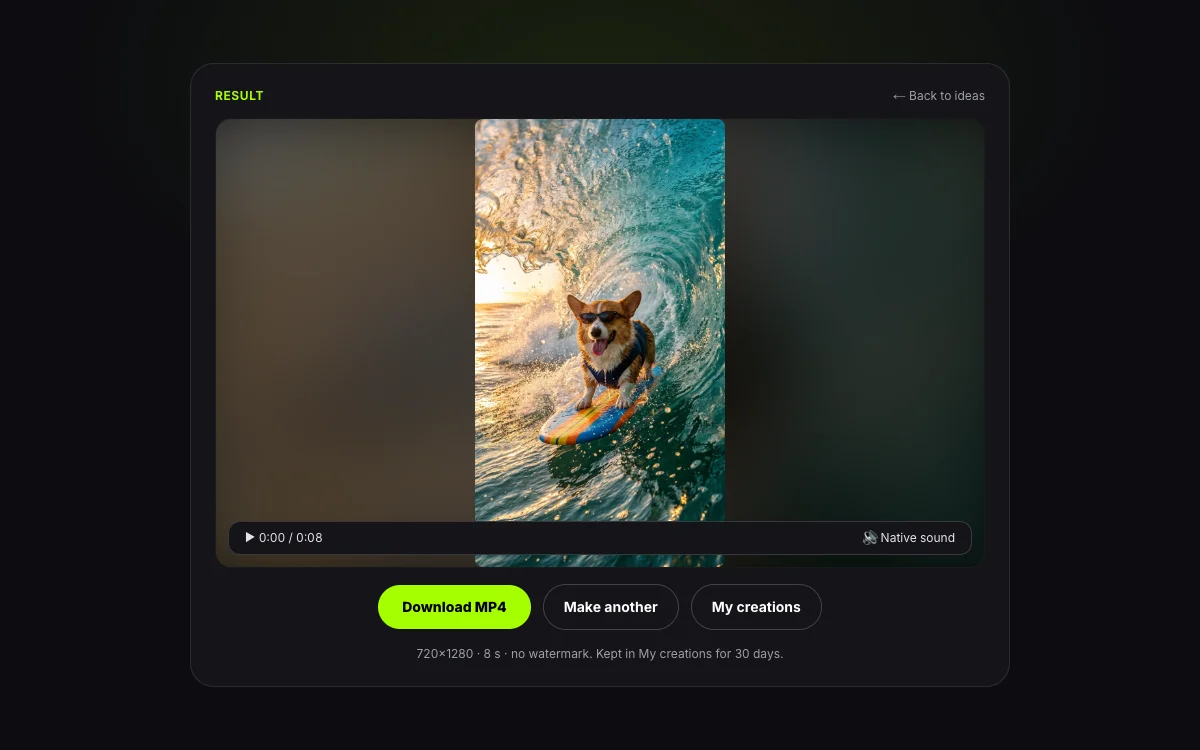
Download your sound-synced MP4 with zero watermark, stored in My creations for 30 days.
| Spec | Value |
|---|---|
| Duration & quality | 2–15s · 720p or 1080p MP4 with native sound |
| Ratios & retention | 16:9, 9:16, 1:1, 4:3, 3:4, 21:9 (H3) · saved 30 days |
| Failures & watermark | Zero watermark · failed runs refund credits automatically |
Summary: this generator outputs 720p/1080p MP4s (2–15s) with native sound and auto-refunds on failures.
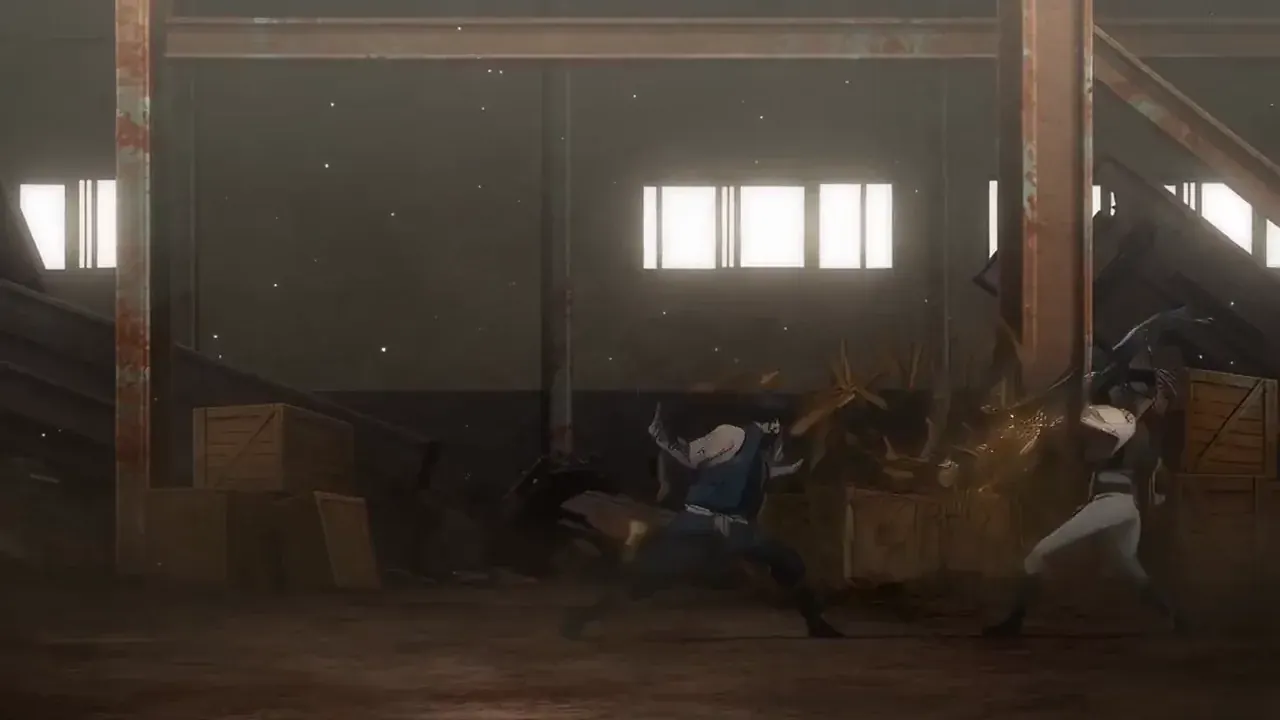
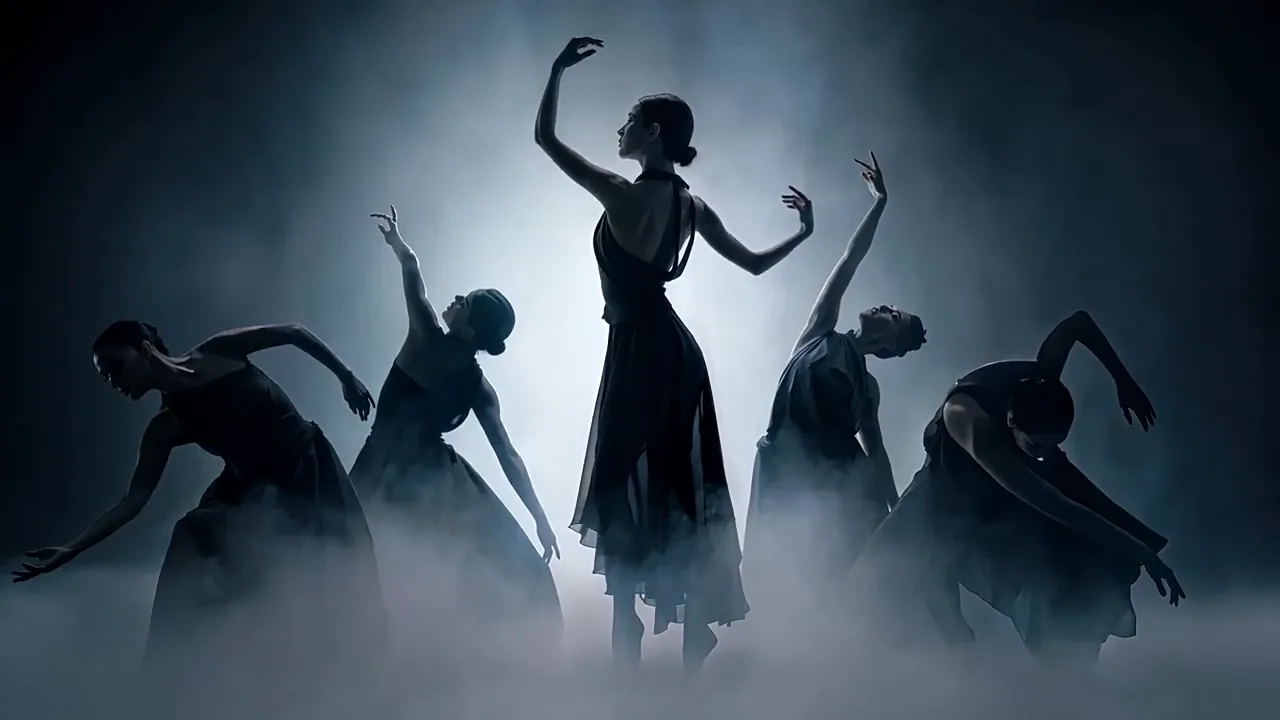
See how creators use text2video for vertical hooks, product spots, spoken skits, and stylized animations.
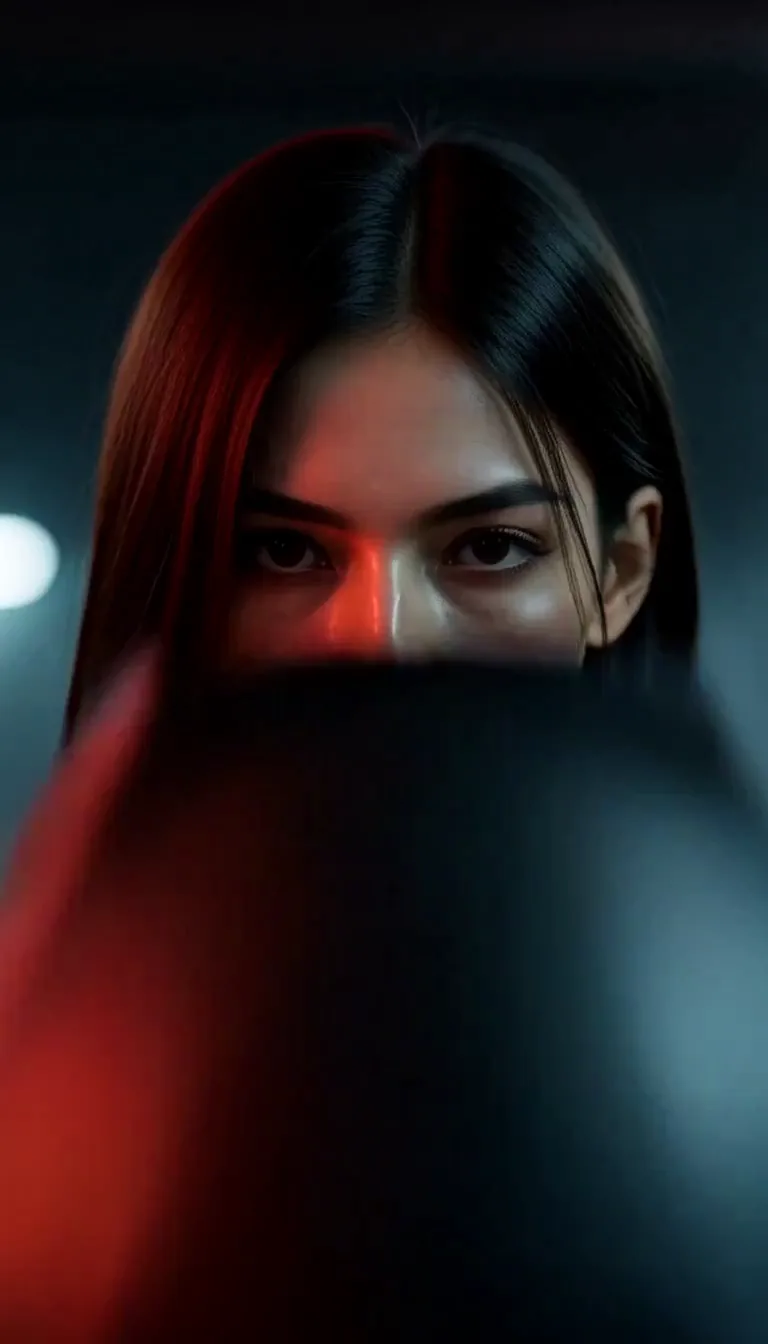
Render 9:16 natively for thumb-stopping openings paired with music or room tone in one pass.
Vertical 9:16 orbital zero-gravity pool party looking out at Earth, dynamic 35mm tracking shot.
Preview curated looks or jump into trending AI meme video templates.
See exact credit math before running any prompt—one-time packs stay valid 12 months, or choose plans on Pricing.
| Model | 720p | 1080p | 8s · 720p cost |
|---|---|---|---|
| MiniMax H3 | 35 credits/s | 55 credits/s | 280 credits |
| Wan 3.0 | 120 credits/s | 240 credits/s | 960 credits |
Summary: 720p starts at 35 credits/s on MiniMax H3 and 120 credits/s on Wan 3.0.
| Tier | Price | Credits | 8s H3 720p output |
|---|---|---|---|
| Small pack | $9.90 | 1,500 credits | 5× 8s ($0.23/s) |
| Medium pack | $24.90 | 4,000 credits | 14× 8s |
| Pro plan | $24.90/mo | 9,000/mo | 32× 8s ($0.10/s) |
| Premium plan | $99/mo | 40,000/mo | 142× 8s ($0.09/s) |
Summary: packs open at $9.90 (1,500 credits) with plans down to $0.09/s.
Unused credits on first packs qualify within 7 days under our refund policy; failed runs refund automatically.
Every render on our generator follows strict privacy and responsible use standards.
Download crisp H.264 MP4s with native audio and zero corner logos.
Server errors or rejections return credits automatically to your wallet.
Clips expire cleanly after 30 days and are never used for training.
Run text to video AI and switch video/image tools without desktop installs.
Pair text to video creation with photo animation, character reference locks, 4K image tools, and viral trend templates. Make the first frame with AI text to image before animating.
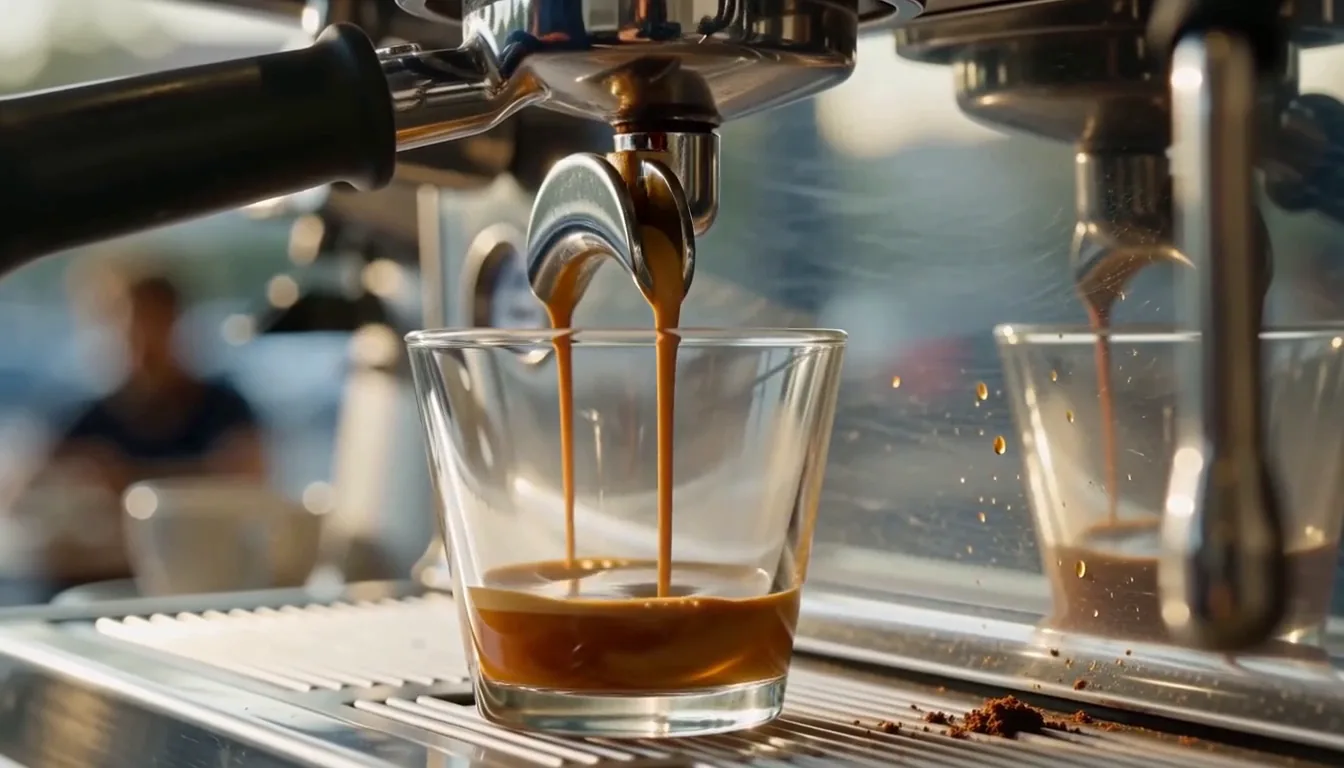 Photo to Clip
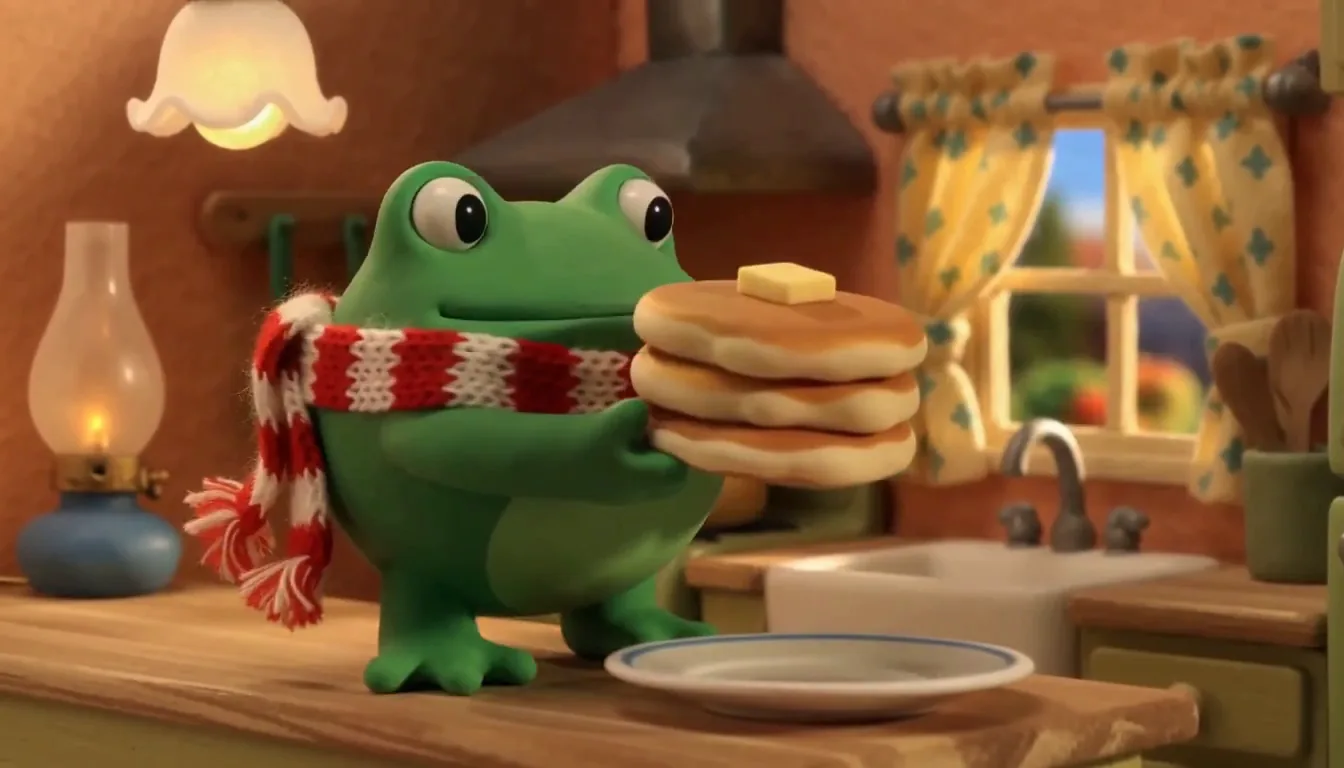
Animate portraits, products, or generated keyframes into motion.
 Character Lock
Upload up to five images to lock faces or props across new scenes.
 4K Stills
Create sharp 4K frames with Nano Banana 2.1 or GPT Image 2.
 Meme Maker
Upload one selfie into trending TikTok dance and reaction templates.
Describe your shot in the ai text to video prompt box, pick MiniMax H3 or Wan 3.0, and export your MP4 cleanly.