MiniMax H3 · MiniMax

MiniMax H3 AI Video Generator With Native Sound

Text, image and reference to video on MiniMax H3: 4 to 15 seconds at 720p or 1080p, with sound built in and no watermark.

  • Text, image & reference to video
  • 4–15 seconds
  • 480p / 720p / 1080p
  • Native sound
  • No watermark
0 / 7000
Native sound included

280 credits for this run

Describe what you want to make.

No watermark · Credits back if a run fails · MP4 with sound

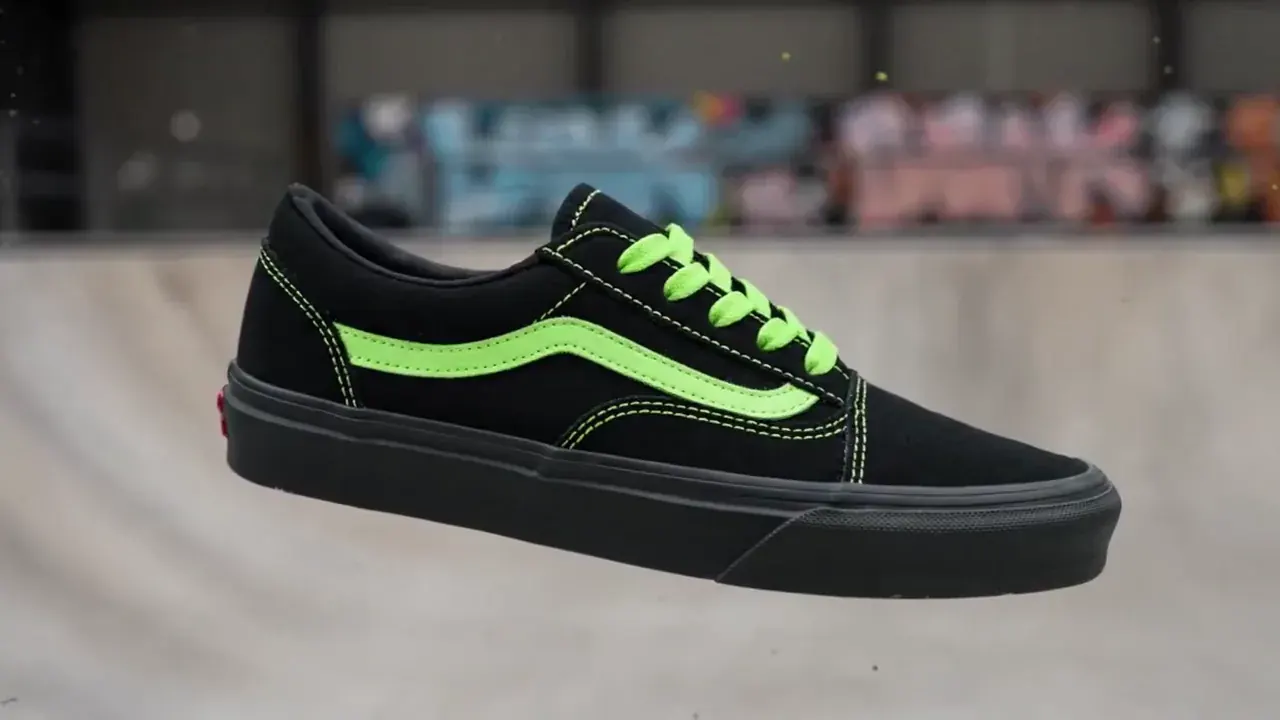
Sneaker paint drop

MiniMax H3 · 16:9 · 5s · 720p

{ "scene_description": "A white classic low-top canvas sneaker floats mid-air, slowly spinning. Suddenly, a burst of vibrant paint splashes across it — black and neon green. The shoe transforms instantly into a bold fashion-forward version in black with acid green details. In the blurred background, a skatepark can be seen, but the focus remains solely on the shoe.", "visual_style": "high-fashion streetwear", "camera_movement": "slow-motion rotation of the sneaker, locked-on shot with shallow depth of field", "audio_cue": "slow whoosh, paint burst impact, subtle tone shift at the transformation" }

Click any sample clip to preview1 / 6
Made With MiniMax H3

What Does the MiniMax H3 AI Video Generator Actually Make?

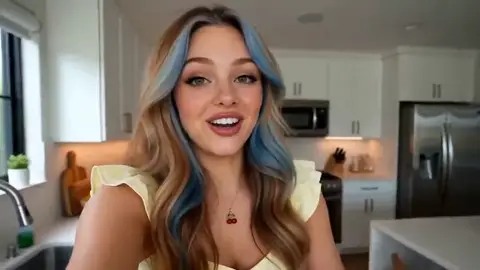
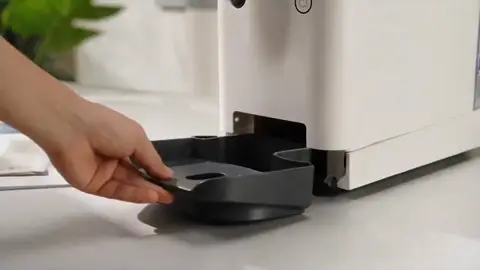
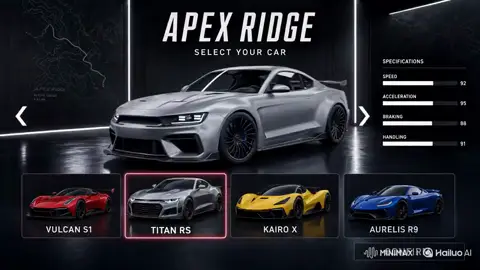
Four finished jobs and a reel of more, all editorial demos made with MiniMax H3 at up to 15 seconds. Turn the sound on to hear the voices and foley the model renders in the same pass as the picture.

Ecommerce & DTCMiniMax H3 · 16:9 · 15s

A Beat-Cut Product Spot in One Render

Colour backdrops change on the beat while the product stays on model. Write the cuts as timed beats and one reference image holds the pack shape from shot to shot.

Starter Recipe

0–2s coral backdrop, biscuit turning slowly as fruit orbits in. 2–3s cut to mint. Hold the biscuit from reference Image 1. Cut on an upbeat electronic pulse.

More MiniMax H3 Clips to Borrow From

Each one runs on the same generator above. Pick a look, then write your own version of the beats.

Soda UGC Taste Test
UGC · 15s
Car Before & After
Transformation · 15s
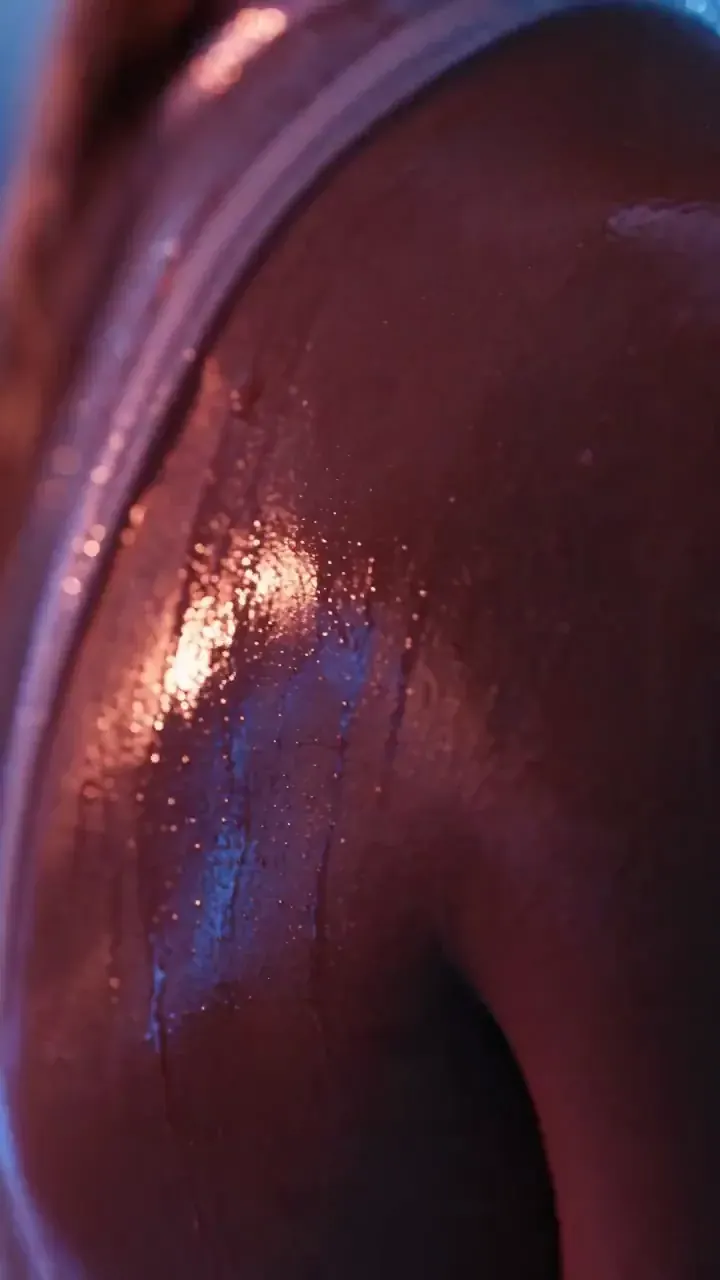
Coffee Product Macro
Product · 15s
Showroom Reveal
Car · 6s
Sneaker Paint Drop
Text to video · 5s
Podcast Host Dialogue
Dialogue · 8s
Capabilities

What Can the MiniMax H3 Video Model Do Well?

MiniMax H3 is built for clips with a voice, a camera and more than one beat. These are the five things it is picked for, each one on the generator at the top of this page.

Sound and Speech in the Same Pass

H3 renders speech, sound effects and music together with the picture, so a finished MP4 plays with its sound already in it. Quote the line you want spoken, describe the voice, and name the room it is said in. Sound is part of the prompt, not a later step.

Speech & SFXLip-SyncedMP4 With Sound
Native AudioGenerate MP4

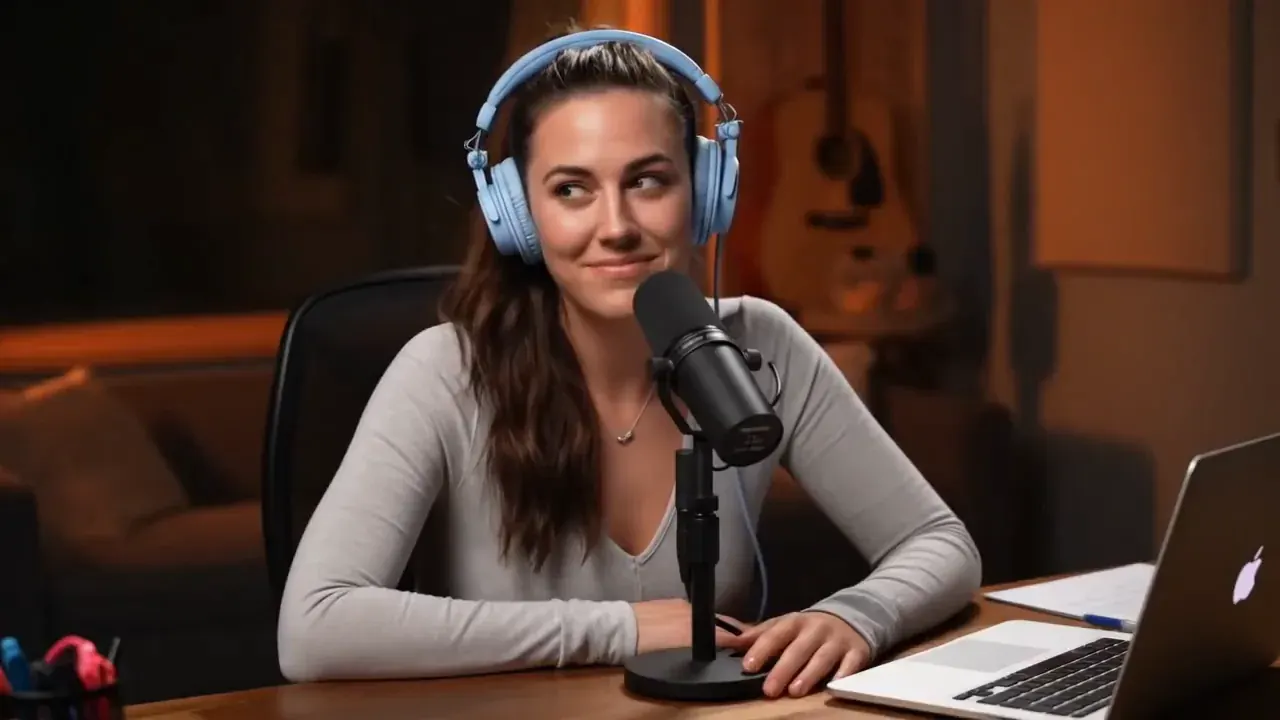
Static front shot of a grinning host at a podcast desk speaking into a mic in warm studio light.

Timed Beats and Multi-Shot Cuts Up to 15 Seconds

Clips run 4 to 15 seconds, long enough for three or four distinct shots. Mark beats with time ranges such as 0–4s and 4–8s and the model cuts between them while keeping the same subject and light.

4–15 SecondsTimed Beats
Multi-ShotGenerate MP4

Quick cuts from the pool to guests dancing in an orbital lounge as Earth glows through curved windows.

Reference to Video With Up to 9 Images, 3 Clips and 3 Audio Files

Attach a face, a product, a place or a motion clip and call each one by its label in the prompt. A single request takes up to 12 files in total, which is how the same character or pack shows up in every shot.

Image 1…9Clip & Audio Refs
Reference LockGenerate MP4

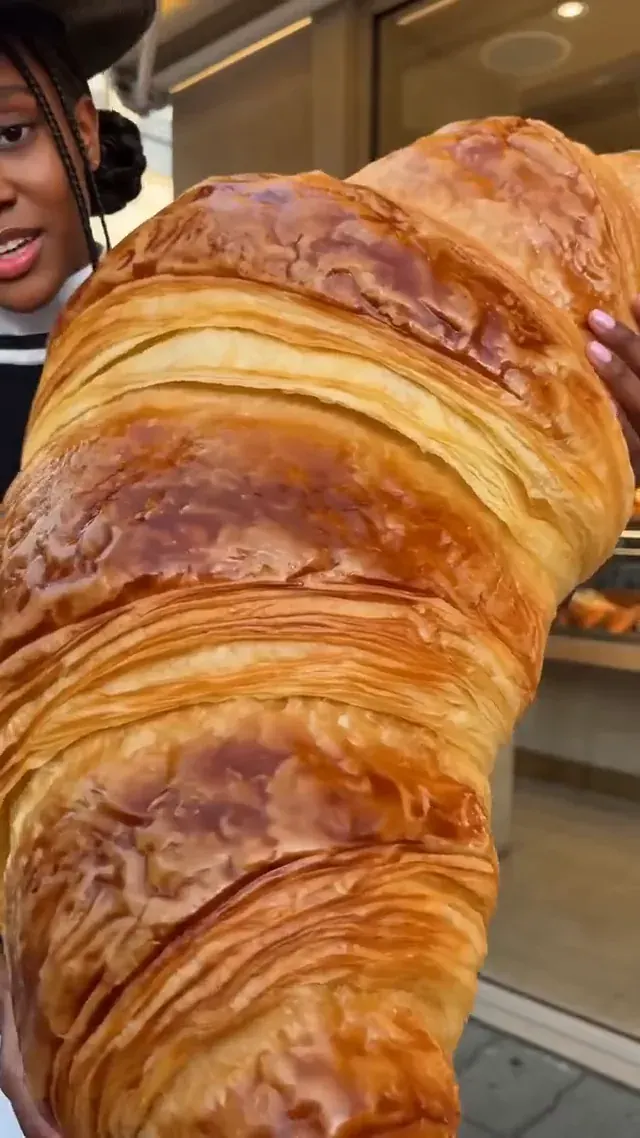
The creator from Image 1 holds the giant croissant from Image 2 and takes a bite on camera.

First Frame, and an Optional Last Frame

Start from a still you already have. Add a first frame and describe the motion, or add a last frame as well so the clip lands exactly where you want it. The clip takes the shape of your first frame, within a 0.4 to 2.5 width-to-height range.

First FrameOptional Last Frame
Image to VideoGenerate MP4

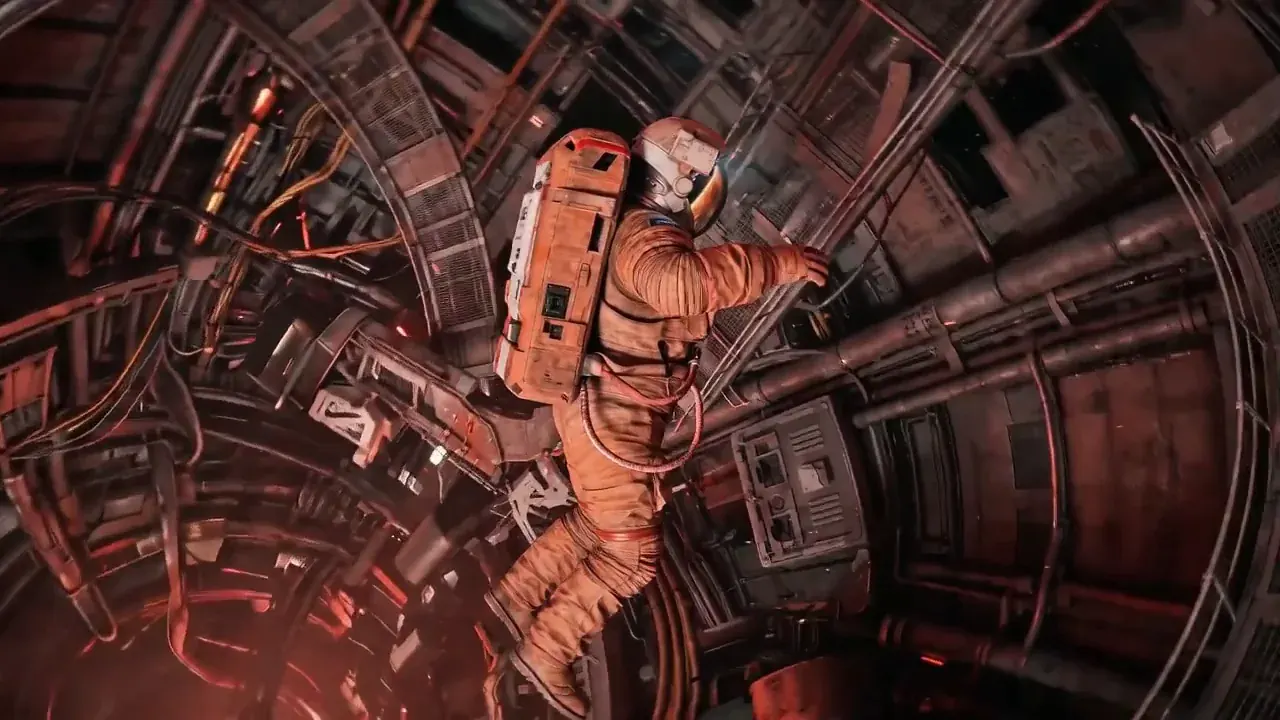
The astronaut pushes off and spirals down the Mars station corridor as the camera follows.

6 Shapes From Vertical to 21:9

Pick 9:16 for Reels, TikTok and Shorts, 16:9 for YouTube, 1:1 or 4:3 for feeds, or 21:9 for a wide cinematic frame. Quality is 720p or 1080p, and a vertical clip bills at the same per-second rate as a wide one.

16:9 · 9:16 · 1:14:3 · 3:4 · 21:9720p / 1080p
9:16 · 15sGenerate MP4

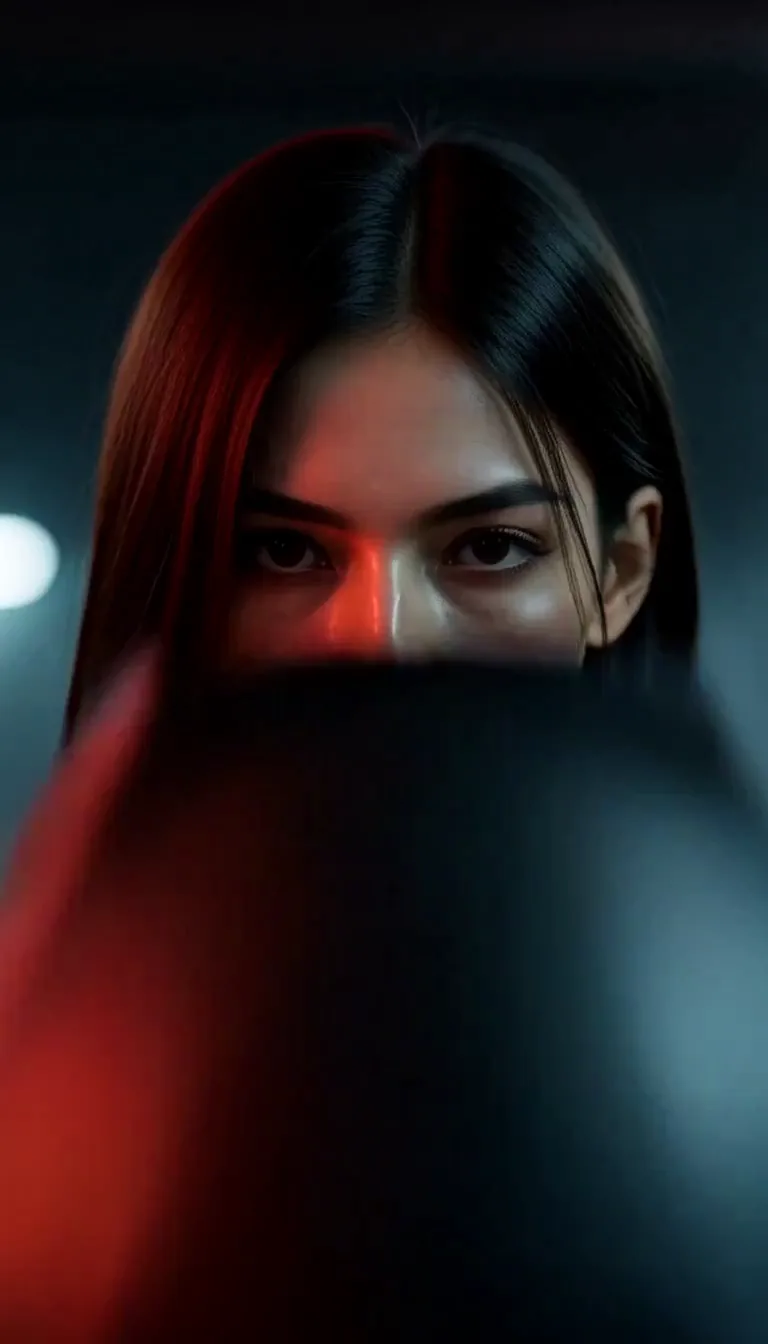
Vertical tracking shot of a rider on a neon-lit street, rain on the asphalt, engine sound building.

The Model

What Is MiniMax H3?

MiniMax H3 is the video model from MiniMax that this page runs. It takes a written prompt, up to 9 reference images with clips and audio, or a first and last frame, and returns an MP4 of 4 to 15 seconds with sound already in it. The MiniMax H3 AI video generator above is the browser front end for it: no API key, no install.

What sets it apart from a silent clip model is that speech, effects and music come out of the same pass as the picture. That changes how you write for it: a good prompt describes what is heard as well as what is seen, and a good result needs no dubbing step afterwards.

We run H3 beside Wan 3.0 in one workspace and bill both from the same credit balance, so you can try the same idea on each and keep the better take. Failed renders return their credits automatically.

  • 4–15 second clips
  • Sound generated with the picture
  • Text, image and reference input

MiniMax H3 at a Glance

Model Card
6 Facts
MiniMax H3 on this generator: what it takes and what it returns
ItemMiniMax H3
Made byMiniMax
InputText prompt, first and last frame, or reference images, clips and audio
OutputMP4 with sound, no watermark
Length4–15 seconds (default 8)
Quality720p or 1080p
Prompt lengthUp to 7,000 characters
← Swipe horizontally to read full table →

Summary: MiniMax H3 makes 4–15 second MP4s with sound from text, frames or references, at 720p or 1080p.

Model Comparison

MiniMax H3 or Wan 3.0: Which Video Model Should You Use?

Both run in the same workspace on the same credits, so the choice is about the shot, not the account. Pick by what the clip needs, and if a take misses, run the same prompt on the other model.

H3 vs Wan 3.0
6 Specs
MiniMax H3 compared with Wan 3.0 on the same generator
SpecMiniMax H3Wan 3.0
Length4–15s (default 8s)2–15s (default 5s)
Shapes6, including 21:95, no 21:9
Reference files9 images, 3 clips, 3 audio10 images, 5 clips, 5 audio
Prompt limit7,000 characters5,000 characters
720p rate35 credits per second120 credits per second
1080p rate55 credits per second240 credits per second
← Swipe horizontally to read full table →

Summary: choose H3 for clips from 4 to 15 seconds with speech and 21:9, and Wan 3.0 for 2 to 3 second hooks.

Use Cases

Where Does the MiniMax H3 Video Model Fit?

H3 earns its place where a clip needs a voice or several beats. These are the jobs it suits, with the mode to start in.

Ads & SocialText or reference · 9:16 · 8s

Creator-Style Ads and Short Social Video

Draft a spoken ad or a vertical hook in one render, then change the line, the setting or the shape and run it again to test variants.

  • Quote the spoken line and name the tone
  • 9:16 and 16:9 cost the same per second
  • Reference mode keeps the same creator in every variant
Product & BrandImage or reference · 16:9 · 15s

Product Spots, Reveals and Logo Stings

Hold a pack, a bottle or a logo on model with a reference image, then direct the camera and the cut rhythm beat by beat.

  • Attach up to 9 product angles
  • Time the cuts to a named beat or sound
  • Use a last frame to land on the final pack shot
Story & PrevisReference · 21:9 · 15s

Storyboards, Trailers and Short Drama

Block out a scene as timed beats before a shoot, or cut a teaser from character references. Multi-shot prompts keep the cast and the light consistent.

  • Write 0–4s, 4–8s beats in one prompt
  • Use 21:9 for a wide cinematic frame
  • Reference clips carry a motion you want to repeat
Creators & MusicText · 16:9 · 8s

Music Visuals, Skits and Animated Shorts

Give a track a picture, put a skit line in a character mouth, or style a clip as claymation or anime and let the model carry the sound.

  • Name the style: clay, felt, anime, 35mm film
  • Add a reference audio file to set the voice or beat
  • Keep one action per beat for clean results

Not sure which input fits your idea? The mode guide below compares text, image and reference to video on MiniMax H3.

How to Use

How Do You Use the MiniMax H3 AI Video Generator?

Three steps from prompt to MP4. The generator at the top of this page runs MiniMax H3 by default, and the price shows on the button before you press it.

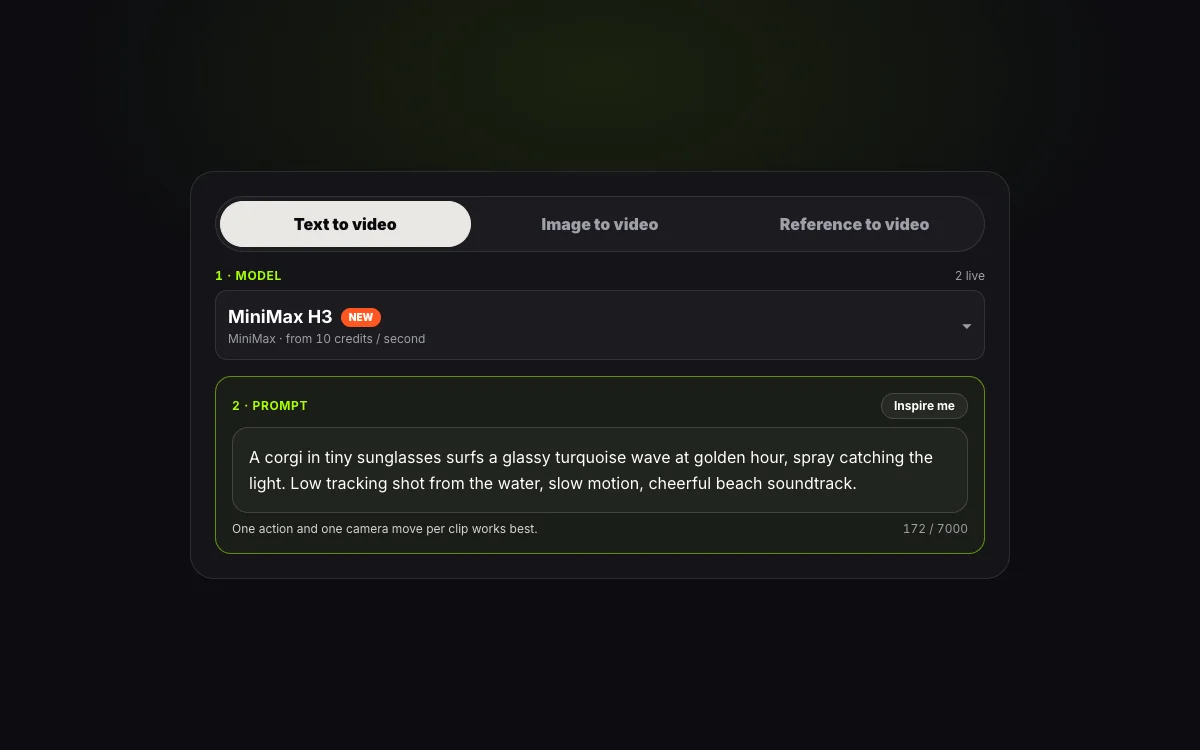
  1. STEP 01Step 01 · Prompt
    Step 1: writing a shot prompt in the MiniMax H3 generator

    Step 1: Pick an Input and Write the Shot

    Choose Text, Image or Reference. Describe the subject, one action, the camera and the sound, or press Inspire me for a starter prompt.

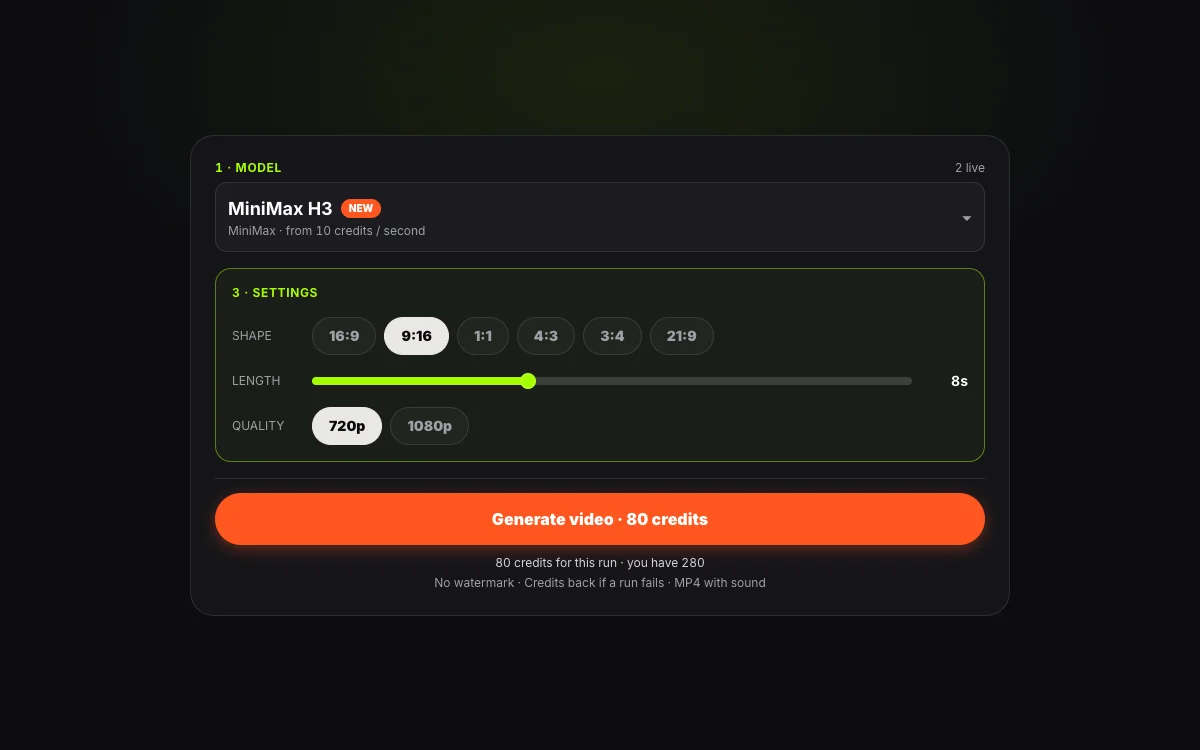
  2. STEP 02Step 02 · Settings
    Step 2: choosing shape, length and quality for a MiniMax H3 clip

    Step 2: Set Shape, Length and Quality

    Choose a shape, a length from 4 to 15 seconds and 720p or 1080p. The credit price updates as you change them.

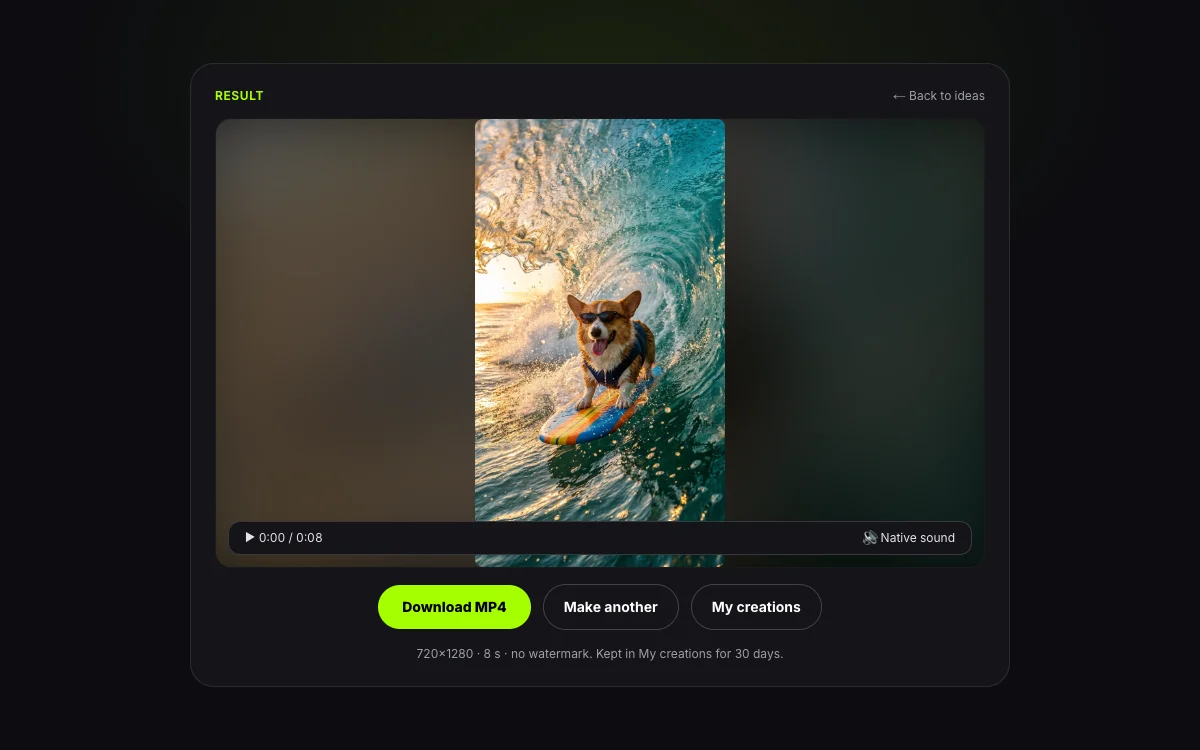
  3. STEP 03Step 03 · Export
    Step 3: downloading a finished MiniMax H3 MP4 clip

    Step 3: Generate and Download

    Press Generate and watch it render. The MP4 has sound and no watermark, and stays in My creations for 30 days. A failed run returns its credits.

Prompting

How Should You Prompt MiniMax H3?

H3 follows a prompt closely, so structure beats length. Say what is seen, how the camera moves and what is heard, and keep each beat to one action.

Prompt Formula5 Parts
  1. 01Subject & setting
  2. 02One action
  3. 03Camera
  4. 04Sound
  5. 05Style
MiniMax H3 Prompt Formula
5 Parts
A five-part prompt formula for MiniMax H3 with a strong cue for each part
PartSayExample cue
Subject & settingWho or what, where, in what lighta barista in a green apron, sunlit corner cafe
One actionA single visible movement per beattilts the pitcher and pours a slow leaf
CameraShot size and one move50mm close-up, slow push-in
SoundWhat is heard, and any spoken line in quotesmilk hiss, soft cafe chatter, she says "There you go."
StyleLook, grade or mediumwarm film grain, shallow depth of field
← Swipe horizontally to read full table →

Summary: a strong MiniMax H3 prompt names the subject, one action, the camera, the sound and the style.

Because H3 renders sound with the picture, put spoken words in quotes and describe the voice in a few words. If you add a reference audio file, say which part it sets, such as the beat, the voice or the room.

Weak Prompt vs Strong Prompt

Rewrite Examples
3 Rewrites
Weak and strong MiniMax H3 prompts for the same idea
WeakStrong
A car driving fastLow tracking shot beside a dark coupe on a wet night road, neon reflecting off the bodywork, engine note rising
A woman talking about skincareHandheld selfie in a bright bathroom, she holds a dropper bottle and says "I switched a month ago" in a warm easy tone
A cool product ad0–3s bottle on a mint backdrop turning slowly, 3–6s cut to coral, camera pushes in, upbeat pulse on every cut
← Swipe horizontally to read full table →

Summary: replace feeling words with what the camera sees and the microphone hears.

Timed Beats for Multi-Shot Clips

For a clip with more than one shot, write beats as time ranges: 0–4s the wide establishing shot, 4–8s the cut to a close-up, 8–12s the final pack shot. Keep the times inside the length you choose, and give each beat one action. For an exact ending, add a last frame in image mode.

Before You Press Generate

Pre-Flight Check
4 Checks
A last check before running a MiniMax H3 prompt
CheckWhy it matters
One action per beatTwo actions in one beat split the model’s attention
Camera named onceCompeting camera moves make the shot drift
Sound describedSilence is only what you ask for, so say what is heard
References labelledCall each file Image 1, Video 1 or Audio 1 in the prompt
← Swipe horizontally to read full table →

Summary: one action, one camera move, a described sound and labelled references make H3 clips land on the first try more often.

Specs & Limits

What Are the MiniMax H3 Limits on This Generator?

The numbers below are read from the live generator, not from a brochure. If a limit ever changes, this table changes with it.

Specs & Limits
9 Limits
MiniMax H3 limits and options on this generator
ItemLimit
Length4 to 15 seconds, default 8
Quality720p or 1080p MP4 with sound
Shapes16:9, 9:16, 1:1, 4:3, 3:4, 21:9
PromptUp to 7,000 characters
Frames (image mode)One first frame, one optional last frame, shape 0.4 to 2.5 width to height
References9 images, 3 clips and 3 audio files, 12 files in total
Upload sizeImages up to 20 MB
WatermarkNone
Saved30 days in My creations; uploads deleted after 24 hours
← Swipe horizontally to read full table →

Summary: MiniMax H3 here makes 4–15 second MP4s at 720p or 1080p with up to 12 reference files.

Choosing a Mode

Which MiniMax H3 Mode Fits Your Idea?

The same model sits behind three inputs. Choose by what you already have in hand.

H3 Modes
3 Modes
When to use text, image or reference to video on MiniMax H3
You haveUseGives you
Only an ideaText to videoA scene made from words, with the look and sound you describe
One photo or twoImage to videoYour still brought to life, with an optional exact last frame
A face, product or motion to keepReference to videoThe same subject across new scenes, from up to 9 images, 3 clips and 3 audio files
← Swipe horizontally to read full table →

Summary: start in text for new scenes, image for a photo you own, and reference when a subject must stay recognisable.

Pricing & Credits

How Much Does MiniMax H3 Cost Per Clip?

You pay per second of video, shown on the Generate button before you press it. Packs never expire, and plans are on the pricing page.

H3 Credit Cost
3 Clips
MiniMax H3 cost for common clip lengths
Clip720p1080p
4 seconds140 credits220 credits
8 seconds280 credits440 credits
15 seconds525 credits825 credits
← Swipe horizontally to read full table →

Summary: MiniMax H3 costs 35 credits per second at 720p and 55 at 1080p.

Packs & Plans
4 Tiers
Credit packs and plans for MiniMax H3 video
TierPriceCredits8s clips at 720p
Small pack$9.901,500 credits5
Medium pack$24.904,000 credits14
Pro plan$24.90/mo9,000/mo32
Premium plan$99/mo40,000/mo142
← Swipe horizontally to read full table →

Summary: packs start at $9.90, and an 8 second 720p H3 clip is 280 credits.

Spend Fewer Credits Per Good Clip

  1. 1Test the idea at 4–5 seconds and 720p (175 credits at 5 seconds) before committing to 15 seconds at 1080p.
  2. 2One action and one camera move per beat gets a usable take in fewer runs.

A failed run returns its credits automatically. Unused credits on a first pack qualify for a refund within 7 days under our refund policy.

Know Before You Run

What Will MiniMax H3 Not Do?

Knowing the edges saves credits. These are the limits that matter most, and what to do about each.

01

15s

Longest single clip

Need more? Render beats as separate clips and join them, passing the last frame of one in as the first frame of the next.

02

0.4 to 2.5

Frame and reference shape

Images outside this width-to-height range are refused. Crop a very tall or very wide image first.

03

18+

Your own, or permitted, images only

Upload only images you own or may use, of adults who agree. Impersonating a real person is not allowed under our terms.

04

1080p

A higher tier than 720p

1080p needs credits from a pack or a Pro plan, so check the lock on the quality menu before you plan a batch.

Reference audio needs a picture to go with it

An audio file alone is not accepted: pair it with at least one image or clip so the model knows who is speaking.

Label realistic footage

Clips that look like real events should carry the AI label that TikTok and YouTube ask for. See our responsible use page.

MiniMax H3 FAQ

Questions About the MiniMax H3 AI Video Generator

1.What is MiniMax H3?

MiniMax H3 is a video generation model from MiniMax. It turns a prompt, a first and last frame, or reference images, clips and audio into an MP4 of 4 to 15 seconds with sound. This page is a browser generator for it.

2.Does MiniMax H3 generate sound?

Yes. Speech, sound effects and music are generated together with the picture, so the MP4 plays with its sound in it. Put spoken words in quotes and describe what should be heard.

3.How long can a MiniMax H3 video be?

From 4 to 15 seconds per clip, with 8 seconds as the default. For a longer piece, render beats as separate clips and join them.

4.How much does MiniMax H3 cost?

It costs 35 credits per second at 720p and 55 at 1080p, so an 8 second 720p clip is 280 credits. Packs start at $9.90 and the exact price shows on the Generate button.

5.MiniMax H3 or Wan 3.0, which should I use?

Choose MiniMax H3 for clips of 4 to 15 seconds with speech, timed multi-shot prompts or 21:9 framing. Choose Wan 3.0 for 2 to 3 second hooks or when you need more reference files. Both draw on the same credits.

6.Can MiniMax H3 keep a character consistent across videos?

Yes, through reference to video. Attach up to 9 images of the person, pet or product, name each one in the prompt, and the subject keeps its look across new scenes.

7.Can I start a MiniMax H3 video from a photo?

Yes. Use the Image tab, add a first frame and describe the motion. You can add a last frame too, so the clip ends where you want. Images should sit within a 0.4 to 2.5 width-to-height range.

8.What happens if a MiniMax H3 run fails?

The credits for that run return to your balance automatically. To get a cleaner take, simplify the prompt to one action and one camera move, or try the same idea on Wan 3.0.
Start Now

Ready to Make Your First MiniMax H3 Video?

Write your shot in the prompt box, pick a length and quality, and download an MP4 with sound and no watermark. The price shows before you press Generate.