Nano Banana 2.1 · 16:9 · 2K · 120 credits
Architectural fashion
A fashion editorial of a woman in a green dress walking down a bright yellow staircase against a pink motel facade. Geometric composition, warm sunlight.
Describe a picture or edit one you have. Pick a model and download the result.
One subject and one clear style per prompt works best.
0 / 5000
90 credits for this image
Describe what you want to make.
No watermark · Image download · Credits back if a run fails
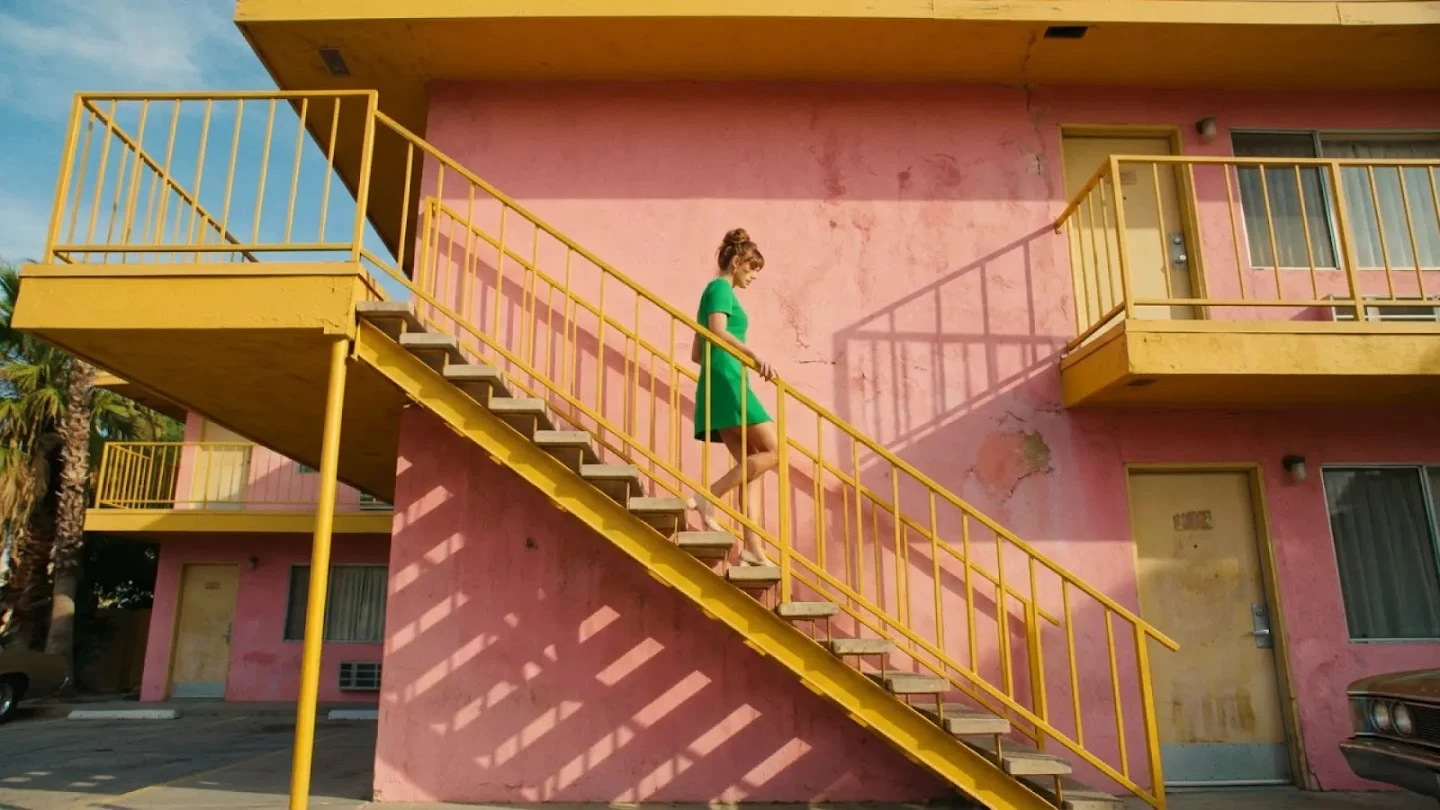
Architectural fashion
Nano Banana 2.1 · 16:9 · 2K
A fashion editorial of a woman in a green dress walking down a bright yellow staircase against a pink motel facade. Geometric composition, warm sunlight.
This image generator AI turns plain sentences and reference photos into studio-grade visuals up to 4K. Every sample below shows the exact prompt, model, aspect ratio and credit cost used to generate a picture in one run.
Swipe to inspect all 6 prompts
Editorial demo outputs from our all-in-one AI image maker. Results vary between runs.
| Visual style | Creation mode | Recommended model | Output spec |
|---|---|---|---|
| Architectural fashion photo | Text to image | Nano Banana 2.1 | 16:9 · 2K (120 credits) |
| Quoted coffee launch poster | Text to image | GPT Image 2 | 2:3 · 2K (350 credits) |
| 3D metallic typography art | Text to image | Nano Banana 2.1 | 16:9 · 4K (250 credits) |
| Clean e-commerce product cutout | Text to image | GPT Image 2 | 1:1 · 1K (120 credits) |
| 4-angle character turnaround | Text to image | GPT Image 2 | 3:2 · 2K (350 credits) |
| Relit luxury handbag editorial | Image to image (1–5 refs) | Nano Banana 2.1 | Auto shape · 2K (120 credits) |
Every image generator AI run exports a clean PNG with zero watermark, starting from 40 credits per picture.
Instead of juggling separate subscriptions, our all-in-one AI image maker puts leading AI image generation models under one roof. Switch between the Nano Banana full series, the GPT Image full series, Seedream and Qwen Image inside a single prompt box.
1K / 2K / 4K · 90–250 cr · 1–5 Refs
Flagship photo generator AI built for native 4K photorealism, realistic skin and fabric textures, 8 aspect ratios and multi-photo reference locking.
Fast 1K Drafts to 4K Studio Masters
Complete Nano Banana lineup (Nano Banana Pro and standard Nano Banana) covering rapid concept iteration, natural daylight optics and consistent character restyling.
1K / 2K · 120–350 cr · Quoted Text
Instruction-tuned engine that spells headlines, posters, product labels, comics and multi-subject layouts accurately right on the canvas.
1K / 2K · Graphic & Sticker Design
Full GPT Image generation family for transparent-feel cutouts, UI mockups, conversational photo edits and repeatable character turnaround sheets.
Cinematic Portraits & Editorial Art
High-aesthetic photo generator AI engine celebrated for studio portrait lighting, filmic color grading, fashion lookbooks and stylized illustration.
Multi-Style & Bilingual Typography
Versatile AI image generation models engineered for complex spatial prompts, bilingual poster lettering, e-commerce staging and structured compositions.
Keep Face, Product & Layout
Upload 1 to 5 photos to swap backgrounds, relight scenes or convert sketches into photos without losing your subject.
2–15s · 720p / 1080p MP4
Send any generated picture into our video studio to animate camera motion, lip-synced speech and native sound effects.
| Model family | Versions covered | Top resolution | Reference photos | Best used when you want to… |
|---|---|---|---|---|
| Nano Banana Series | Nano Banana 2.1, Nano Banana Pro, Nano Banana | 4K (3840 px) | Up to 5 photos | Generate a picture with realistic camera light, product textures or locked facial identity |
| GPT Image Series | GPT Image 2, GPT Image 1.5 | 2K (up to 2,496 px) | Up to 5 photos | Render crisp headlines inside posters, ad banners, character turnaround sheets or stickers |
| Seedream Series | Seedream 3.0, Seedream Pro | 2K–4K studio tier | Style & subject guidance | Craft cinematic portraits, editorial lookbooks, anime key visuals and atmospheric art |
| Qwen Image Series | Qwen Image, Qwen Edit | 2K high-detail tier | Multi-element control | Build structured commercial graphics, bilingual typography and e-commerce lifestyle sets |
Model summary: Nano Banana 2.1 (90–250 credits) and GPT Image 2 (120–350 credits) are live in the picker today, with expanded Nano Banana, GPT Image, Seedream and Qwen Image tiers unified in one wallet.
Most tools force you to choose between a raw text-to-image generator and a separate photo editor. Our image generator AI unifies text-to-image creation, multi-reference photo editing and in-image typography in one workspace.
Type a scene and let our photo generator AI build lighting, lens depth and surface texture from scratch. Switch between text to image AI engines to draft at 1K for 90 credits or master in 4K for print and widescreen campaigns.
Editorial fashion photo on a sunlit yellow staircase, pink stucco wall, 35mm lens.
Already have a product shot, selfie or sketch? Switch this AI image maker to image to image AI, drop in up to 5 reference pictures, and tell the model what to change and what to keep. Your subject stays recognizable while the background, outfit or time of day transforms.
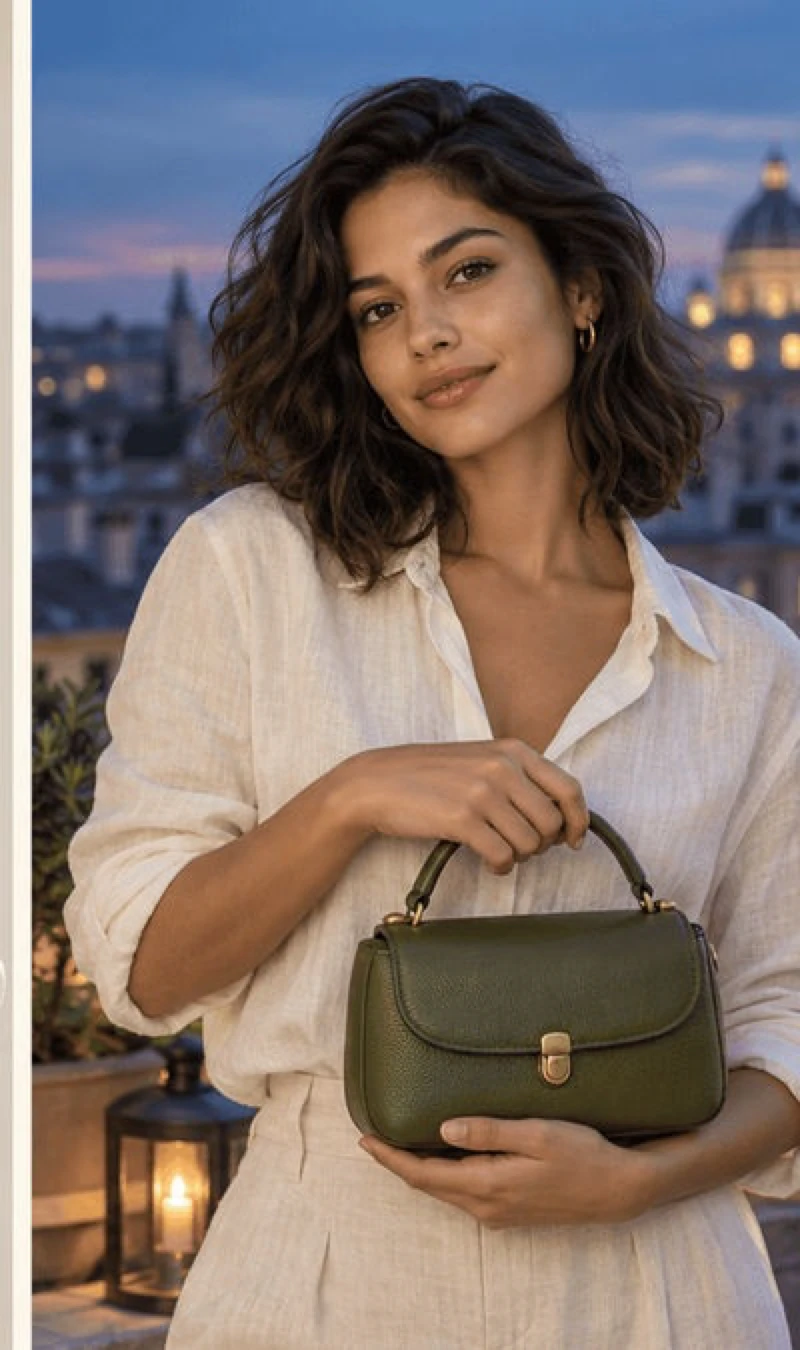
Place the olive leather handbag on a Roman rooftop at dusk. Keep hardware and stitching identical.
Stop exporting blank backgrounds just to add text in another app. Select GPT Image 2 or Qwen Image in our image generator AI, place your headline inside quotation marks, and generate a picture with crisp lettering, signage, book covers or meme captions baked directly into the artwork.
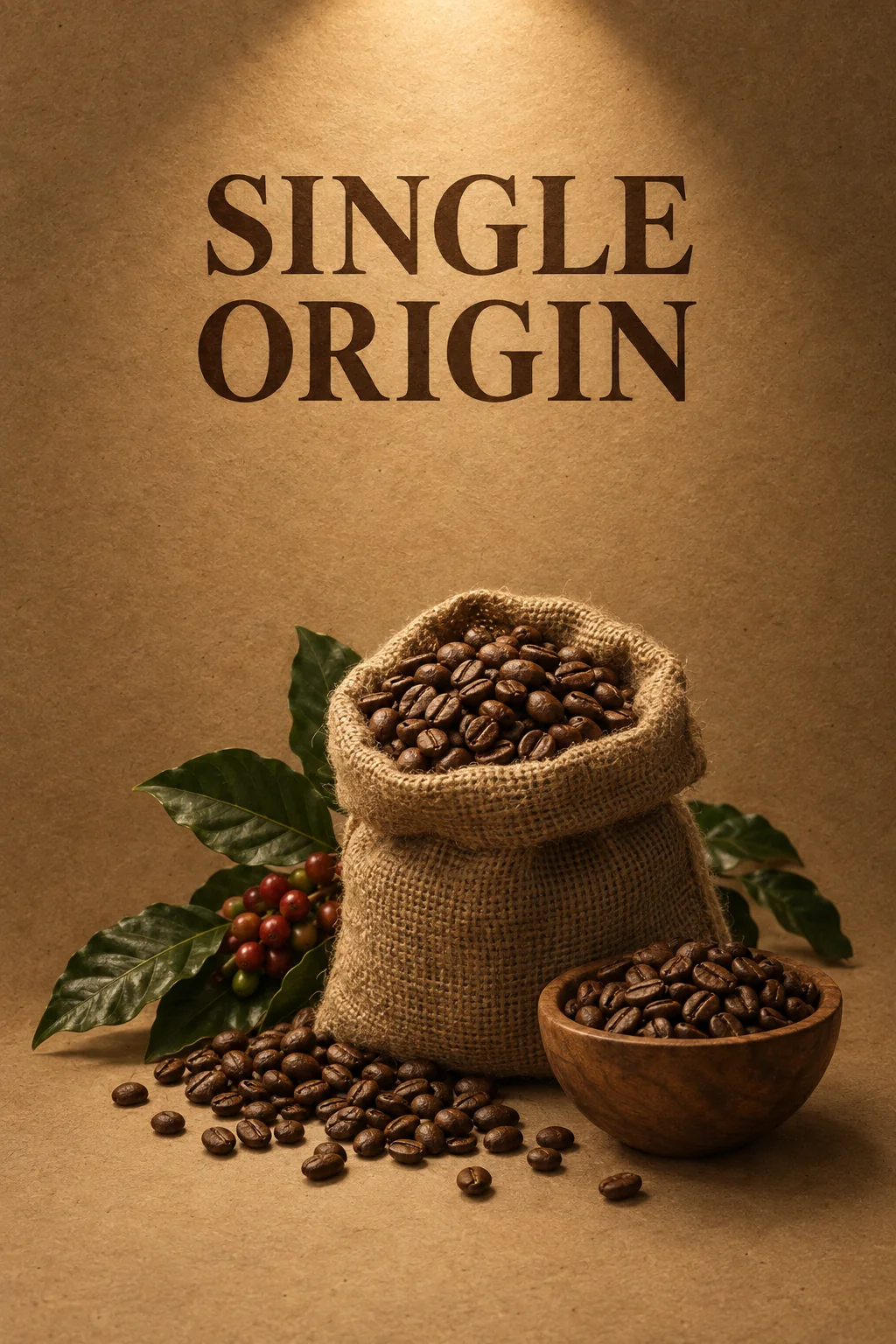
Minimalist coffee roaster poster on kraft paper, bold headline "SINGLE ORIGIN" centered at top.
| Capability | Text to Image Mode | Image to Image Mode |
|---|---|---|
| Starting input | Written prompt only | 1 to 5 photos + written prompt |
| Aspect ratios | Up to 8 shapes (1:1 to 21:9) | Follows your first reference photo |
| Primary goal | Generate a picture from imagination | Relight, restyle or swap backgrounds while keeping subjects |
| Dedicated workspace | Text to Image AI | Image to Image AI |
Both modes share the same credit balance and AI image generation models, so you can draft from text and refine with photo references in seconds.
No single algorithm wins every prompt. Photorealistic AI image generation models like the Nano Banana series and Seedream excel at skin, fabric and natural optics, while instruction-tuned engines like the GPT Image series and Qwen Image dominate text rendering and multi-object placement.
You do not need Discord commands, local GPU setup or node graphs. Pick your mode, choose from our AI image generation models, and generate a picture right in the browser with the exact credit price shown upfront.
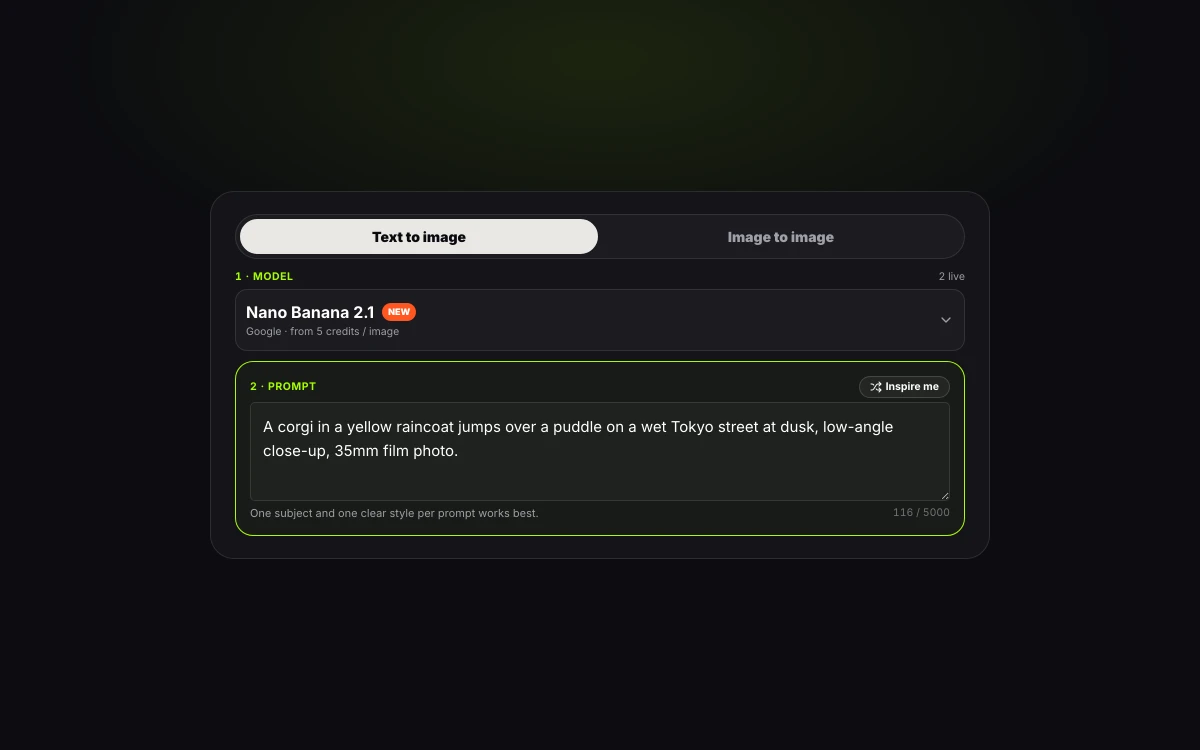
Describe the scene you want to create, or upload 1 to 5 JPG, PNG or WebP images (up to 10 MB) to edit an existing photo.
Pick Nano Banana 2.1, GPT Image 2 or incoming Seedream and Qwen Image engines. Choose 1:1, 16:9, 9:16 or up to 8 ratios at 1K, 2K or 4K.
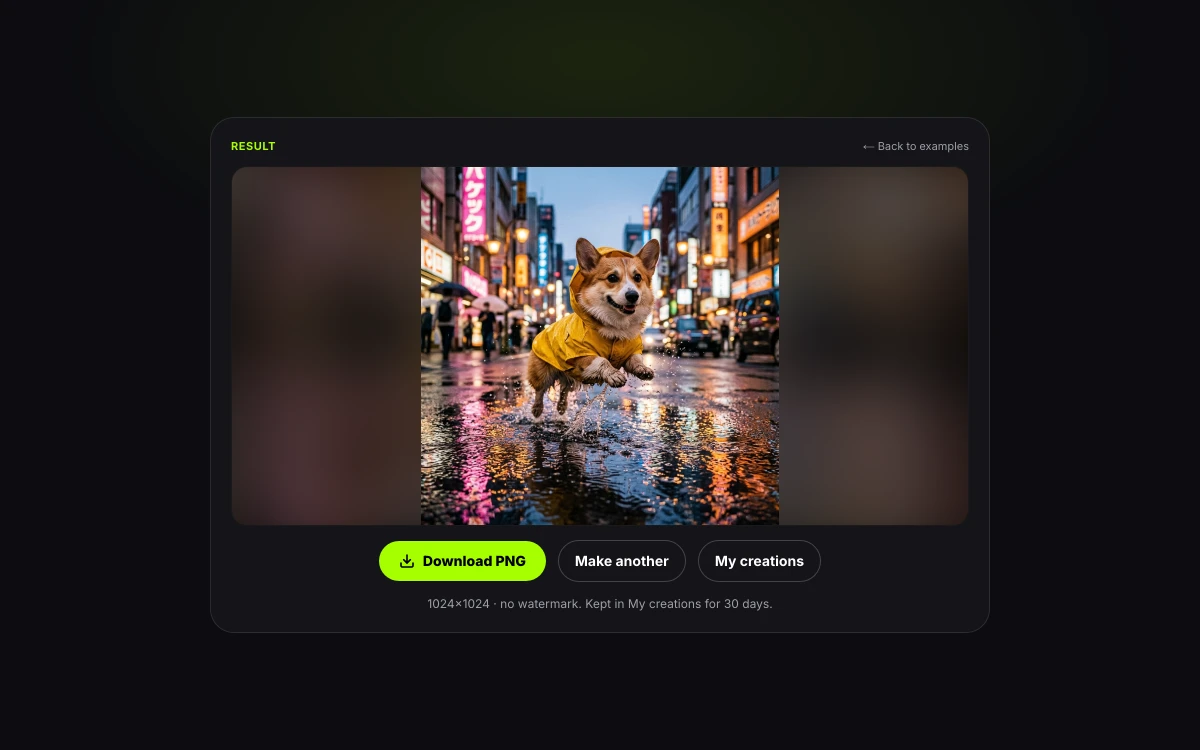
Click Generate to export a clean PNG with no watermark. Keep iterating in image-to-image or send your frame to image to video AI.
| Parameter | Studio Specification |
|---|---|
| Creation modes | Text to Image and Image to Image (1 to 5 reference photos) |
| Supported models | Nano Banana 2.1, GPT Image 2 + Nano Banana Pro/Base, GPT Image 1.5, Seedream & Qwen Image lineup |
| Output resolutions | 1K, 2K and 4K (up to 3840 px) lossless PNG with no watermark |
| Aspect ratios | 8 presets (1:1, 16:9, 9:16, 4:3, 3:4, 3:2, 2:3, 21:9) plus auto-match in Image to Image |
| Upload requirements | JPG, PNG or WebP up to 10 MB, minimum 320 px on the short edge |
| Prompt capacity | Up to 5,000 characters on Nano Banana 2.1 and 4,000 characters on GPT Image 2 |
Specification summary: every generation delivers a full-resolution PNG from 40 to 350 credits with automatic refund protection on failed runs.
From e-commerce catalog shoots to viral social memes, teams use this photo generator AI and AI image maker to replace costly studio bookings and stock photo hunts.
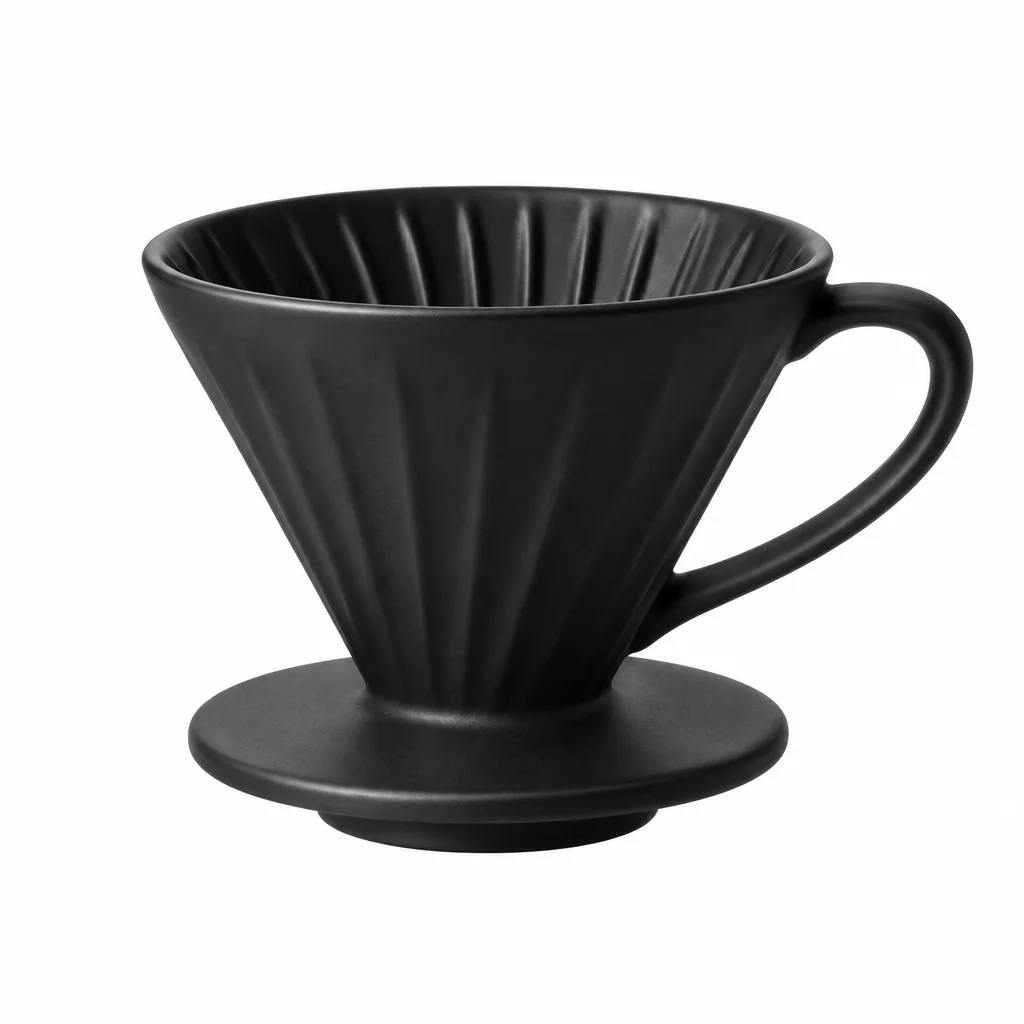
Generate clean studio cutouts from text or upload your product to image to image AI on Nano Banana 2.1 to place it on marble counters, sunlit terraces or holiday tables at 2K and 4K.
Matte black ceramic coffee dripper on warm travertine stone, morning window shadows, 85mm studio macro.
Click any style card to load its exact prompt and model settings into the studio above, or jump straight to a specialized mode.
Editorial PhotorealismTypography & Posters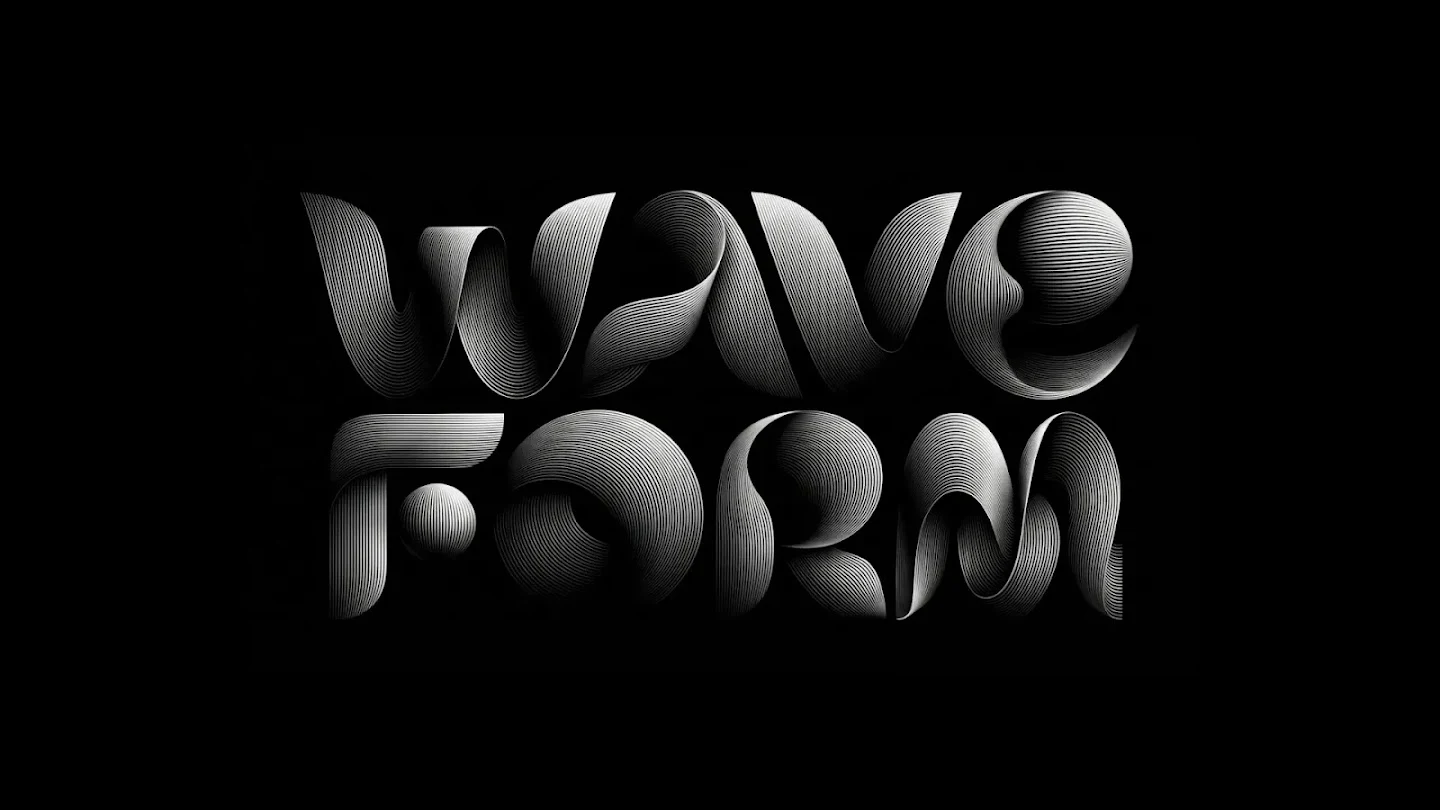 3D Metallic Lettering
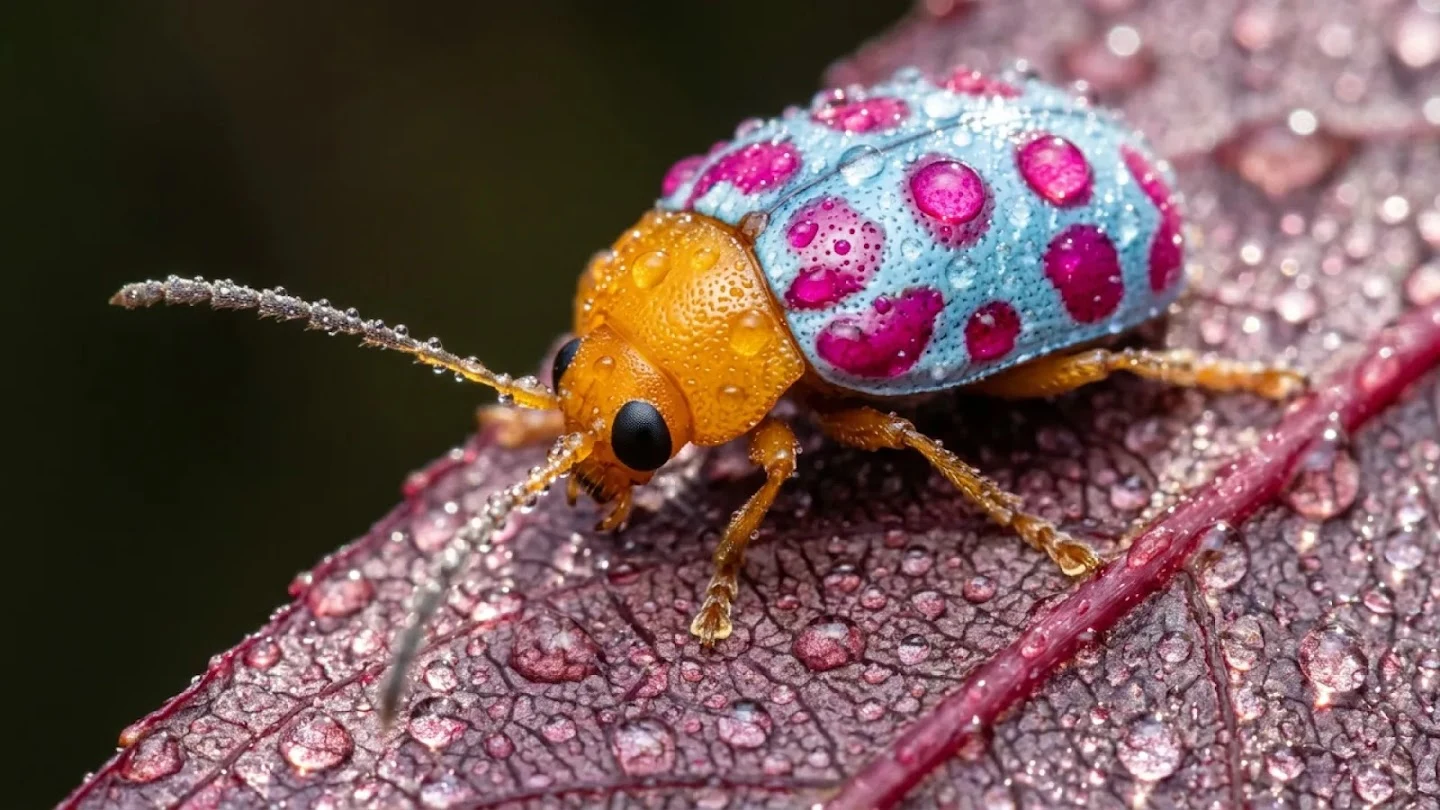 Macro Nature Optics
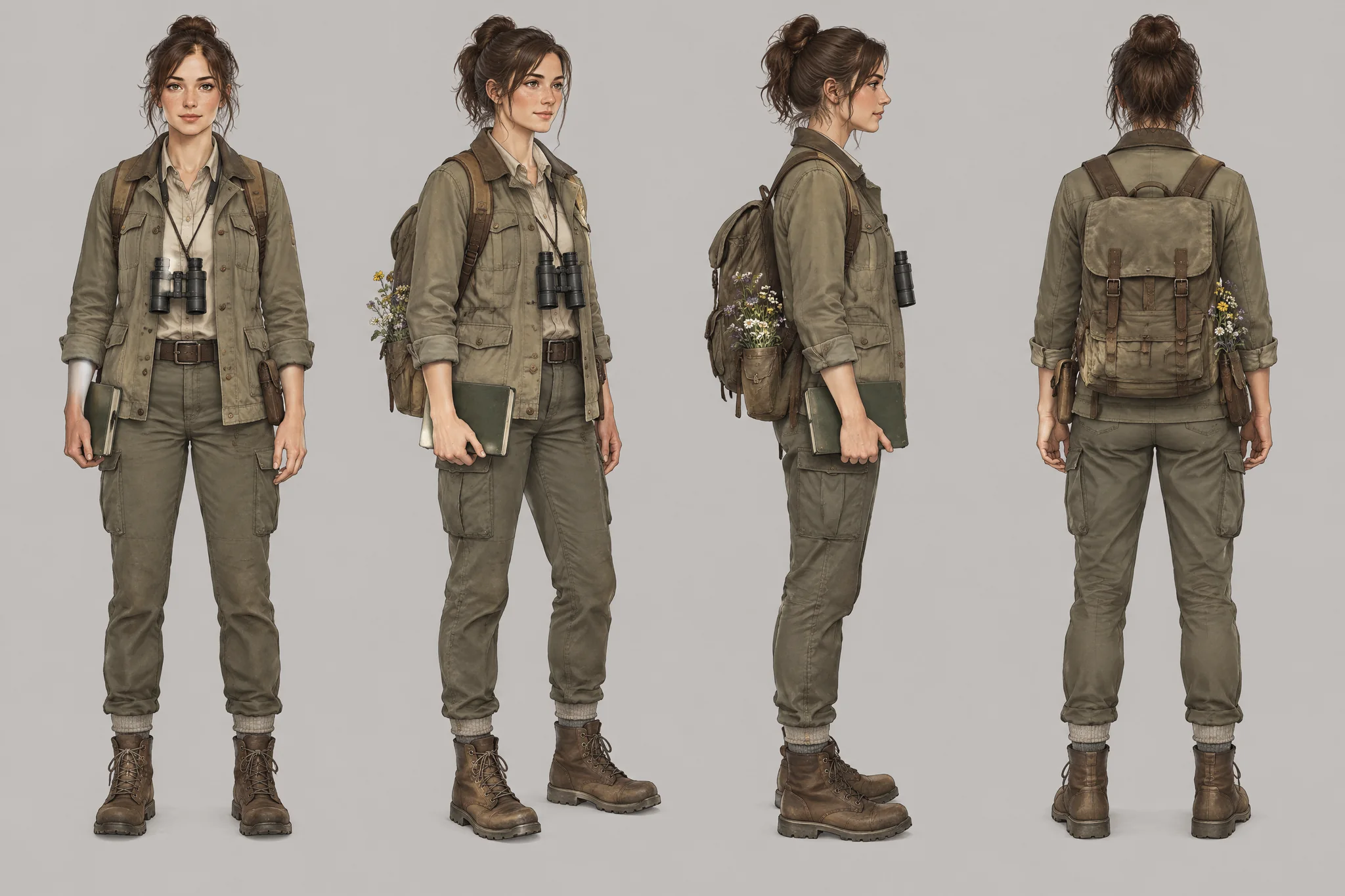 Character Turnaround
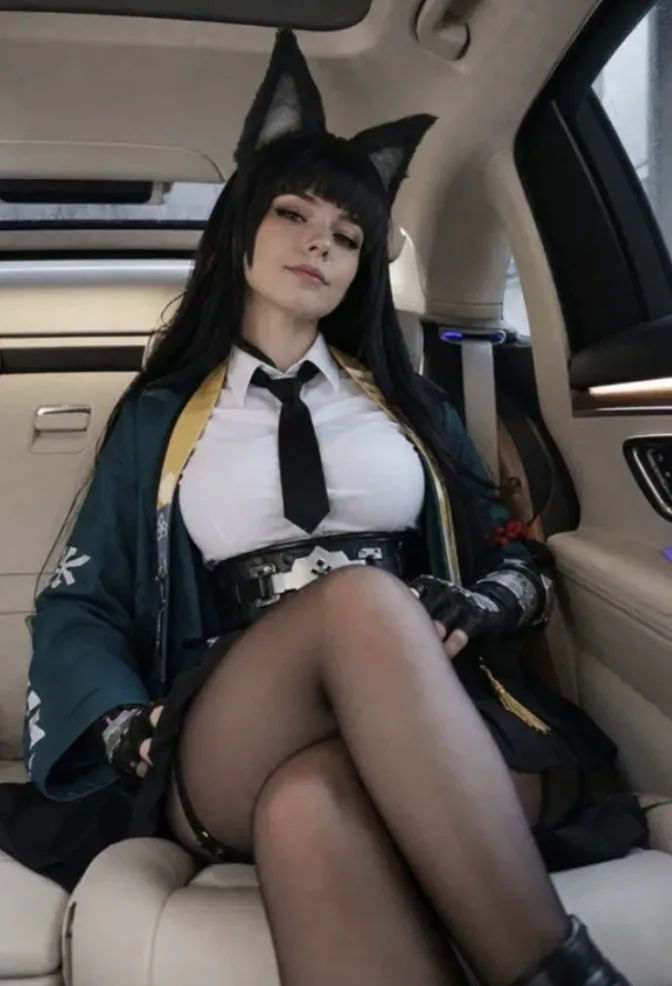 Sketch to Photoreal
Matching the right model to your task saves credits and eliminates manual retouching. Here is how power users pair our AI image generation models with everyday production jobs.
Use the Nano Banana series or Seedream when skin texture, glass reflections, fabric weave and natural camera depth matter most.
Switch to the GPT Image series or Qwen Image whenever your visual requires legible words, structured multi-panel layouts or crisp vector-style cutouts.
Combine up to 5 reference photos in our photo generator AI to dress a character in a new outfit, restyle a room or turn line art into photography.
The secret to cinema-grade AI video is a flawless first frame. Generate a picture here first, then animate it with voice and sound effects.
Tip: your prompt and uploaded references stay in place when you switch between Text to Image and Image to Image tabs at the top of the studio.
Whether you use the Nano Banana series, the GPT Image family, Seedream or Qwen Image, our AI image generation models respond best when you structure prompts in five clear layers instead of a wall of random buzzwords.
| Prompt layer | When you generate a picture from text | When you edit a photo in image-to-image |
|---|---|---|
| 1. Subject | Name the core person, object or character with specific materials | Identify what changes in the uploaded photo |
| 2. Action / Placement | State the pose, gesture or surface placement | Reference uploads by order ("Image 1", "Image 2") |
| 3. Setting | Describe background architecture, weather and time of day | Describe the replacement backdrop or atmosphere |
| 4. Camera & Light | Add lens focal length (35mm, 85mm macro) and light direction | Match or relight shadows and color temperature |
| 5. Lock / Text Cue | Put exact words in "quotes" and specify placement | Add a "Keep..." sentence so faces and logos stay untouched |
Following this 5-layer order works across all AI image generation models and cuts wasted trial runs.
| Goal | Weak prompt | Strong prompt (Ready to copy) |
|---|---|---|
| Photoreal portrait (Photo generator AI) | nice portrait of a woman | Editorial portrait of a silver-haired ceramicist in a sunlit Kyoto workshop, soft window key light, 85mm f/1.8 lens, natural skin texture. |
| Poster with headline (GPT Image / Qwen) | cyberpunk game poster with title | Vertical neon-noir movie poster of a rain-soaked alley, bold chrome headline "NIGHT PROTOCOL" centered at top, no other text. |
| Product scene edit (Nano Banana I2I) | put this bottle on a beach | Place the perfume bottle from Image 1 on wet volcanic rock at sunset. Keep the glass shape, gold cap and label lettering identical. |
Specific nouns, optical cues and explicit keep or quote rules turn vague ideas into agency-grade visuals on the first run.
Switch to Image to Image mode and upload up to 5 pictures. Name each file by its slot number—for example: "Dress the character from Image 1 in the jacket from Image 2 inside the cafe from Image 3." The output automatically matches the aspect ratio of Image 1.
Traditional stock libraries offer overused photos, and single-model platforms lock you into a $20–$60 monthly subscription for just one aesthetic. When that model struggles with text rendering or reference locking, you end up paying for a second tool anyway.
Our all-in-one AI image maker gives you immediate access to the best AI image generation models—spanning the Nano Banana series, GPT Image series, Seedream and Qwen Image—on a single pay-as-you-go credit balance, with native 4K output and direct one-click handoff to AI video generation.
| Feature | MemeVideo AI Image Generator | Single-Model Chat / Bot Tools | Traditional Stock & Design Apps |
|---|---|---|---|
| AI image generation models | Multi-model (Nano Banana series, GPT Image series, Seedream, Qwen Image) | Locked to 1 proprietary model | Basic add-on or stock only |
| Max native resolution | Up to 4K (3840 px) PNG | Often capped at 1024 px–2048 px | Varies by license tier |
| Multi-photo reference editing | 1 to 5 reference images built in | Limited or conversational only | Manual layer masking required |
| Pricing transparency | Exact credits shown on button; pack credits never expire | Monthly subscription required | Per-asset licensing fees |
| Video animation handoff | 1-click to MiniMax H3 & Wan 3.0 Image to Video | Separate video subscription needed | Not supported |
One studio replaces separate text-to-image, photo restyling, poster typography and image-to-video subscriptions.
Every run displays its exact credit cost on the Generate button before you click. One picture costs between 40 and 350 credits—about $0.59 for a 1K Nano Banana 2.1 image on the Small pack, and down to $0.22 on Premium.
| Pack or Plan | Price | Total Credits | Nano Banana 1K (90 cr) | Nano Banana 4K (250 cr) | GPT Image 2 2K (350 cr) | Cost per 1K Image |
|---|---|---|---|---|---|---|
| Small Pack | $9.90 one-time | 1,500 | 16 | 6 | 4 | $0.59 |
| Medium Pack | $24.90 one-time | 4,000 | 44 | 16 | 11 | $0.56 |
| Large Pack | $49.90 one-time | 9,000 | 100 | 36 | 25 | $0.50 |
| Starter Plan | $14.90 / month | 3,000 | 33 | — | 8 | $0.45 |
| Pro Plan | $24.90 / month | 9,000 | 100 | 36 | 25 | $0.25 |
| Premium Plan | $99 / month | 40,000 | 444 | 160 | 114 | $0.22 |
One-time credit packs never expire and unlock all resolutions up to 4K. Credits work across every image generator AI model and video generator tool on the site.
If a generation fails or times out, credits are returned to your balance automatically. An unused first credit pack is eligible for a full refund within 7 days under our refund policy.
Yes. Your prompts, uploaded reference photos and generated pictures stay private, are never used to train AI models, and download as clean PNGs ready for commercial publishing.
24 h / 30 d
Uploaded reference photos are purged after 24 hours and generated outputs after 30 days (privacy policy).
0 Training
Neither your written prompts nor your private product or portrait uploads are ever fed into model training.
1K–4K
Every image downloads at full paid resolution with no visible platform logo, ready for stores, ads and social feeds.
Auto Refund
Credits are only finalized when a verified image is delivered; interrupted runs refund automatically.
You may use generated visuals in ads, e-commerce listings, client decks and social posts under our terms of service. While we never stamp a visible watermark, upstream providers embed imperceptible provenance metadata such as Google SynthID and OpenAI C2PA content credentials.
Jump straight into a dedicated mode or model workspace, or turn your finished still into a video clip with native sound:
Words to PNGGenerate a picture from words alone up to 4K.
1–5 ReferencesUpload 1–5 photos to restyle, relight or swap scenes.
4K PhotorealGoogle photorealistic 4K photo generator AI.
Exact TypographyOpenAI model for crisp text in posters and graphics.
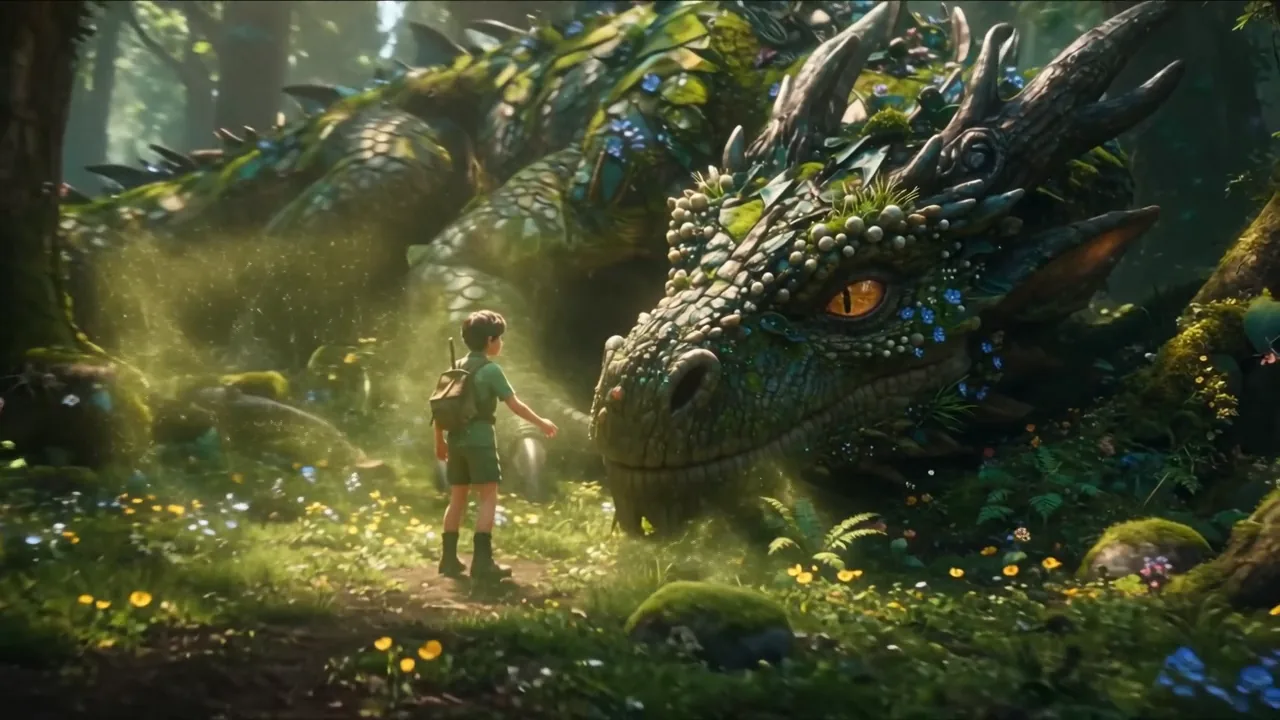 Animate + Audio
Animate any AI picture into a 2–15s MP4 with sound.
Write a prompt or drop in a photo, pick Nano Banana, GPT Image, Seedream or Qwen Image, and download your clean, unwatermarked PNG in seconds.


