Somebody That I Used To Know AI Video Generator: Viral Duet
Upload 2 photos into the two subject slots to generate the fixed 15-second, 16:9 Somebody That I Used To Know duet with the original sound. Choose 720p for 1,000 credits or 1080p for 1,500 credits before you submit.
Slot 1 and Slot 2 can hold people, pets, avatars, or other authorized subjects accepted by the current photo checker. The template is preselected so the cultural anchor stays the painted geometric wall and two-person performance.
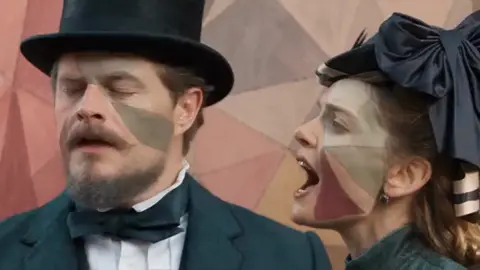
I USED TO KNOW AI
The painted-wall duet from 2 photos with the original sound.

Left / Center Lead
Clear photo · person, pet, avatar, or other authorized subject
Right Partner
Clear photo · person, pet, avatar, or other authorized subject
15 s video · 1000 credits · ~4 min render in meme video maker
The painted-wall duet from 2 photos with the original sound.
What Does a Somebody That I Used To Know AI Video Generator Demo Look Like?
The preview below is an Editorial demo made by the internal team. It shows the painted-wall duet with the original sound, so you can judge the fixed scene before uploading your own subjects.
Scenario 01
Couples and Crushes: Tag the Person You Used to Know
Pair two photos for a breakup-song joke you can send to a partner, former partner, or crush.
- Slot 1 and Slot 2 keep separate identities throughout the fixed duet.
- The painted wall and original sound carry the cultural anchor in every post.
- Use the result as a direct tag, duet reply, or private group-chat punchline.
Scenario 02
Best Friends: Turn the Song into an Inside Joke
Cast two friends to make a paired meme that gives each person a side of the exchange.
- Upload one clear friend photo to each slot.
- Keep the slot order when you want one friend to lead the visual beat.
- Share the finished clip in a group chat or as a tagged social reply.
Scenario 03
Pets at the Painted Wall: Deadpan Animal Comedy
Put two pets into the duet for a serious music scene with an unexpected animal pairing.
- Each slot can receive one clear pet subject when the checker accepts it.
- Keep eyes and the main face area visible in both source images.
- Try another accepted image if a first pet result is unclear.
Scenario 04
Avatars and Other Shapes: Fandom Remix
Use an authorized avatar, mascot-like shape, or other recognizable subject for a fandom crossover.
- Give each authorized subject its own slot.
- The prompt adapts motion to the source subject's own anatomy and visual style.
- Use images you have permission to publish and remix.
Explore more AI video trends when you want another fixed scene to recreate.
What Is the Somebody That I Used To Know Trend?
The Somebody That I Used To Know trend anchors on the recognizable geometric painted-wall duet and its breakup-song feeling. The generator turns that cultural reference into a two-slot remake using your selected people, pets, avatars, or other authorized subjects.
The social action is simple: assign who appears on each side, keep the original sound, and send the finished duet to the person or group that will understand the reference. This Somebody That I Used To Know AI video generator keeps the scene fixed so the pairing remains the joke.
This page explains the tool and its editorial demo. It does not present the demo as official artist footage or as a claim of affiliation with TikTok, CapCut, or the original performers.
Why Choose This Somebody That I Used To Know AI Video Generator?
This Somebody That I Used To Know AI video generator gives you two named slots, a fixed painted-wall scene, and the original sound in one submission. You choose the subjects and quality before rendering instead of rebuilding the same composition from a blank prompt.
Two Slots Keep the Pairing Clear
Slot 1 is the left or center lead and Slot 2 is the right partner. The assignment stays visible while you upload and review the scene.
People, Pets, and Other Authorized Subjects
Both slots can accept people, pets, avatars, or other forms when the current checker accepts the source image.
Original Sound Stays with the Scene
The bundled reference audio is carried into the finished performance, so the cultural anchor does not depend on a separate audio edit.
One Fixed Output Contract
The render stays 15 seconds and 16:9, with 720p or 1080p selected before submission.
Credits Shown before You Render
The generator shows 1,000 credits for 720p or 1,500 credits for 1080p before the task starts.
Trend-Page Failure and Privacy Flow
Photo checks, failed-render handling, refunds, waiting states, retention, and watermark behavior follow the existing trend-page policy.
How Do I Make a Viral I Used To Know Video?
Making a viral i used to know video takes three actions: assign two subjects, choose the output quality, and submit the render. The original sound stays with the finished video.
Upload two subjects
Add one accepted image to Slot 1 and one to Slot 2. Use people, pets, avatars, or other authorized subjects that pass the current checker.
Pick the quality
Choose 720p for 1,000 credits or 1080p for 1,500 credits.
Generate and post
Submit the render, wait for the normal trend-page processing state, then download the finished video with its original sound.
This is a finished-video generator. It does not export a CapCut project, editable timeline, or custom prompt workflow.
What Are the Somebody That I Used To Know AI Video Output Specs?
Every output follows the same core contract: 15 seconds, 16:9, and the original sound. The quality choice changes the credit cost, not the scene or runtime.
| Specification | Delivered result |
|---|---|
| Runtime | 15 seconds |
| Aspect ratio | 16:9 |
| Standard quality | 720p · 1,000 credits |
| High quality | 1080p · 1,500 credits |
| Sound | Original sound included |
| Preview label | Editorial demo; generated output after your render |
The page does not promise another duration, another aspect ratio, an isolated audio file, or an editable project.
Which Photos Work for the Somebody That I Used To Know Meme?
Use one clear, authorized subject image per slot. People, pets, avatars, and other shapes can work when the current checker accepts the image and it follows the site's upload rules.
Avoid crowded images, unclear subjects, heavy obstruction, or source material you do not have permission to use. If an image fails the checker, follow the trend-page retry and refund path before submitting another render.
What This Generator Will Not Do
- It will not split a crowded group photo into two independent roles.
- It will not turn the fixed scene into an open-ended custom prompt.
- It will not export a CapCut project or editable timeline.
- It will not turn an Editorial demo into an official artist or character claim.
For open-ended meme creation outside a fixed trend scene, use the meme video maker on the homepage.
Is This Meme Video Maker Free? Pricing and Credits
MemeVideoMaker is a paid service with transparent pay-as-you-go pricing: a 15-second 720p render costs 1,000 credits ($9.90 one-time or $9.90/mo on Starter) and a 15-second 1080p render costs 1,500 credits; shorter trends cost less in proportion. There is no free tier or watermark penalty: you only pay for completed renders, and failed generations refund automatically.
Starter
3,000 credits/moBilled annually ($118.80/yr)
Pro
9,000 credits/moOnly $5.00/mo more than Starter · 3× the credits
Premium
40,000 credits/moBilled annually ($718.80/yr)
One-Time Credit Packs
Prefer not to subscribe? Buy credits once and use them across all meme trends. Packs never expire, stack seamlessly, and come with a 7-day money-back guarantee if unused. A plan is always the better deal: $24.90 on Pro monthly buys 2.25× the credits of the $24.90 Medium pack.
Small
Try your first meme remake
Medium
Several remakes, no subscription
Large
Power remakes · Stackable anytime
On yearly billing, Pro costs $5.00 a month more than Starter and gives 3 times the credits, 1080p and rollover. One-time credit packs start at $9.90 for 1,500 credits, enough for a 15-second video at 1080p. Packs never expire, an unused first pack is refunded in full within 7 days, and every export has zero watermarks.
| Quality | Credits / sec | Per video |
|---|---|---|
| MiniMax H3 · 480p (4s) | 25 | 100 credits (4s) |
| 720p HD (15s Trend) | 66.7 | 1,000 credits (15s) |
| 1080p Full HD (15s Trend) | 100 | 1,500 credits (15s) |
What Is an Internet Meme Video?
“Internet memes manifest in a variety of formats, including images, videos (e.g. GIFs), and other viral content.”
The same entry is Wikidata Q2927074. Credit prices on this page are MemeVideoMaker's, listed on the pricing page and in pricing.md.
What Do People Ask About the Somebody That I Used To Know AI Video Generator?
Is it free? What do I get without paying?
Can I use two people in the Somebody That I Used To Know AI video?
Can I use pets or other characters?
Does the video keep the original sound?
What aspect ratio does it use?
How long is the video?
How many credits does it cost?
What happens if generation fails?
How long are my photos kept?
More AI Video Trends
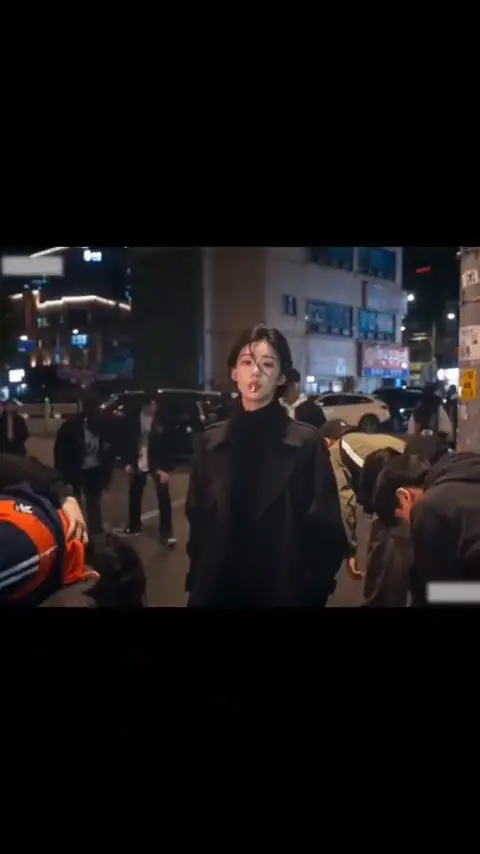 NEW
KING JIN AI TREND
Add 1 photo for an 8-second King Jin entrance: the crowd bows, you take out the lollipop, then walk into the next scene.
Viral
8s · 534 crRemake→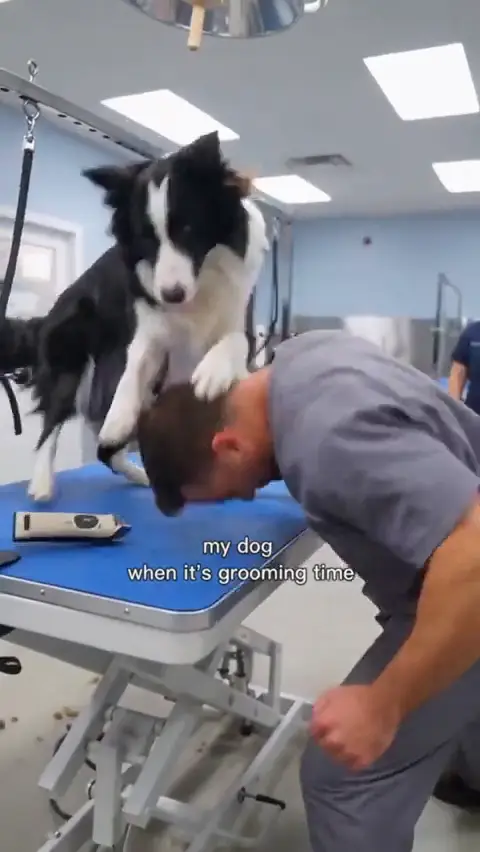 NEW
DOG GROOMING TIME AI
Add 1 dog photo for a 10-second grooming-room role reversal, or choose Dog Trio with 1 dog and 2 people.
Viral
10s · 667 crRemake→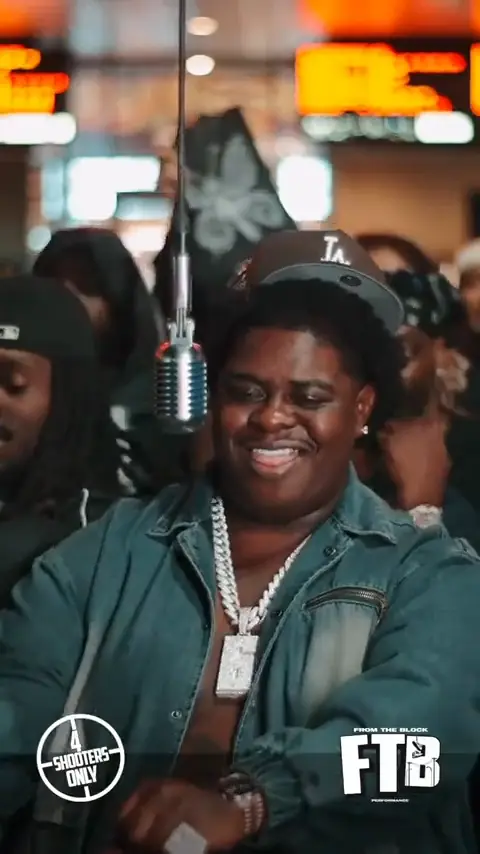 NEW
BIGXTHAPLUG GIVE IT ALL AI
Upload one photo to step under the hanging mic for a 15-second Give It All rap take with Human or Pet casting.
Music
15s · 1000 crRemake→
Browse every trend you can make today in AI video trends.
Make Your Somebody That I Used To Know AI Video Now
Upload two authorized subjects and make the Somebody That I Used To Know AI video generator produce your painted-wall duet.
Written and maintained by MemeVideoMaker Editorial DeskPublished Last updated