Turn Your Photos into Viral AI Video Templates Online
Which Trending AI Video Templates Can You Browse by Performance Style?
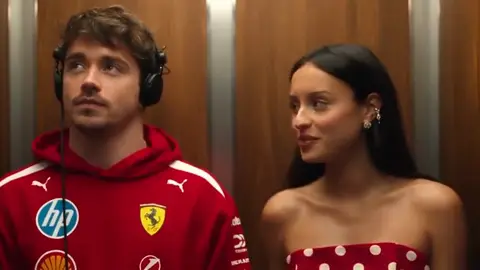
- Editorial demo15s
Outstanding Tiny Desk AI
Tiny Desk Band Performance
1–5 photos · 1000 credits
9:16 verticalUse this template - Editorial demo15s
Chipmunks Dance AI Trend
Trio Dance Choreography
3 photos · 1000 credits
9:16 verticalUse this template - Editorial demo15s
58th Floor AI
Duo Rap Studio Performance
2 photos · 1000 credits
9:16 verticalUse this template - Editorial demo12s
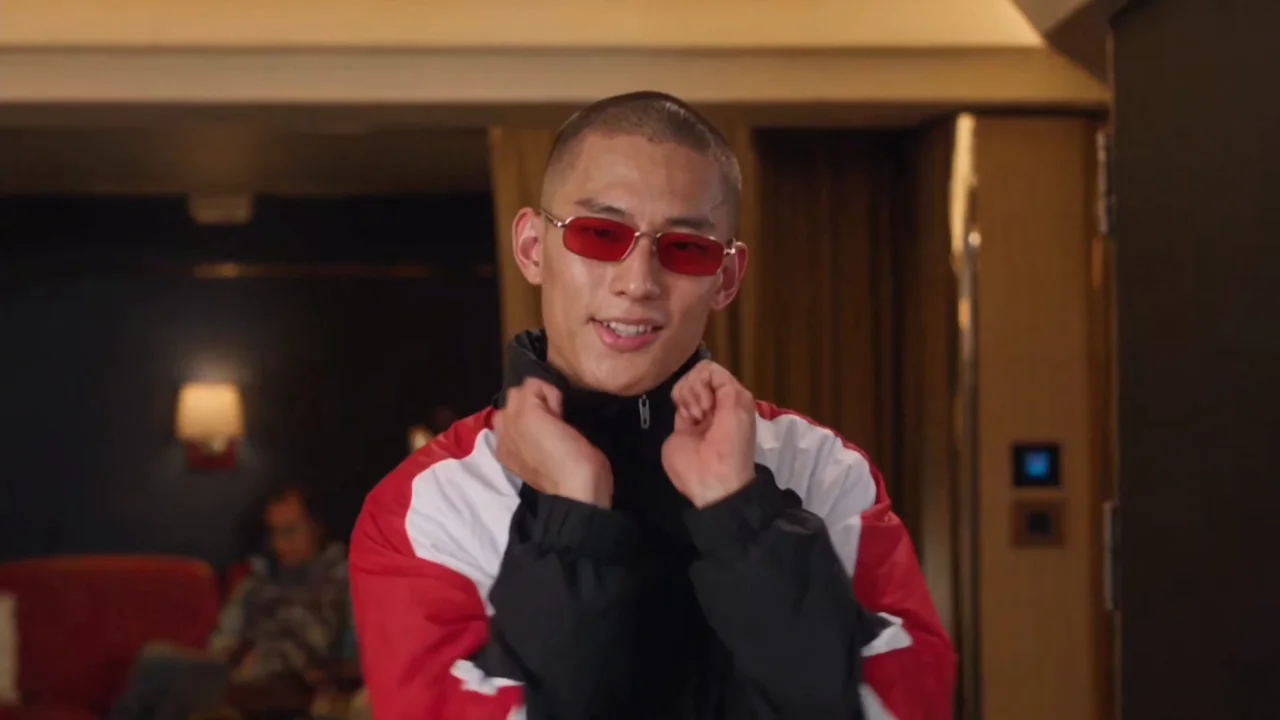
Bulin 47 AI
Urban Groove Performance
1 photo · 800 credits
9:16 verticalUse this template - Editorial demo8s
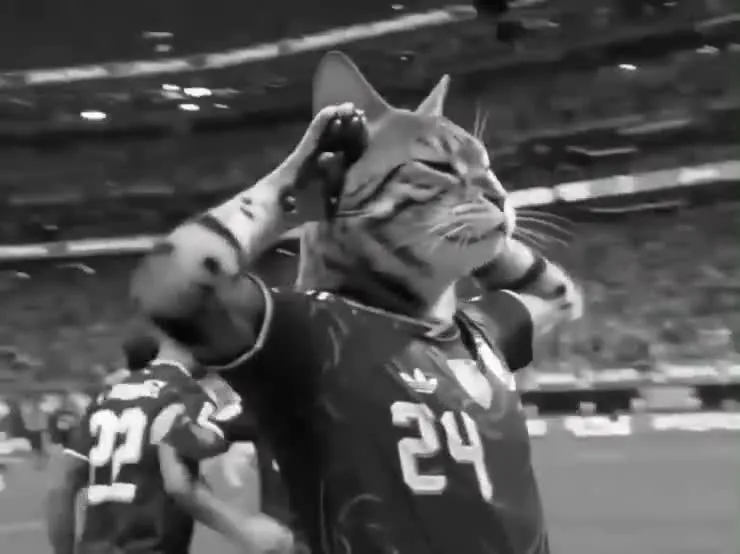
Enzo Celebration AI
Stadium Goal Celebration
1 photo · 534 credits
9:16 verticalUse this template
Pick an ai video templates layout and upload 1 to 5 front-facing portraits or pet photos to receive a watermark-free 9:16 MP4 video in 2 to 5 minutes, with credit packages starting at $9.90 for 1,500 credits and a standard 15-second 720p clip costing 1,000 credits on our ai video template maker. Every one of our ai video templates features pre-locked camera motion, automated facial geometry alignment, and instant balance protection that automatically refunds your credits if a server timeout occurs during rendering.
Render SLA
2–5 Minutes
15-Second 720p
1,000 Credits
Export
Clean 9:16 MP4
Workflow
Zero Prompts Required
Privacy
24h Data Wipe
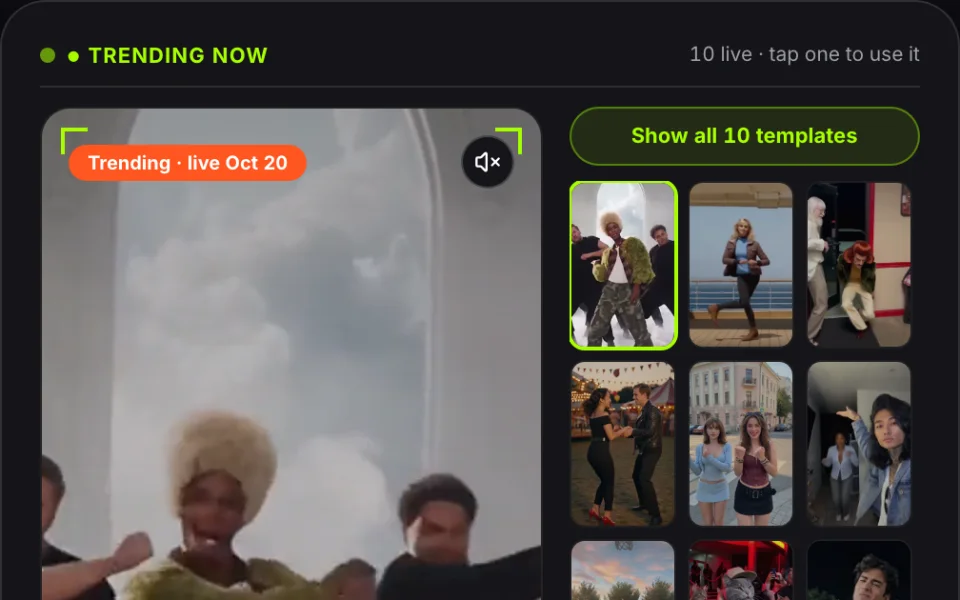
The five ai video templates featured above let you apply viral choreographies, rap performances, and pet routines to your own photos without manual keyframing or prompt writing. Each layout displays fixed scene duration (6s to 23s), required photo upload slots (1 to 5 photos), and exact credit pricing by length (a 15-second clip is 1,000 credits at 720p and 1,500 credits at 1080p) before you upload. You can inspect each trending ai video templates preview above—all strictly labeled as editorial demo—and select a layout to initiate instant cloud rendering.
Looking for short-lived social challenges? Visit our weekly viral TikTok AI video trends radar to replicate audio memes that expire in weeks. For dedicated animal animations, explore our AI cat video templates to turn cats and dogs into trending performers. If you need solo, duet, or group choreography, browse our complete library of AI dance video templates.
 Live Radar
Weekly Viral AI Video Trends
Fast-moving audio memes updated weekly for short-window trend runs.
 Pets
AI Cat Video Templates
Turn real cat and dog portraits into rhythm & dance clips.
 Choreography
AI Dance Video Templates
Solo, duo, and trio choreographies with locked camera motion.
How Do You Make Viral Clips with an AI Video Template Maker?
Creating custom clips with pre-engineered ai video templates requires zero prompt writing or complex manual tracking. Our cloud pipeline locks camera coordinates, motion physics, and lip movements directly into each scene blueprint, transforming your still portraits into fluid performance videos in 2 to 5 minutes.
- Pick a Scene01
Select Your Performance Scene
Choose an ai video templates layout from our catalog based on your desired character count (1 to 5 slots) and choreography style. You can preview exact running times and credit requirements before uploading.
- Upload Portrait02
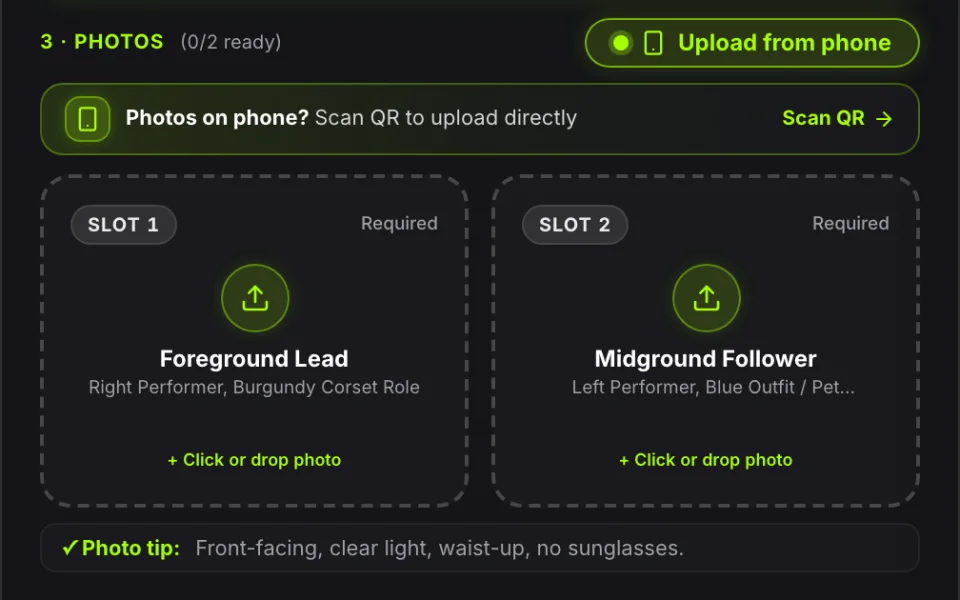
Upload Your Portrait or Pet Photo
Upload a front-facing image in JPG, PNG, or WEBP format. Our built-in ai video template maker scans facial features and lighting in 35 milliseconds, resizing image boundaries up to 1280px while stopping invalid files before deducting credits.
- Export 9:16 MP403
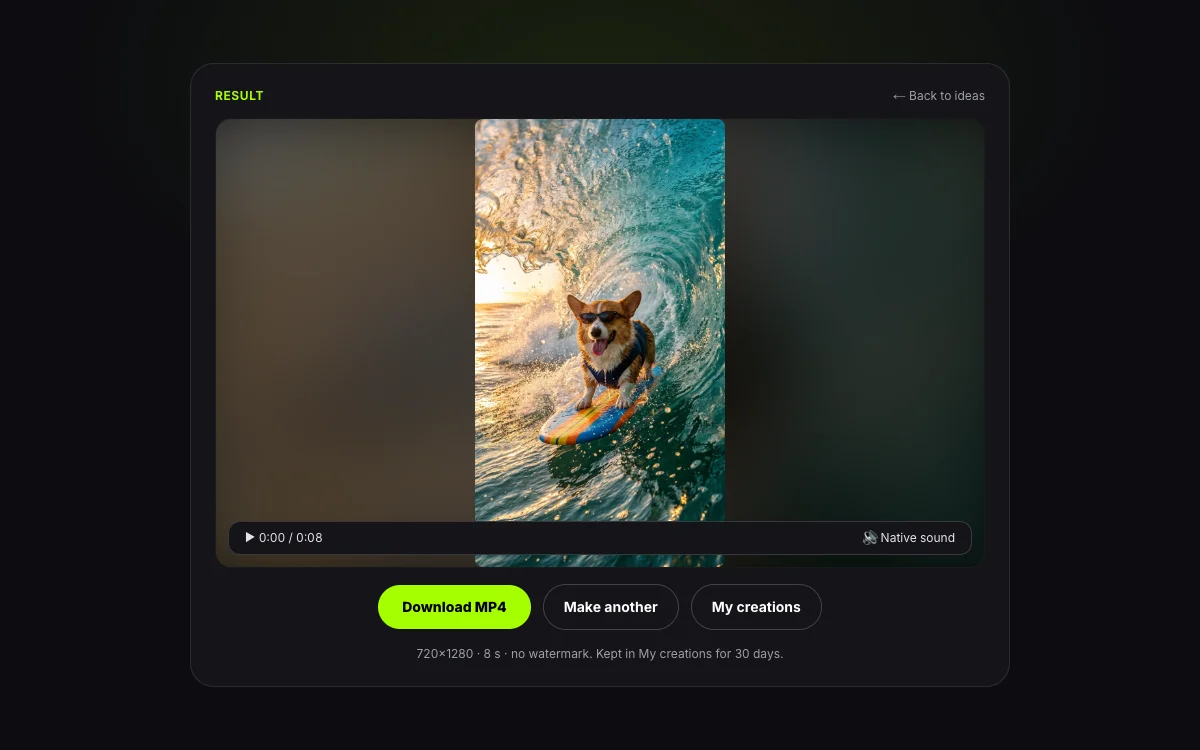
Render in Cloud and Export Clean MP4
Our GPU clusters synthesize facial anatomy and synchronize motion dynamics in 2 to 5 minutes. Your finished video exports as an unwatermarked 9:16 vertical MP4, ready to save to your local drive or mobile phone.
What Are the Technical Specifications for High-Performing AI Video Templates?
Every export generated from our ai video templates renders as a watermark-free 9:16 vertical MP4 video at 24 frames per second. The technical specifications below define compute resolution, file container standards, and audio publishing guidelines across all active templates:
| Parameter Specification | Technical Metric | Operational Standard |
|---|---|---|
| Aspect Ratio | 9:16 Vertical (1080×1920 or 720×1280) | Native full-screen mobile dimensions for TikTok, Reels & Shorts |
| Video Format | H.264 / MP4 Container | Universal hardware decoding across iOS, Android, and web players |
| Frame Rate | Constant 24 fps (frames per second) | Cinematic cadence for smooth physical dance & rap motion |
| Standard Quality (720p) | 720×1280 Resolution | 1,000 credits per 15-second render (less for shorter templates), optimized for standard social media feeds |
| High Definition (1080p) | 1080×1920 Resolution | 1,500 credits per 15-second render (less for shorter templates), built for high-bitrate creator displays |
| Watermark Policy | 100% Watermark-Free | Zero platform branding or logo overlays on paid exports |
| Recommended Audio Handling | Native Platform Sound Pairing | Export includes ambient audio; pair with trending TikTok music in-app |
To maximize algorithmic reach and avoid copyright muting, pair exported ai video templates with trending TikTok sounds directly inside the mobile app upon upload.
What Photo Upload Guidelines Apply to Error-Free AI Video Templates?
To ensure consistent rendering across all ai video templates, your photo upload must meet strict face geometry rules. Client-side validation checks your file within 35 milliseconds, blocking unsuitable images before cloud GPU allocation or credit deduction takes place.
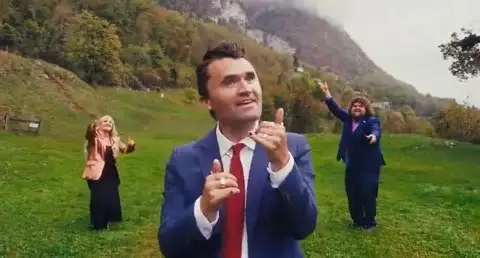
Front-Facing, Well-Lit Subject
Both eyes, jawline, and hair visible within 30° angle; ≥640px resolution in JPG, PNG, or WebP.
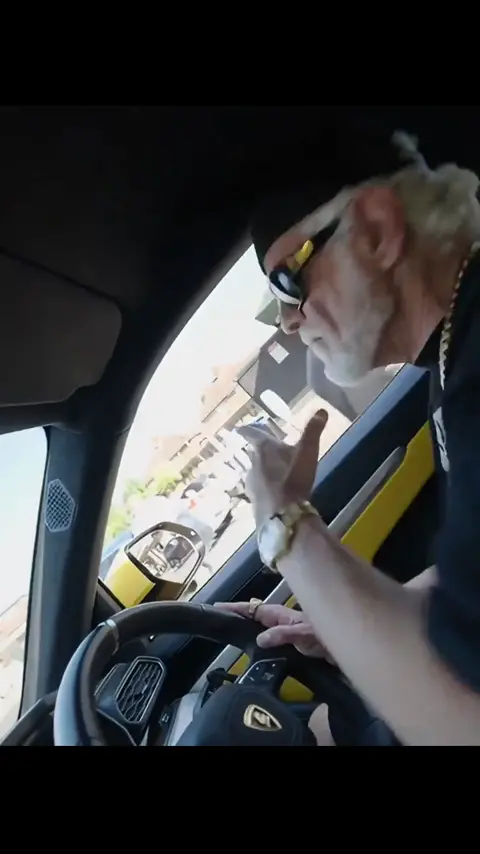
Sunglasses, Masks, or Extreme Profiles
Blocked instantly on-device before credits charge; non-authorized public figures or 4K oversized uploads are also halted.
Supported Input Guidelines
File Formats
JPG, PNG, and WEBP images under 40MB original client size
Head Angle & Gaze
Direct front-facing angle looking at camera, within 15 degrees tilt
Facial Visibility
Both eyes, eyebrows, nose, and mouth completely unobstructed
Subject Types
Consenting adult human portraits, real dogs, real cats, or custom AI avatars
Resolution Limits
Clear portrait photos with minimum 400×400px face crop area
Compute Resolution
Standard 720p (1,000 credits per 15 seconds) and High-Definition 1080p (1,500 credits per 15 seconds)
Blocked & Incompatible Formats
File Formats
GIF, HEIC, RAW, BMP, and video file containers
Head Angle & Gaze
Extreme side profiles (>45 degrees), back of head, or downward tilt
Facial Visibility
Thick sunglasses, medical masks, heavy costume makeup, or shadows
Subject Types
Minors, public political figures, or celebrities without legal consent
Resolution Limits
Blurry screenshots, pixelated thumbnails, or low-contrast night shots
Compute Resolution
480p resolution is permanently unsupported for motion templates
Client-side validation verifies your photo before initiating cloud compute on any ai video templates, guaranteeing zero wasted credits on blurry or misaligned portraits.
What Is the Credit Pricing, Free Trial Policy, and Cost of AI Video Templates?
While there are no free ai video templates for permanent usage, our $9.90 Small Pack includes 1,500 credits, which covers 1 standard 720p 15-second clip (1,000 credits) with 500 left; shorter templates cost less in proportion. If an algorithmic alignment error occurs, consumed credits return immediately to your balance.
| Pack | Price | Credits | 15-second 720p videos (1,000 credits each) | Cost per 15-second 720p video | Expiry | Refund |
|---|---|---|---|---|---|---|
| Small | $9.90 | 1,500 credits | 1 video (500 credits left) | $6.60 | Never expires | First purchase: full refund within 7 days if unused |
| Medium | $24.90 | 4,000 credits | 4 videos | $6.23 | Never expires | First purchase: full refund within 7 days if unused |
| Large | $49.90 | 9,000 credits | 9 videos | $5.54 | Never expires | First purchase: full refund within 7 days if unused |
| Plan | Billed yearly | Credits a month | 15-second 720p videos a month | Per credit | Highest quality | Videos at once |
|---|---|---|---|---|---|---|
| Starter | $9.90 a month ($118.80 a year) | 3,000 credits | 3 videos | $0.0033 | 720p | 1 |
| Pro | $14.90 a month ($178.80 a year) | 9,000 credits | 9 videos | $0.0017 | 1080p | 3 |
| Premium | $59.90 a month ($718.80 a year) | 40,000 credits | 40 videos | $0.0015 | 1080p | 5 |
Every clip created across our ai video templates is backed by an automated credit refund SLA: failed renders restore credits instantly to your wallet, and first-time unconsumed credit packs qualify for a 100% money-back refund within 7 days upon review. To add classic meme captions to your own pre-recorded clips without cloud AI rendering credits, use our browser-based meme video maker.
What Is an Internet Meme Video?
“Internet memes manifest in a variety of formats, including images, videos (e.g. GIFs), and other viral content.”
The same entry is Wikidata Q2927074. Credit prices on this page are MemeVideoMaker's, listed on the pricing page and in pricing.md.
What Are the Frequently Asked Questions About AI Video Templates?
Ready to Start Creating Your Custom AI Video Templates Today?
Select from our verified catalog of ai video templates above, upload your photo, and export in 2 to 5 minutes. All paid exports feature clean 9:16 vertical video without watermarks.
Written and maintained by MemeVideoMaker Editorial DeskPublished Last updated